
What it does
OneForAll gathers several jobs you would normally do with separate addons into a single window. Open it by typing /ofa or pressing the minimap button. Its tabs are split into sections: gear, dungeons, professions, talents, books and hunter pets.
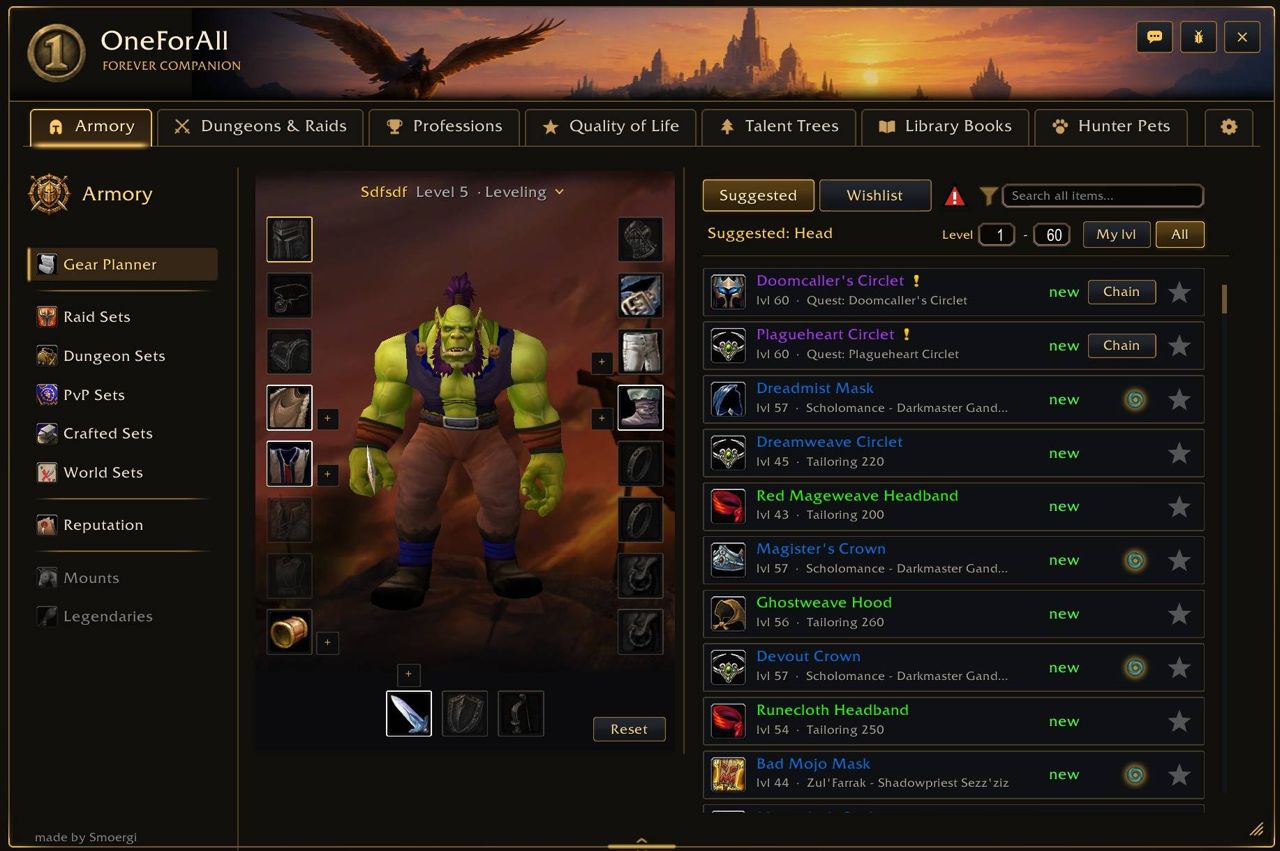
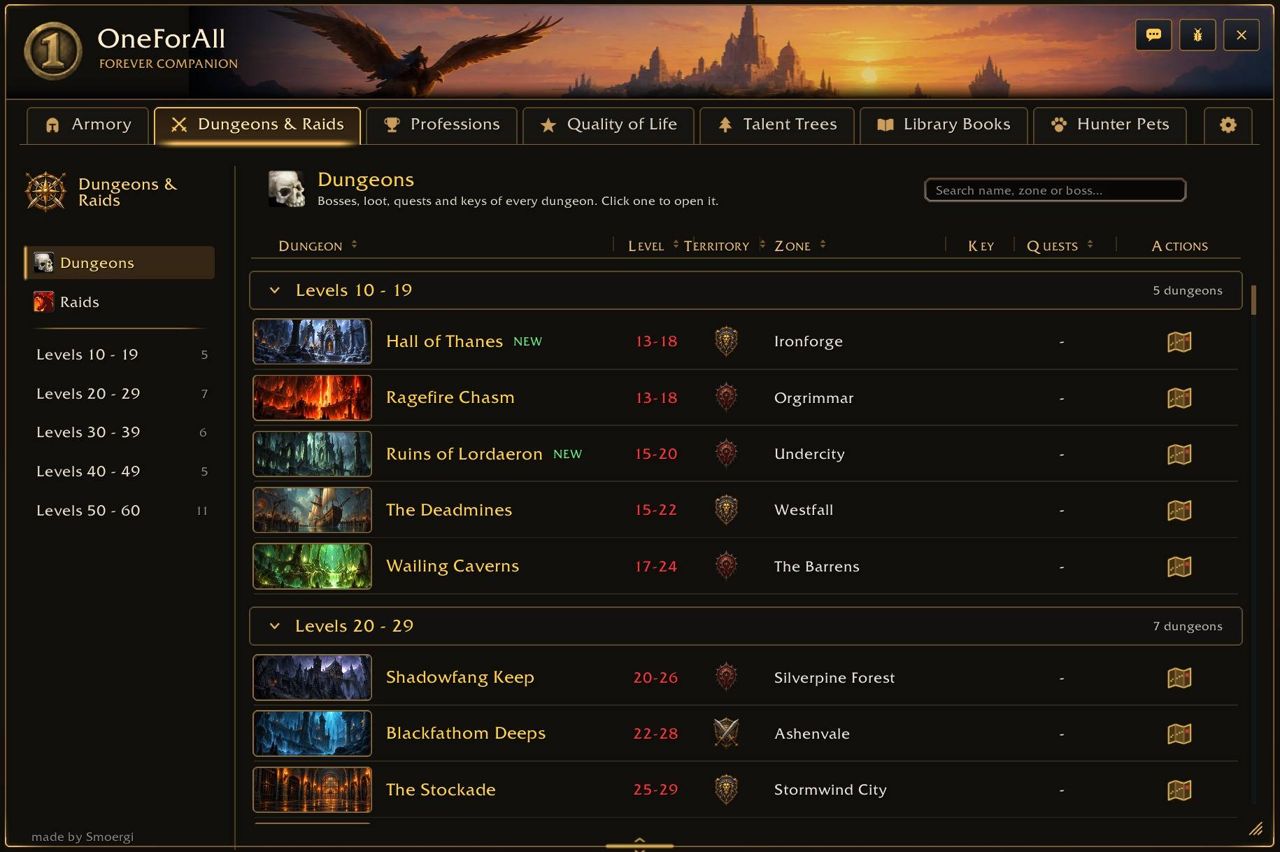
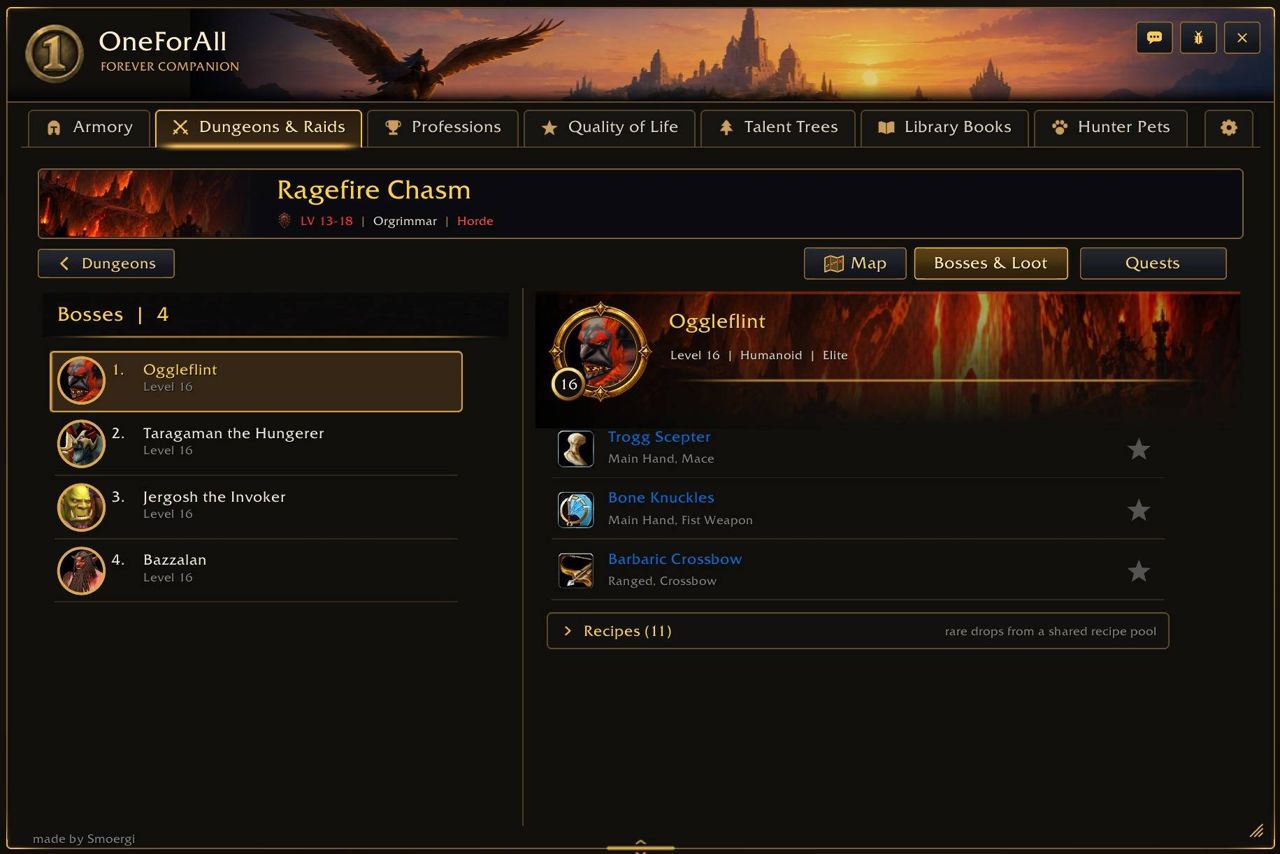
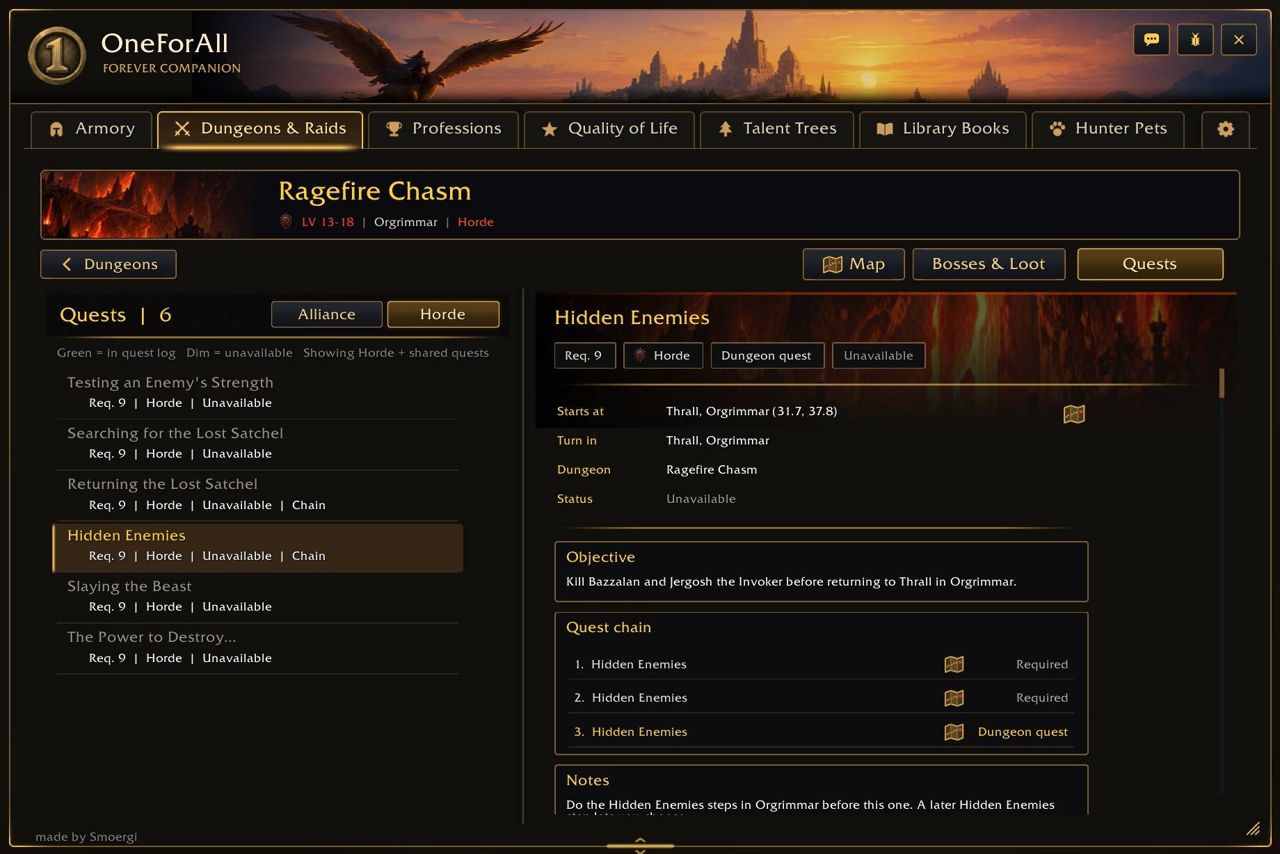
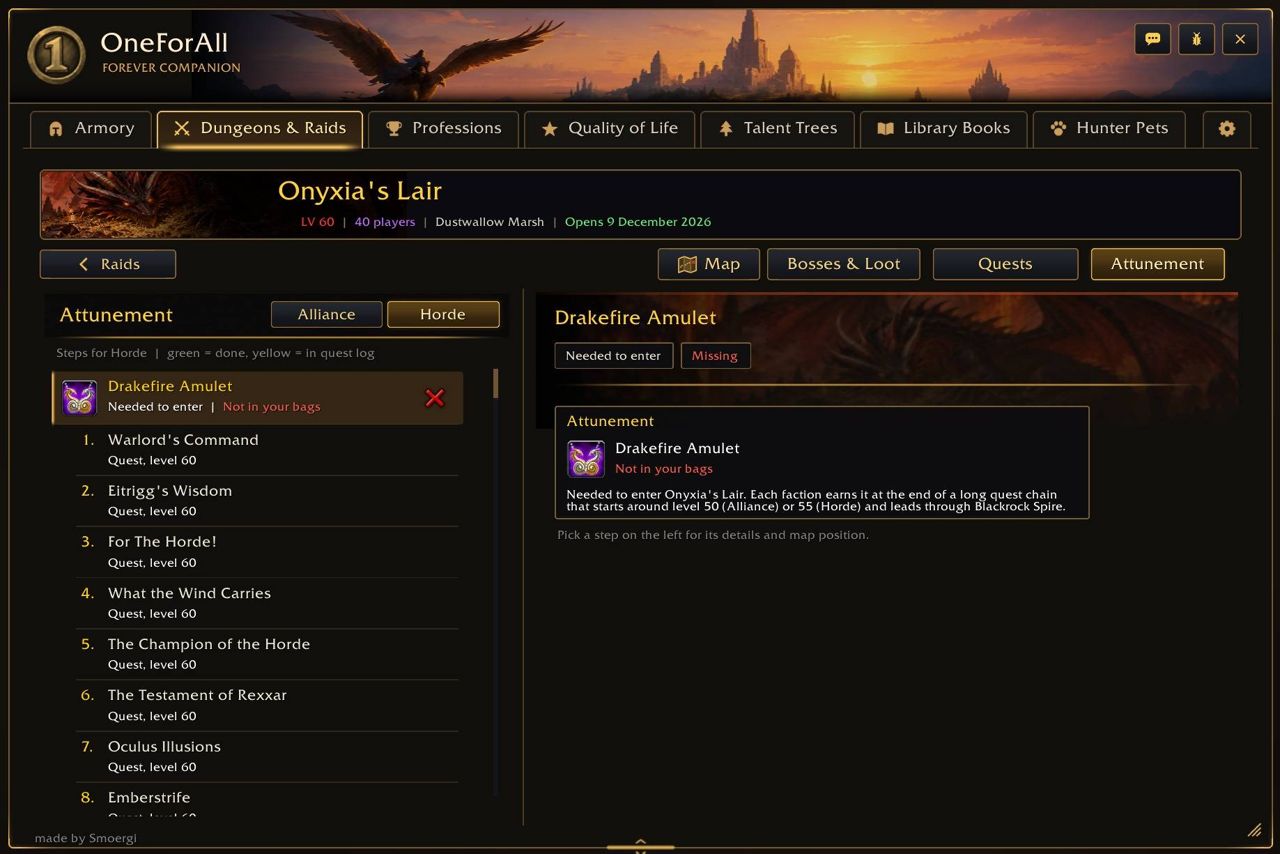
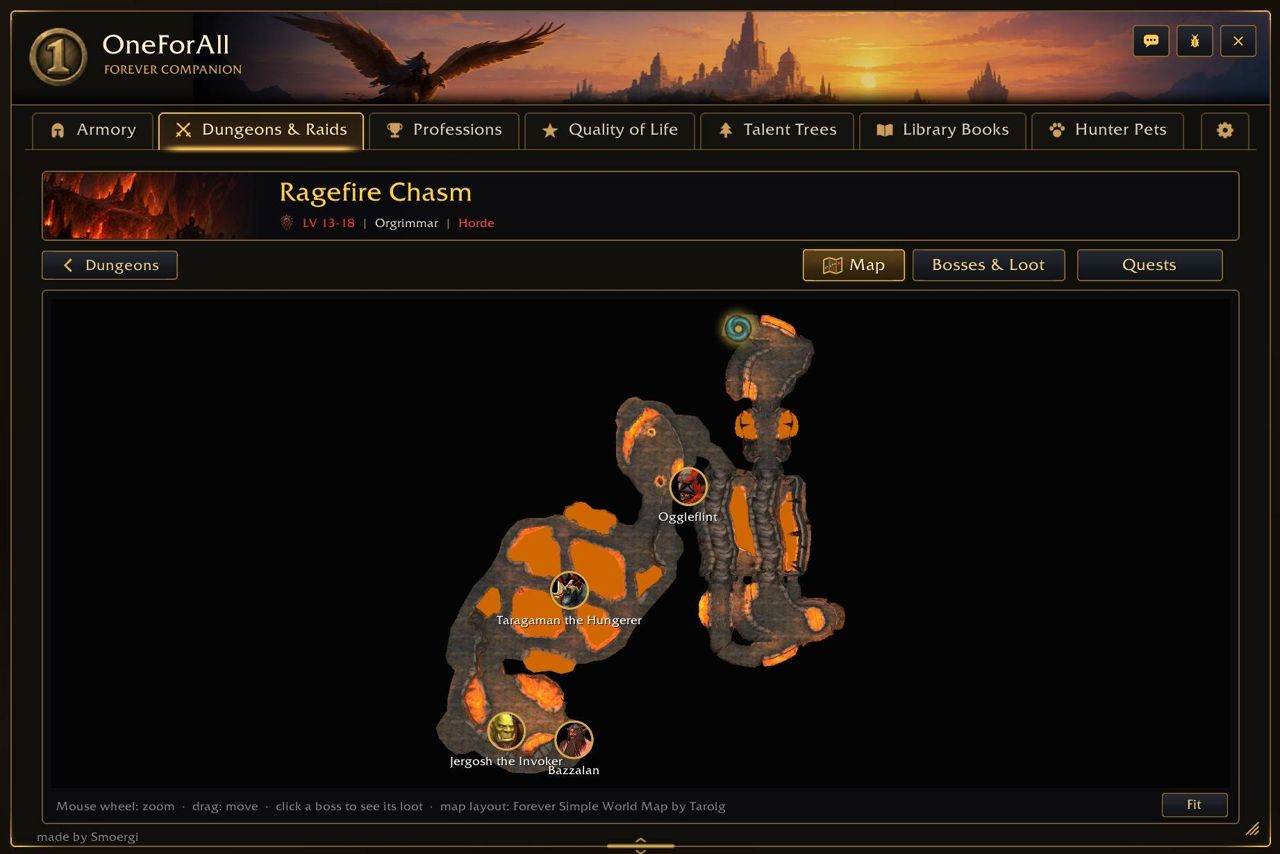
The Armory section shows upgrades slot by slot with the percentage gain for your talent spec; it also has class item sets, set bonuses, tracking of what you own, drop locations and reputation rewards. The Dungeons & Raids section has dungeon and raid maps, boss portraits, boss loot and drop chances, dungeon and quest chains, quest status, dungeon keys and raid attunements.
The Professions section lists every recipe for every profession; you can look up who knows a recipe among guild members and online OneForAll users, and see the nearest trainer. The talent calculator covers all classes, saves two presets per class and imports builds from talentsforever.com and wowforevertalents.com. All the quality-of-life helpers are off by default.
Key features
- Armory: slot-by-slot upgrades and the percentage gain for your talent spec; class sets, set bonuses, drop locations, reputation rewards.
- Dungeons and raids: maps, boss portraits, boss loot and drop chances, dungeon keys, raid attunements.
- Professions: all recipes, a "who knows this recipe" lookup, nearest trainer.
- Talent calculator: all classes, two presets per class, import from talentsforever.com and wowforevertalents.com.
- Books and hunter pets: tracking of known and turned-in books; pet families and their abilities.
- Quality-of-life helpers (auto-loot, auto-repair and the like): all off by default.
- Settings: per-character tab visibility and order, visual themes, window scale.
Installation
- Download the zip and extract it.
- Move the
OneForAllfolder inside it intoWorld of Warcraft\_forever_\Interface\AddOns\. - Close the game completely and reopen it (
/reloadalone does not load new files). - On the character select screen, check that the addon is ticked in the AddOns list.
Commands
/ofa- Opens the OneForAll window. The minimap button opens it too.
Notes
- WoW Forever is still in development: quests, loot, item sets and profession data may change, and some of it is incomplete.
- While Questie is loaded, OneForAll hides some of its map and quest marker features.
- Bug reports and ideas go to the issues page on the author's GitHub.
FAQ
Do the quality-of-life features come switched on?
No. Auto-loot, auto-repair and the other helpers are all off by default; you turn on only what you need.
Can I use it together with Questie?
Yes, but while Questie is loaded OneForAll hides some of its map and quest marker features.
How do I import a talent build?
In the talent calculator you can import a build from talentsforever.com or wowforevertalents.com. Two presets per class are saved.
Author and license
OneForAll - Forever is written by Smoergi. License: GPLv3.