
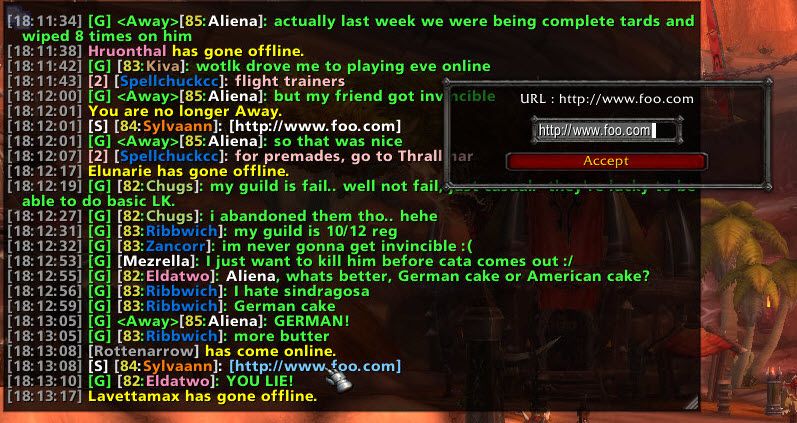
What it does
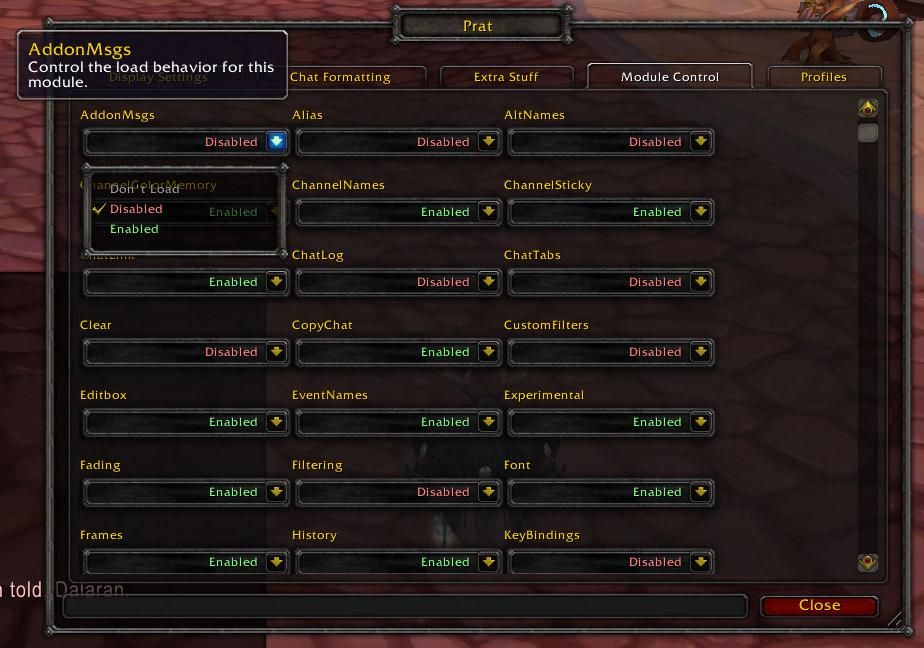
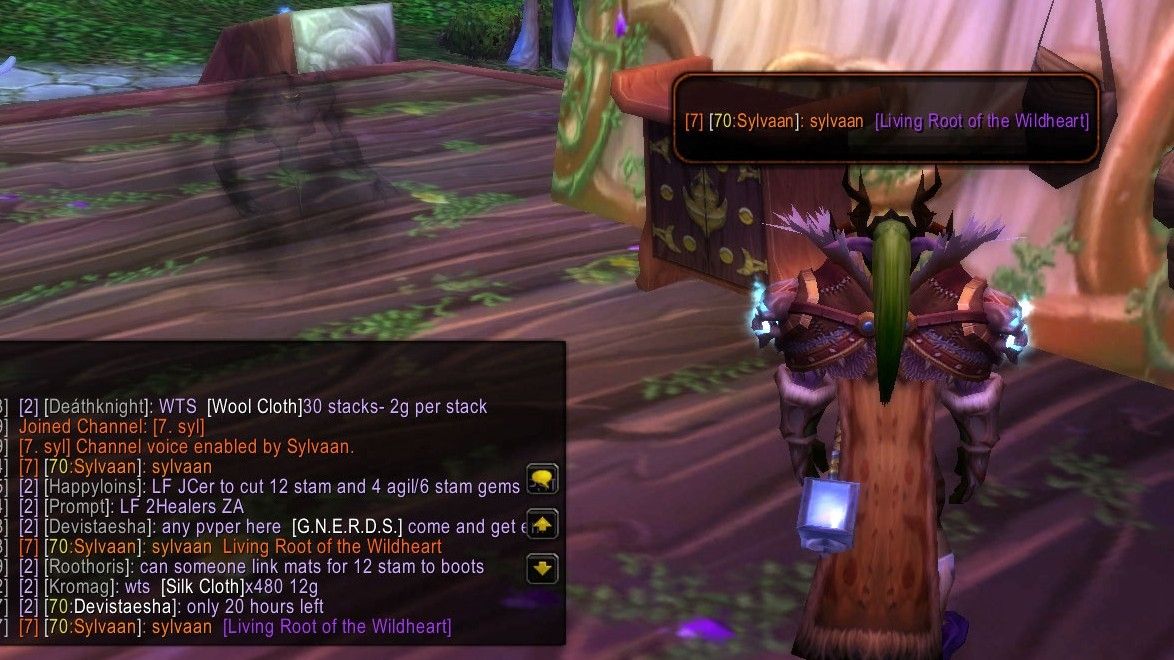
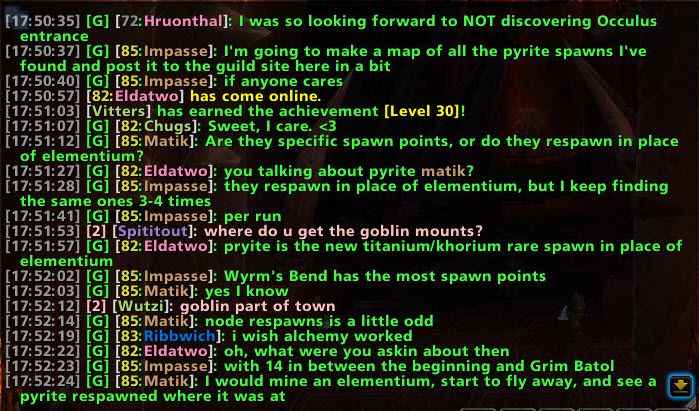
Every Prat feature is a module of its own, and you switch off the ones you will not use. It can alert you with a popup and a sound when your name or chosen keywords show up in chat, color player names by class, level or channel, and shorten channel names.
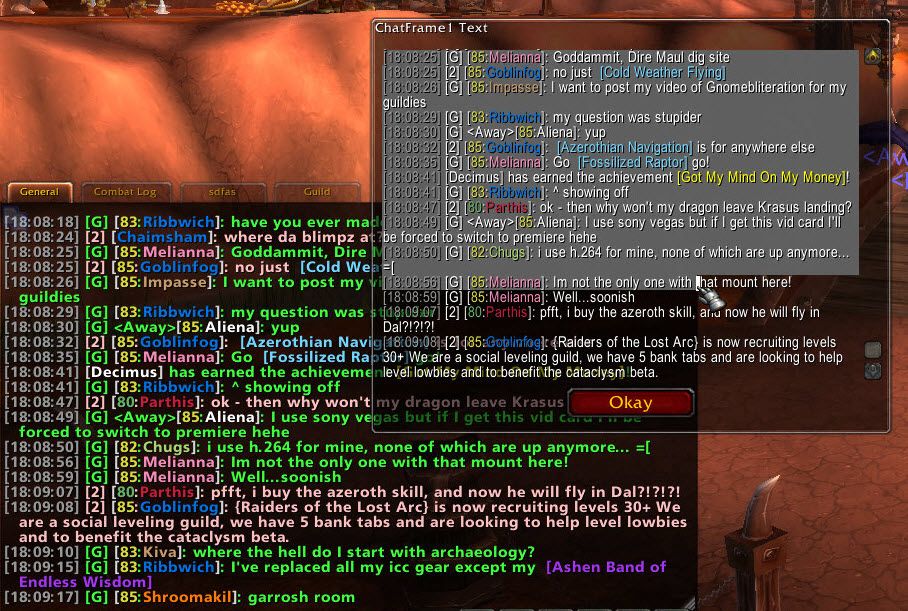
Timestamps, line copying, clickable links, full chat search and chat history that survives between sessions are among the modules. In return it uses more memory and CPU than a minimal chat addon.
Key features
- More than 30 modules, each switched on or off separately.
- A popup and a sound for your name or keywords.
- Player-name coloring by class, level and channel; channel abbreviations.
- Timestamps, level display, line copy, full chat search, clickable URLs.
- Moving the edit box (including undocking), fading, chat history kept between sessions.
- Alt-click invites, icons for item links and player classes, tab flashing on new messages.
- Aliases that turn macros into short commands and a customizable filter system.
Installation
- On the CurseForge page, download the WoW Forever file from the file list and extract the zip.
- Move the folders inside the zip into
World of Warcraft\_forever_\Interface\AddOns\. - Close the game completely and reopen it (
/reloadalone does not load new files). - On the character select screen, check that the addon is ticked in the AddOns list.
Commands
/prat- Opens the options menu.
/tt- Whispers your target.
Notes
- It uses more resources than a minimal chat addon.
- The addon's original author, Jon Akthar (Sylvanaar), is remembered on the page; the project is now maintained by a new team that is looking for help.
- Account-wide chat settings sync and a machine-learning spam filter are in beta.
FAQ
How do I configure Prat?
Type /prat to open the options menu, then switch the modules you want on or off.
How do I download it?
Click the CurseForge button on this page. In CurseForge's file list pick the WoW Forever file, download it and follow the installation steps.
Author and license
Prat 3.0 is written by QartemisT (formerly Sylvanaar). License: GPLv3.