
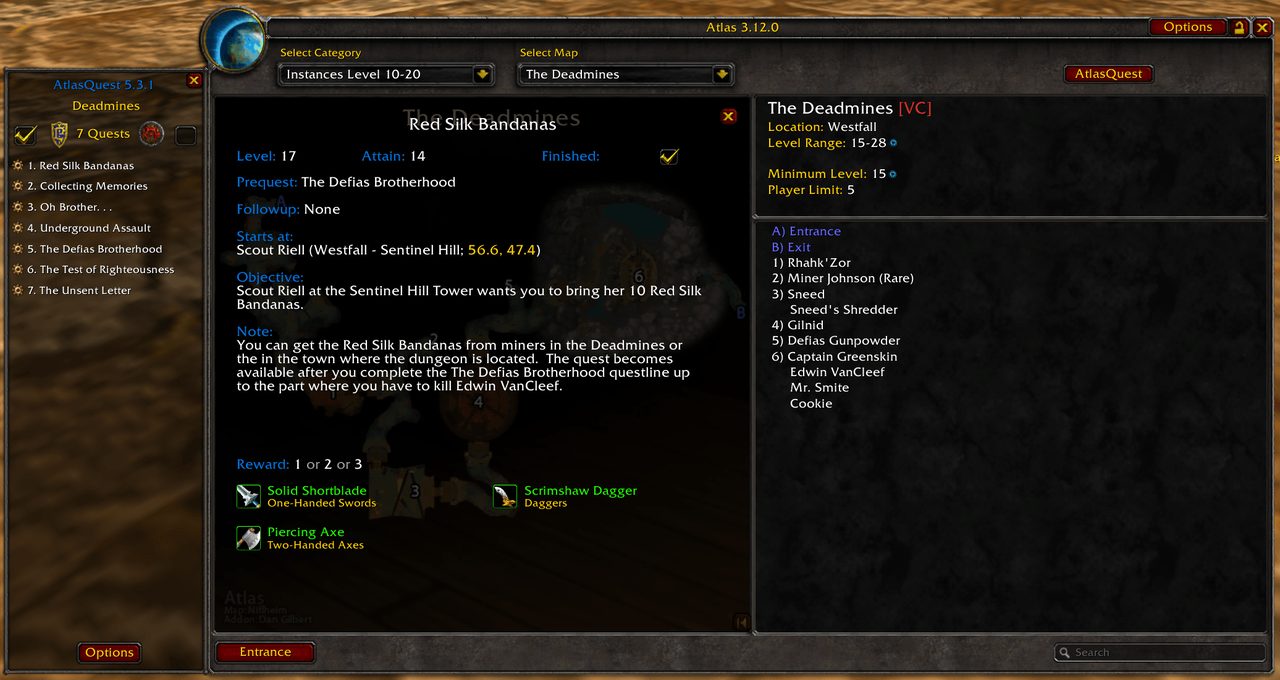
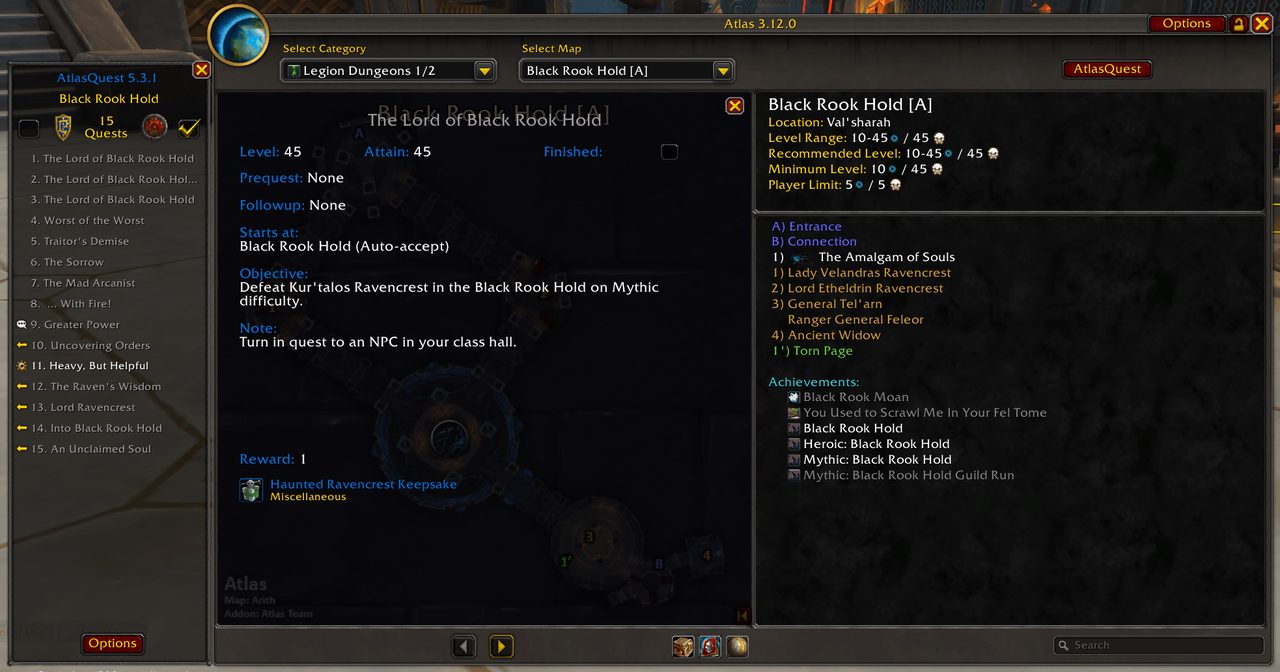
What it does
Open a dungeon map in Atlas and AtlasQuest shows a panel next to it with most of the quests tied to that place. You can check what to pick up before you go in and avoid a second trip.
The panel covers dungeons, raids and battlegrounds. The data was gathered in game and through community contributions.
Key features
- A quest panel next to the Atlas map.
- Quest lists for dungeons, raids and battlegrounds.
- Classic translations in English, German, Spanish, Korean, Russian and Chinese.
Requirements
- Requires the Atlas addon.
Installation
- Download the zip and extract it.
- Move the
AtlasQuestfolder inside it intoWorld of Warcraft\_forever_\Interface\AddOns\. - Close the game completely and reopen it (
/reloadalone does not load new files). - On the character select screen, check that the addon is ticked in the AddOns list.
FAQ
Does AtlasQuest work on its own?
No. The panel attaches to the Atlas window, so Atlas has to be installed first.
Author and license
AtlasQuest Fan Update is written by nanderson11, Lotimar, thanbini. License: GPLv2.
Comments and questions
Loading comments…
Checking your session…