
What it does
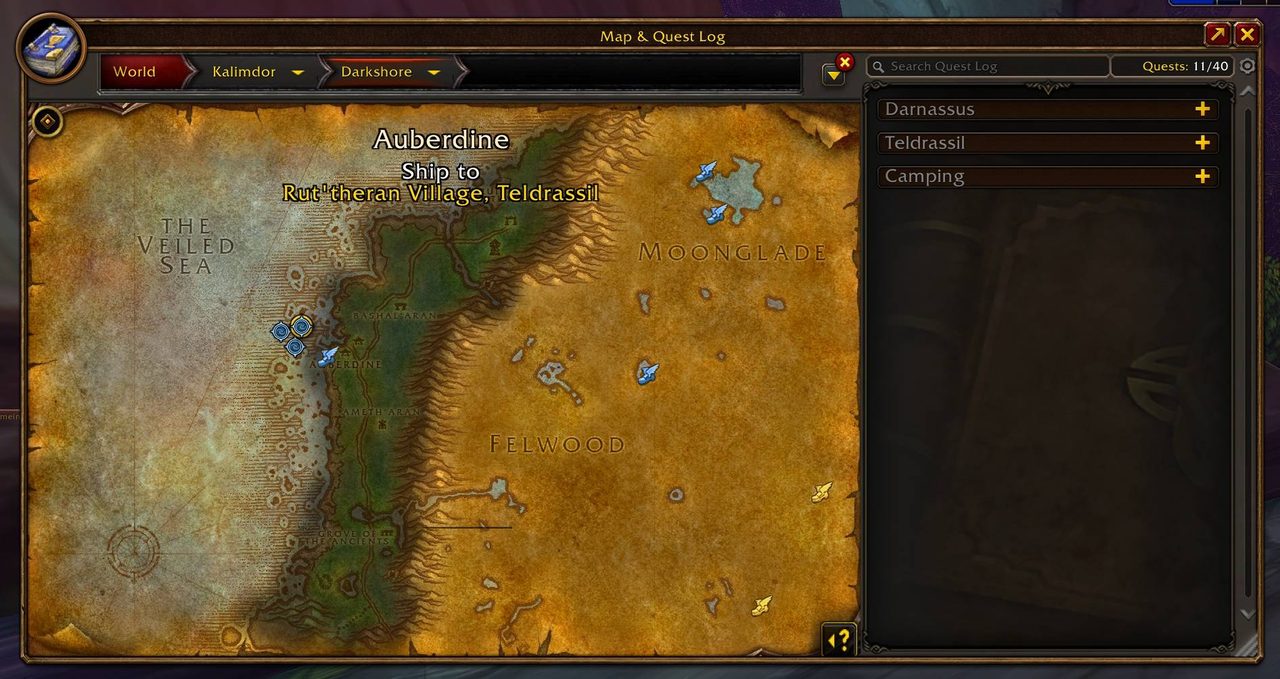
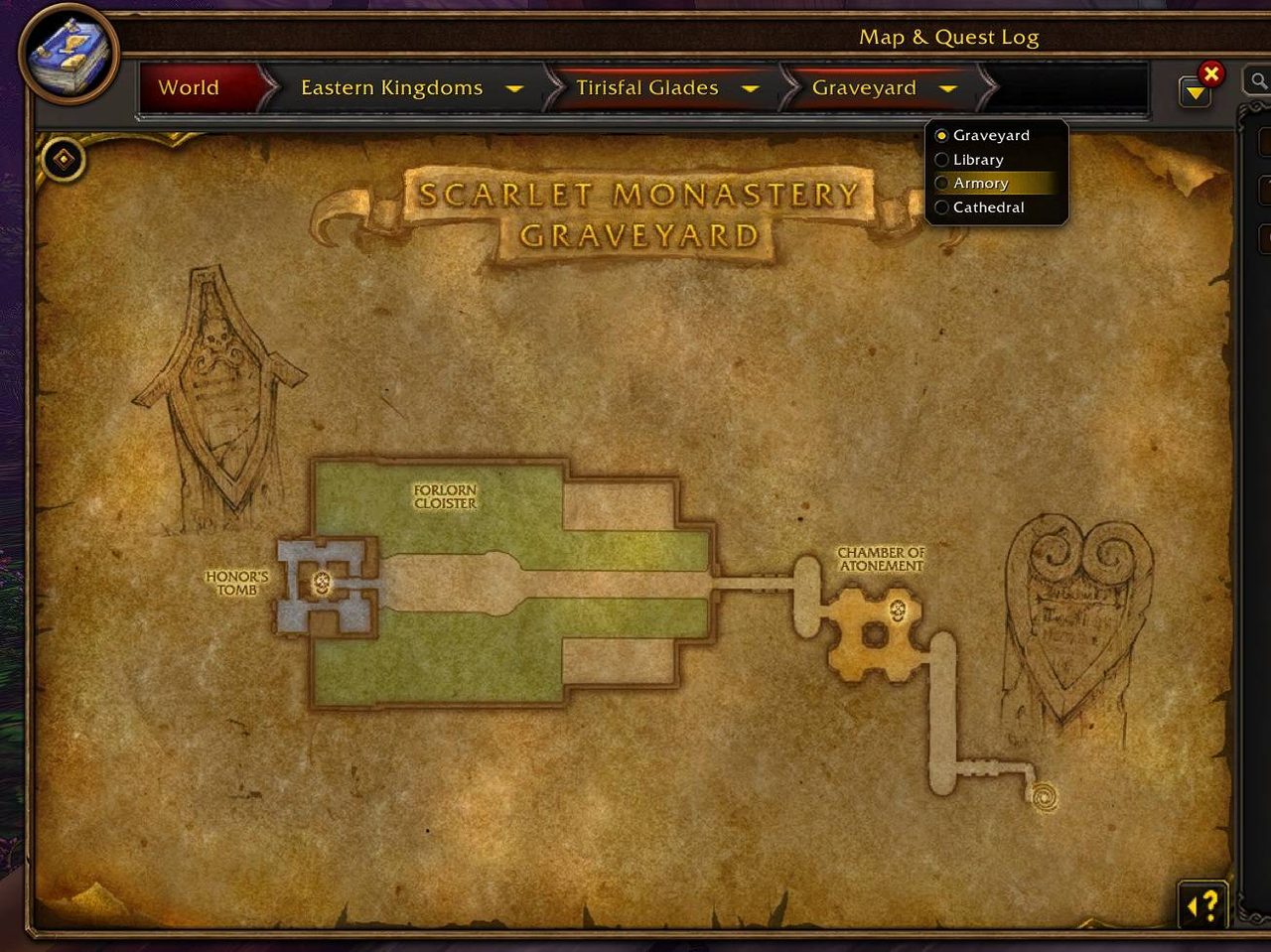
Click a dungeon or raid entrance on the world map and its map opens, with a level selector for instances that have more than one floor. Piers, zeppelins, the tram and flight points show on both the world map and the minimap, and the tooltip names the destination.
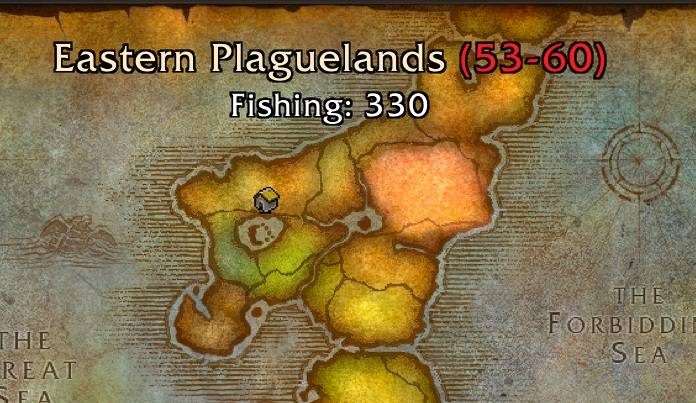
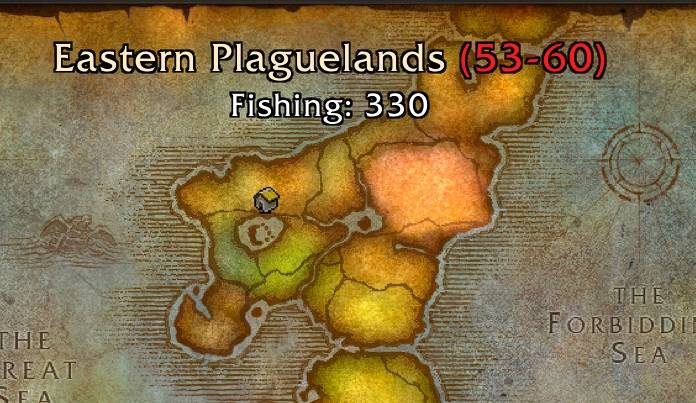
Hover a zone to see its level range and the minimum fishing skill it needs. Areas you have not explored appear in a tint you choose, so you can plan a trip before you get there.
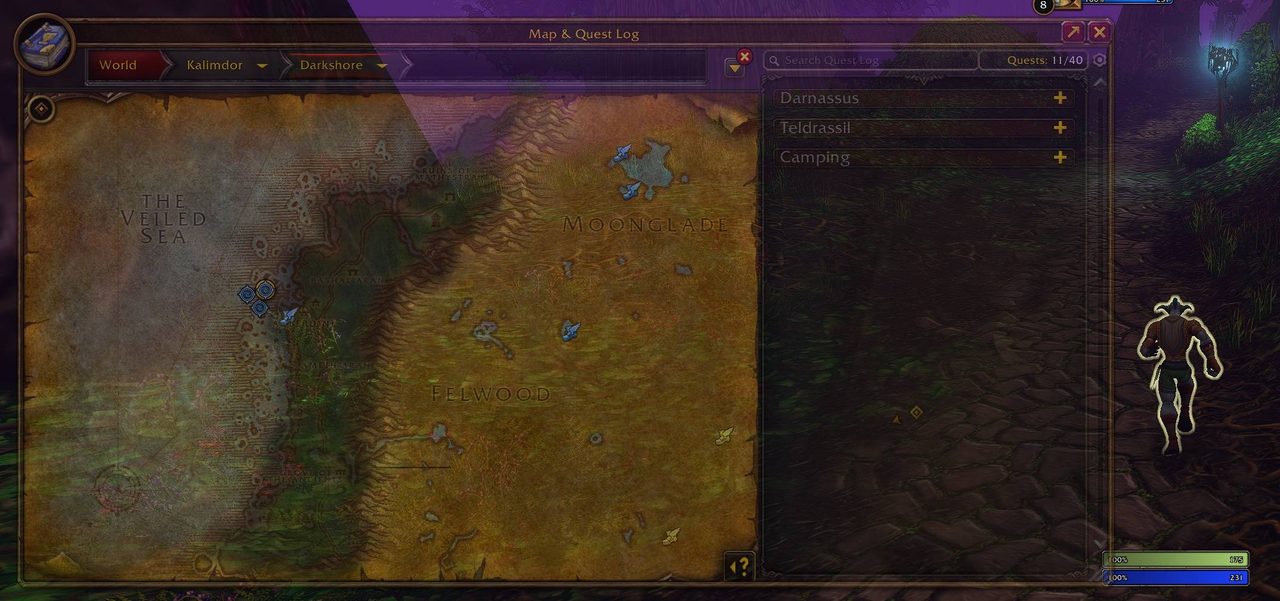
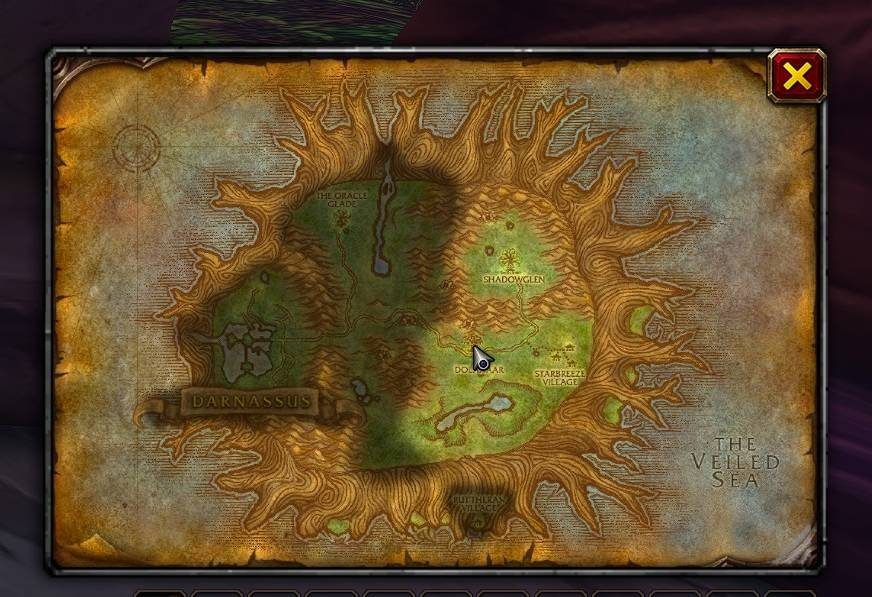
Drag the world map by its border and scale it from 50% to 200% with the grip in the corner. Both maps fade while you move and come back into full view when you mouse over them.
Key features
- Dungeon and raid maps on the world map, with a floor selector for multi-level instances.
- Dungeon entrances, piers, zeppelins, the tram and flight points on the map and minimap.
- Clicking a pier or flight point icon sets it as your waypoint.
- Zone level ranges and the fishing skill each zone needs.
- Unexplored areas with nine tint options.
- A movable, scalable world map and zone map.
Installation
- Download the zip and extract it.
- Move the
MapUtilsfolder inside it intoWorld of Warcraft\_forever_\Interface\AddOns\. - Close the game completely and reopen it (
/reloadalone does not load new files). - On the character select screen, check that the addon is ticked in the AddOns list.
Commands
/maputils- Opens the settings window.
Notes
- Settings are saved account-wide.
- Right-click the minimap button to hide it; show it again from the General category.
FAQ
Does MapUtils change the zone map too?
Yes. The zone map (Shift+M) scales from 50% to 300% while it is unlocked, and fades while you move.
Author and license
MapUtils (Dungeon Maps, Dungeon Entrance, Travel-Routes, ...) (Leatrix Maps Alternative) is written by D4KiR. License: GPLv3.
Comments and questions
Loading comments…
Checking your session…