
What it does
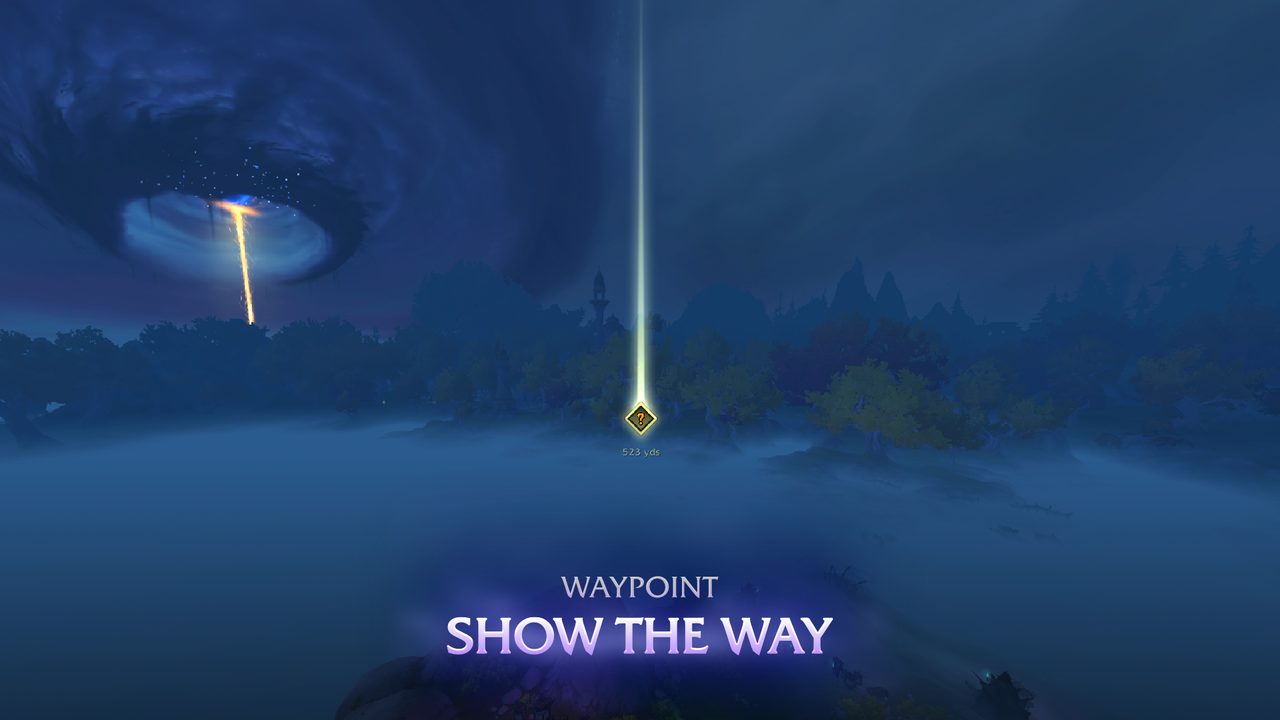
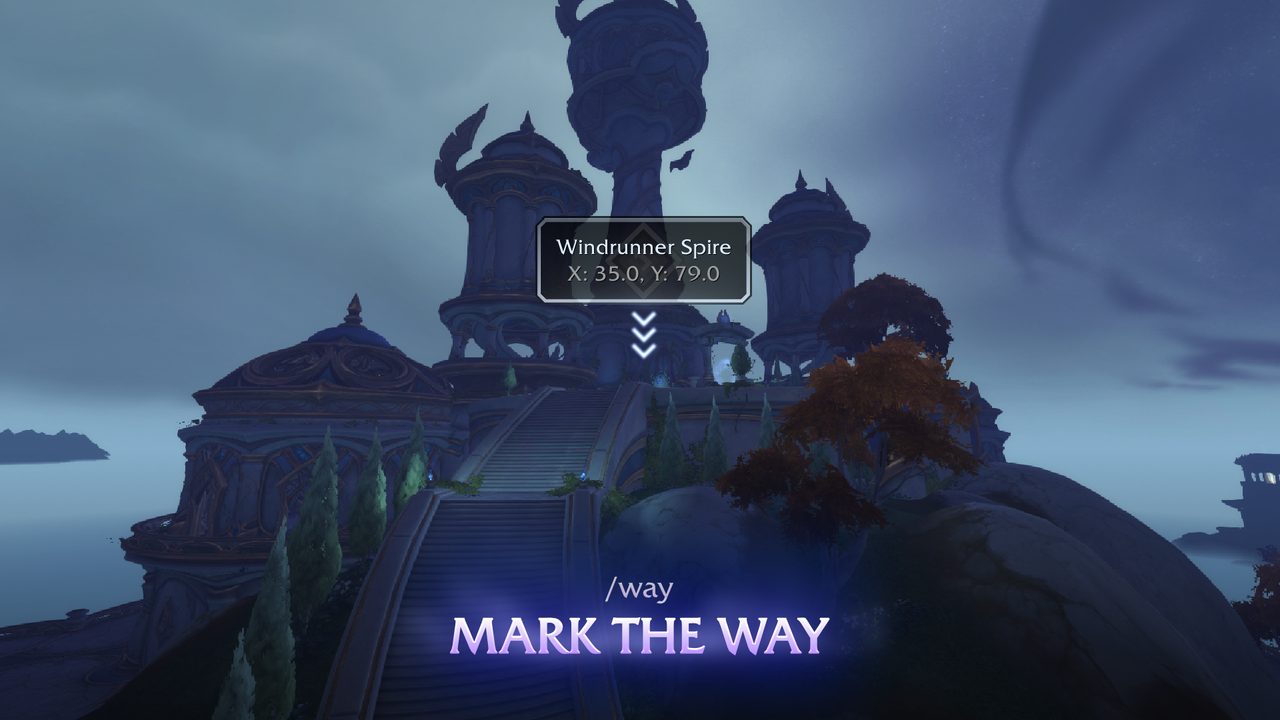
Waypoint UI puts your destination in world space, so instead of opening the map you see a marker in the direction of your target. It can track quests, map pins and points of interest.
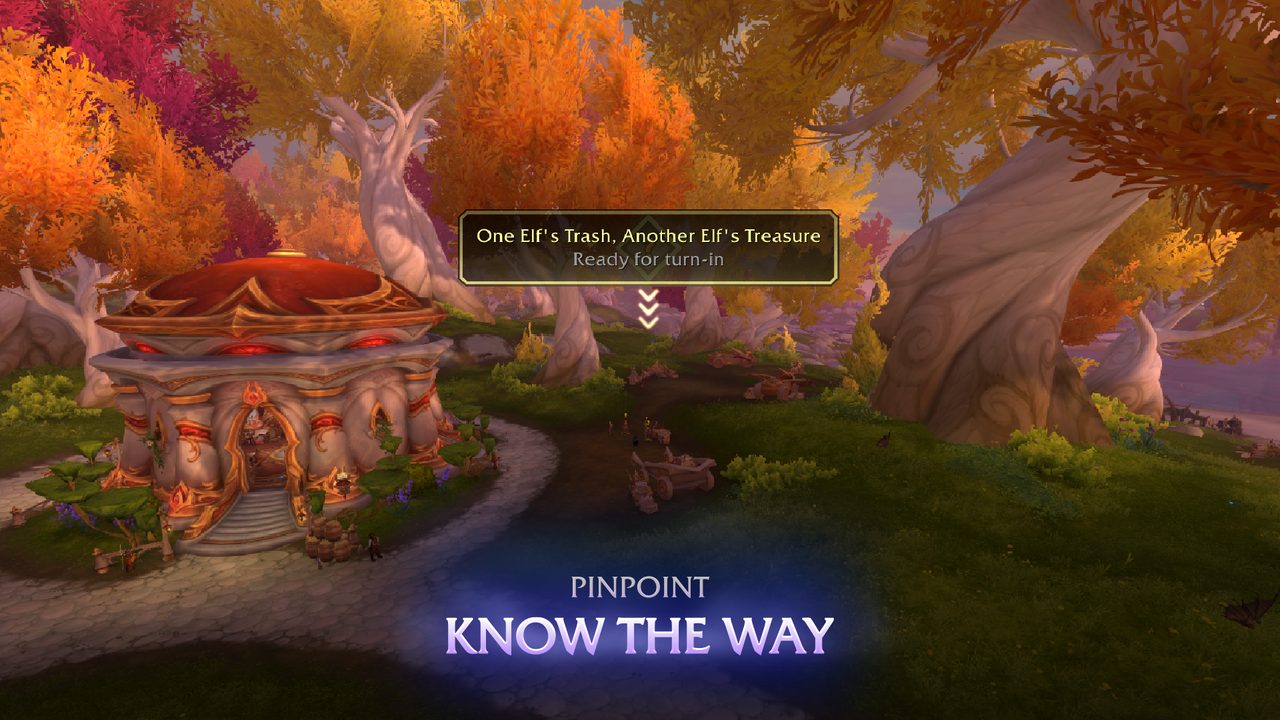
From a distance the Waypoint marks the general position of the target. Up close the Pinpoint gives more detail about the exact spot, and the Navigator points you toward the active target in real time.
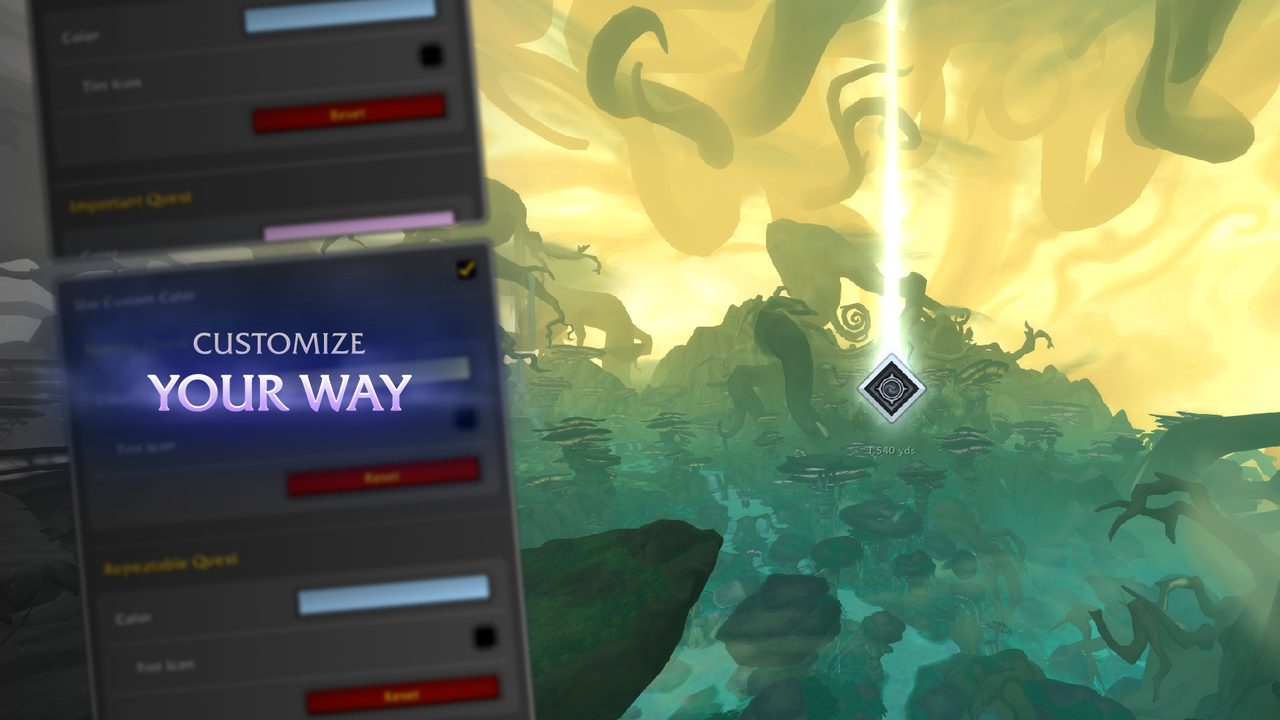
Colors, sizes, transparency and the text it shows can all be changed in its settings.
Key features
- Tracking for quests, map pins and points of interest.
- A Waypoint marker showing the target's general position.
- A Pinpoint with details about the target location.
- A Navigator giving live direction to the active target.
- Settings for colors, sizes, transparency and text.
Installation
- Download the zip and extract it.
- Move the
WaypointUIfolder inside it intoWorld of Warcraft\_forever_\Interface\AddOns\. - Close the game completely and reopen it (
/reloadalone does not load new files). - On the character select screen, check that the addon is ticked in the AddOns list.
Author and license
Waypoint UI is written by AdaptiveX. License: GPLv3.