
What it does
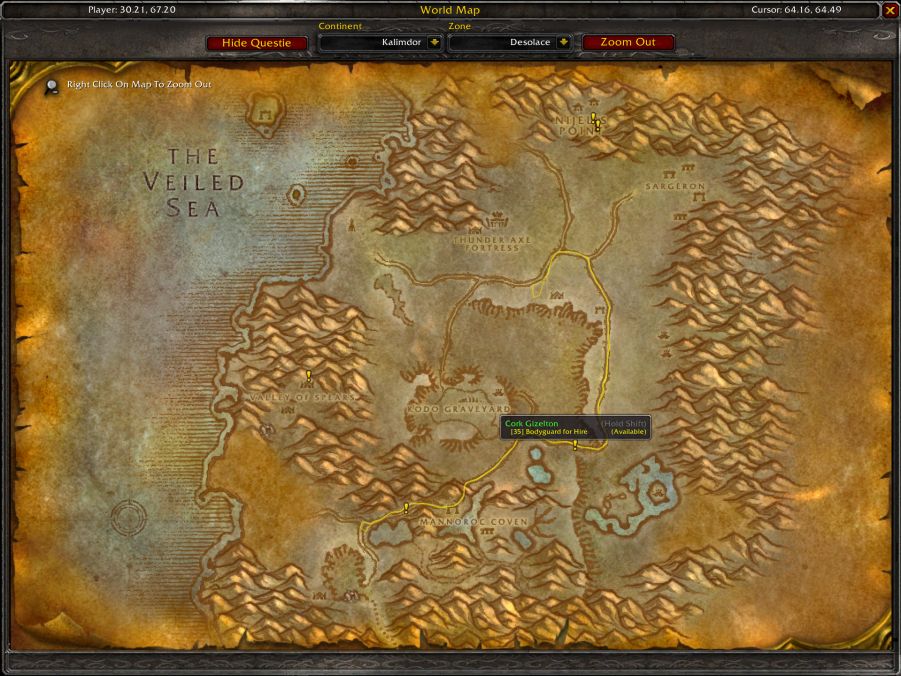
Questie marks where to pick up a quest, where its objectives are and where to turn it in, so you do not have to wander around looking. There are also lines that show the paths NPCs walk.
A quest you accept goes into the tracker automatically. The tracker shows five quests by default; in the settings you can have it show your whole log. Right-click a quest in the list to put it in focus. Pointing an arrow at an objective also needs the TomTom addon.
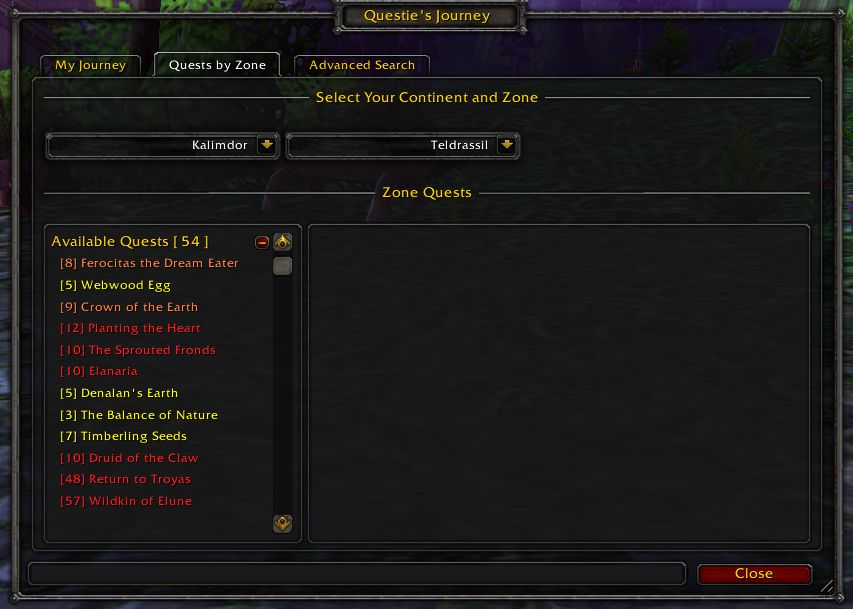
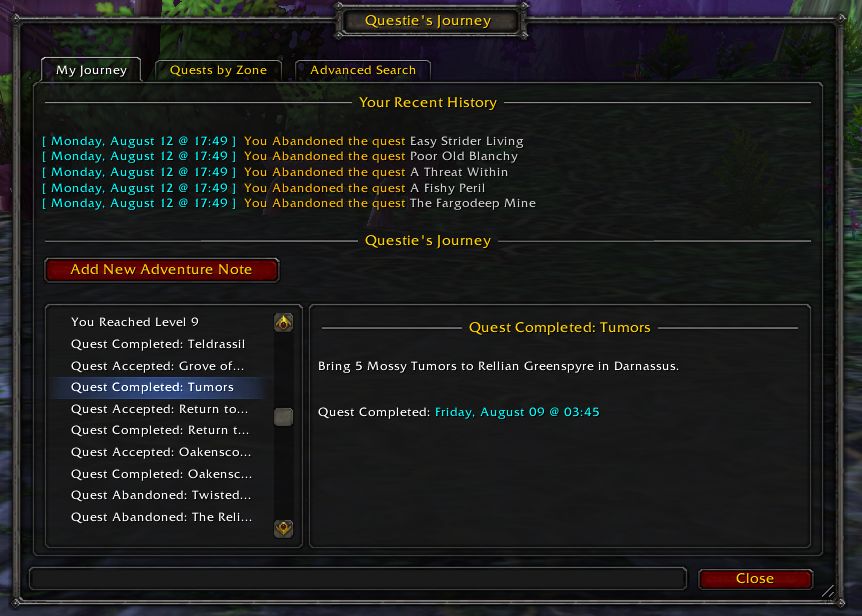
Hover over map markers and quest NPCs for an info box; hold Shift for extra details such as the quest's XP. The "My Journey" window keeps a record of your steps, and "Quests by Zone" lists the quests you have finished and those still available in a zone.
Key features
- Quest start, objectives and turn-ins on the world map and minimap, plus lines for NPC paths.
- Quest tracker: accepted quests are added automatically, and you can show your whole log.
- Party members' quest progress shows in the tooltip.
- Extra detail on Shift, such as quest XP.
- A Journey log (My Journey) and a per-zone quest list (Quests by Zone).
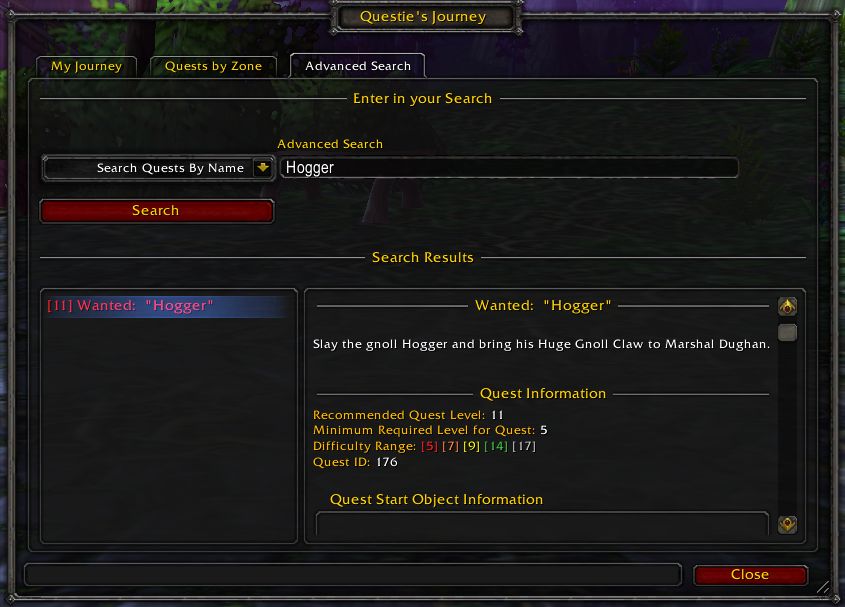
- Search through Questie's database.
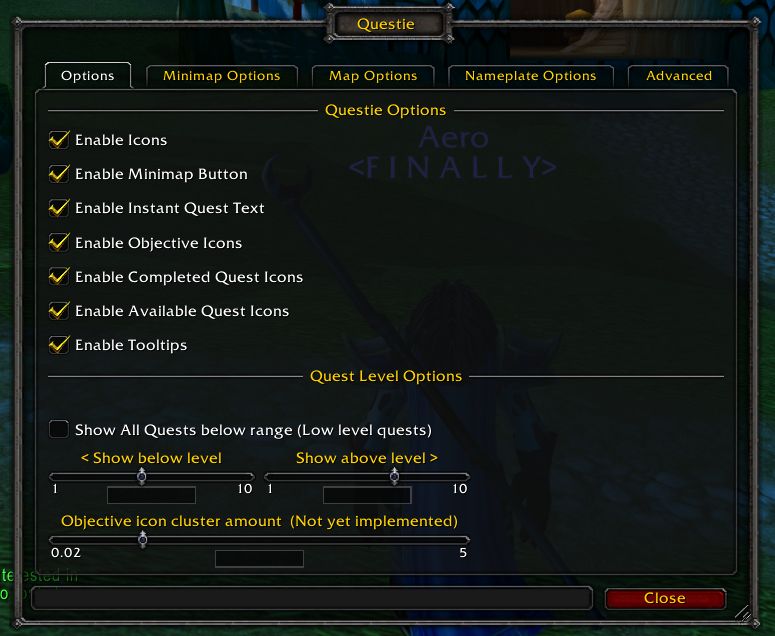
- Plenty of settings, opened from the minimap button or with
/questie.
Requirements
- QuestieDB is required: the quest, NPC and item data Questie relies on comes with that addon. Install both together.
Installation
- Download the zip and extract it.
- Move the
Questiefolder inside it intoWorld of Warcraft\_forever_\Interface\AddOns\. - Close the game completely and reopen it (
/reloadalone does not load new files). - On the character select screen, check that the addon is ticked in the AddOns list.
Commands
/questie- Opens the settings.
/questie journey- Opens the My Journey window.
Notes
- Minimap button: left-click opens My Journey and Quests by Zone; right-click opens Search and Settings.
- Turkish is not among Questie's own translations. For a Turkish interface see Dev/Soy's "Devsoy Turkish: Quest Guide" pack.
- The install guide, FAQ and bug reports live on Questie's GitHub page; there is a Discord server for help.
FAQ
I turned Questie off and the map shows no quest markers (! ?).
Questie's icon theme turns the game's own quest markers off. With the Turkish pack enabled they come back on at your next login; if you disabled both, type /console questPOI 1 in chat, then /reload.
Why does the tracker only show five quests?
That is the default. In Questie's tracker settings you can choose to show every quest in your log.
What do I need for the objective arrow?
The arrow option on the tracker's right-click menu needs the TomTom addon installed.
Is there a Turkish version of Questie?
Turkish is not in Questie's own translation list. Dev/Soy's Turkish pack translates the interface; quest, NPC and item names stay in English.
Author and license
Questie is written by Aero, Logon, Muehe, TheCrux (BreakBB), Drejjmit, Dyaxler, Cheeq, TechnoHunter, Yttrium and contributors. License: GPLv3.