
What it does
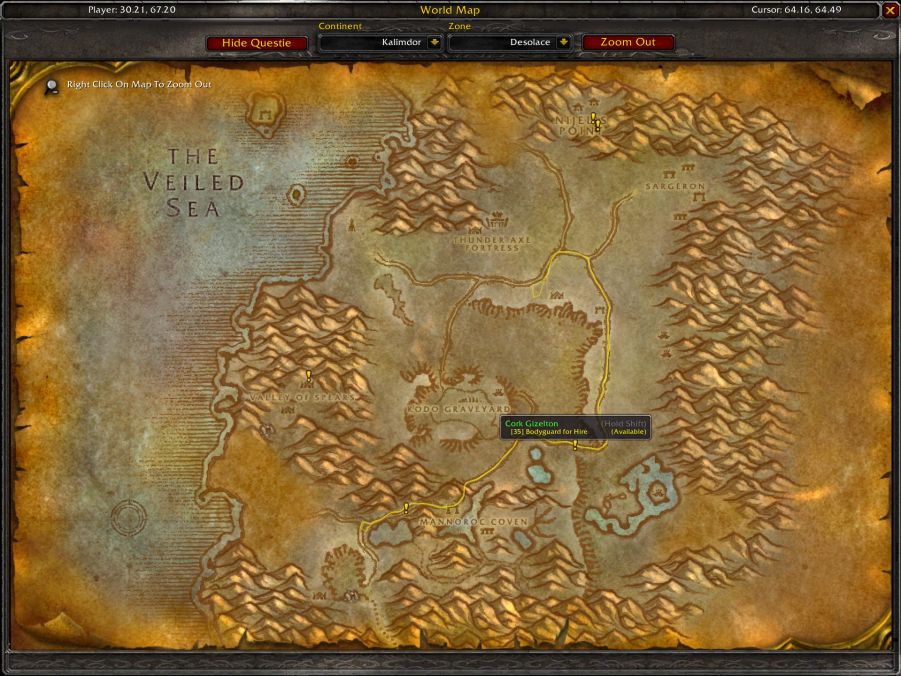
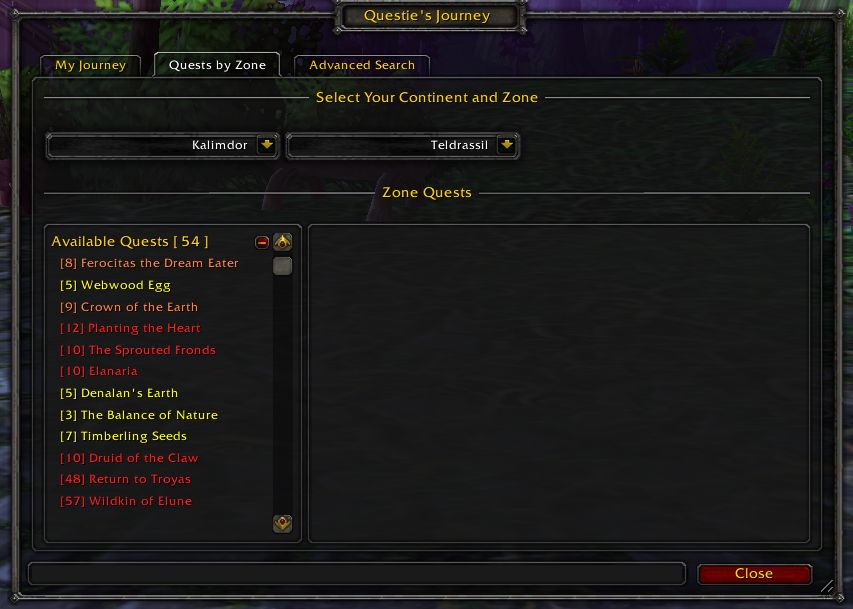
QuestieDB holds the quest, NPC, item and object data Questie needs, along with translations and fixes for each game version. The data arrives pre-built, so Questie does not have to compile its database in game.
There are no settings; once installed it works in the background. It does not put markers on the map; Questie does that.
Key features
- Quest, NPC, item and object data for Questie.
- Translations and corrections for each game version.
- Pre-built data: Questie does not compile its database in game.
- No configuration; it works in the background.
Requirements
- Must be installed together with Questie. It does nothing on its own.
Installation
- Download the zip and extract it.
- Move the
QuestieDBfolder inside it intoWorld of Warcraft\_forever_\Interface\AddOns\. - Close the game completely and reopen it (
/reloadalone does not load new files). - On the character select screen, check that the addon is ticked in the AddOns list.
Notes
- Update Questie and QuestieDB together: an old Questie may not work with a new QuestieDB.
- The file is large (about 14 MB) because the data comes pre-built.
FAQ
Does QuestieDB put quest markers on the map by itself?
No. Questie places the markers; QuestieDB only supplies the data it uses.
Does QuestieDB have settings?
No. Once it is installed there is nothing to do.
Author and license
QuestieDB is written by Code: Logonz. Data: Muehe, TheCrux (BreakBB), Drejjmit, Dyaxler, Cheeq, TechnoHunter, Yttrium and contributors. License: GPLv3.