
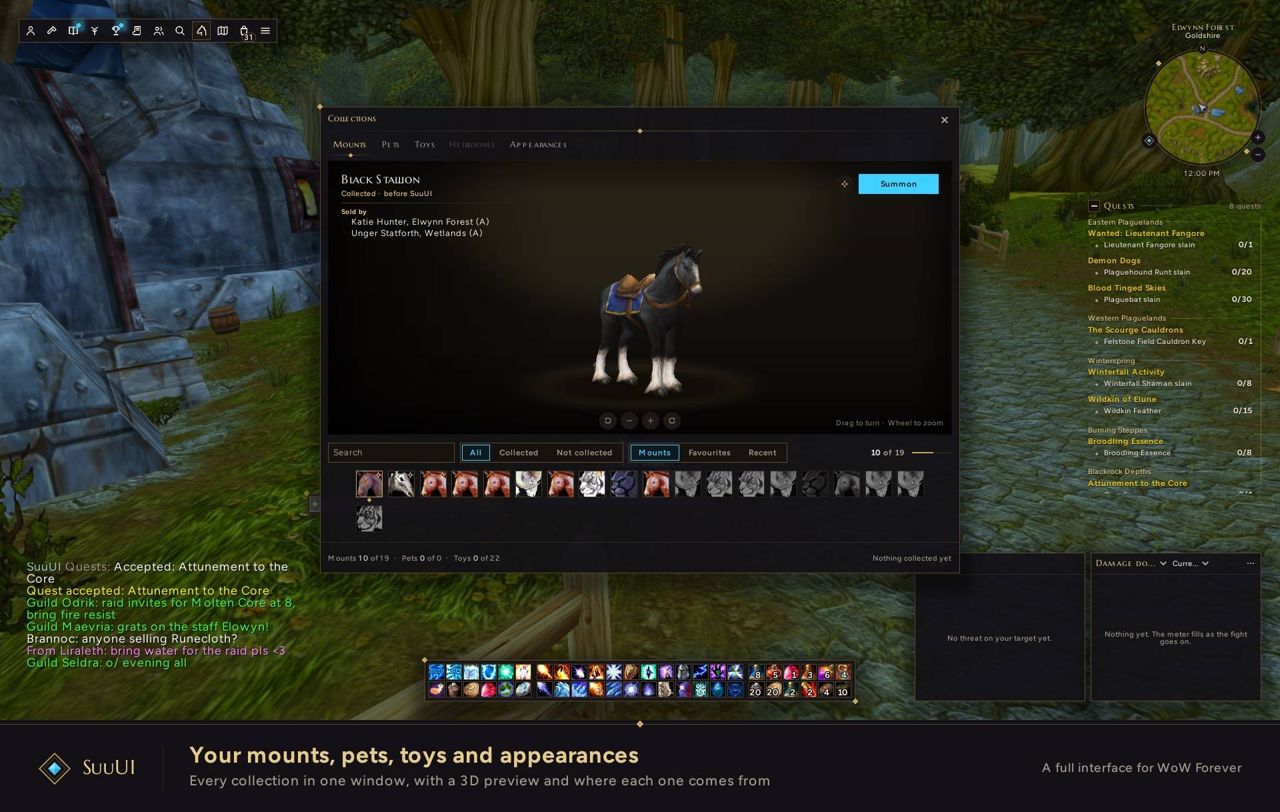
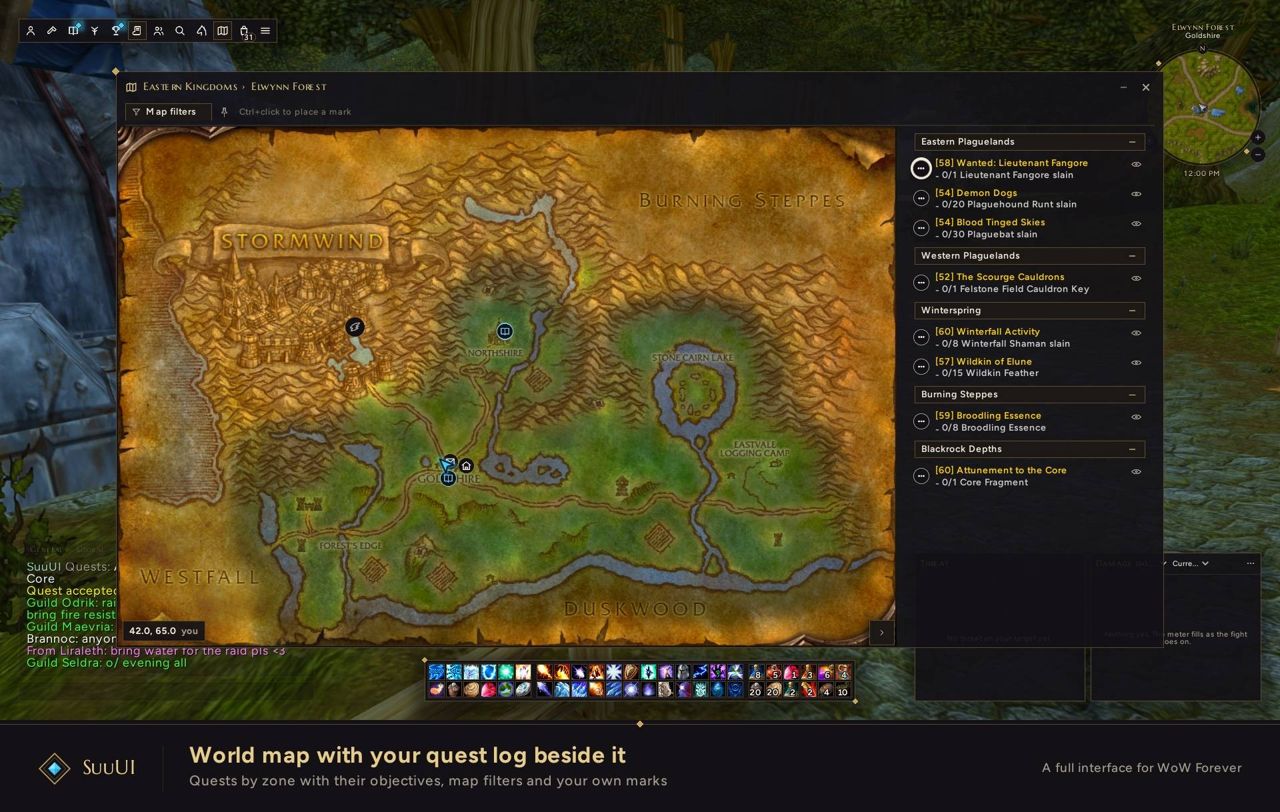
What it does
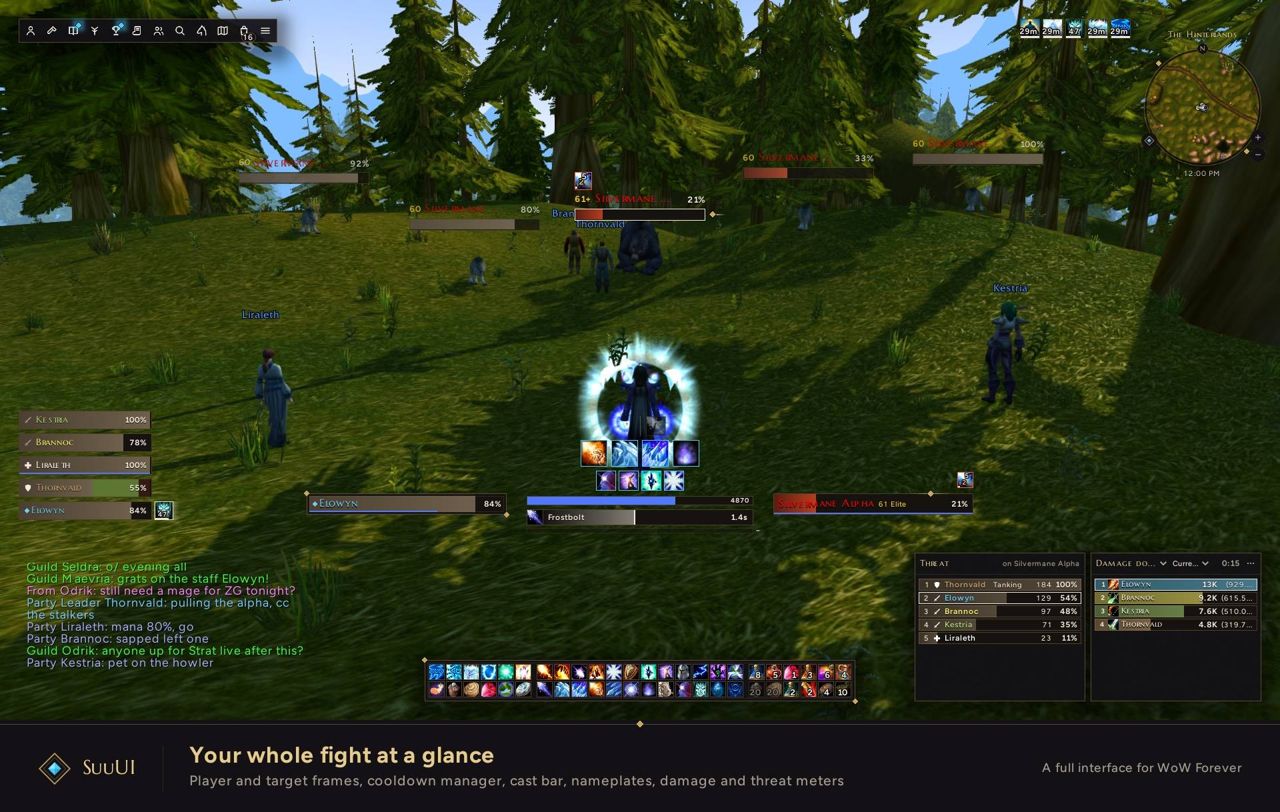
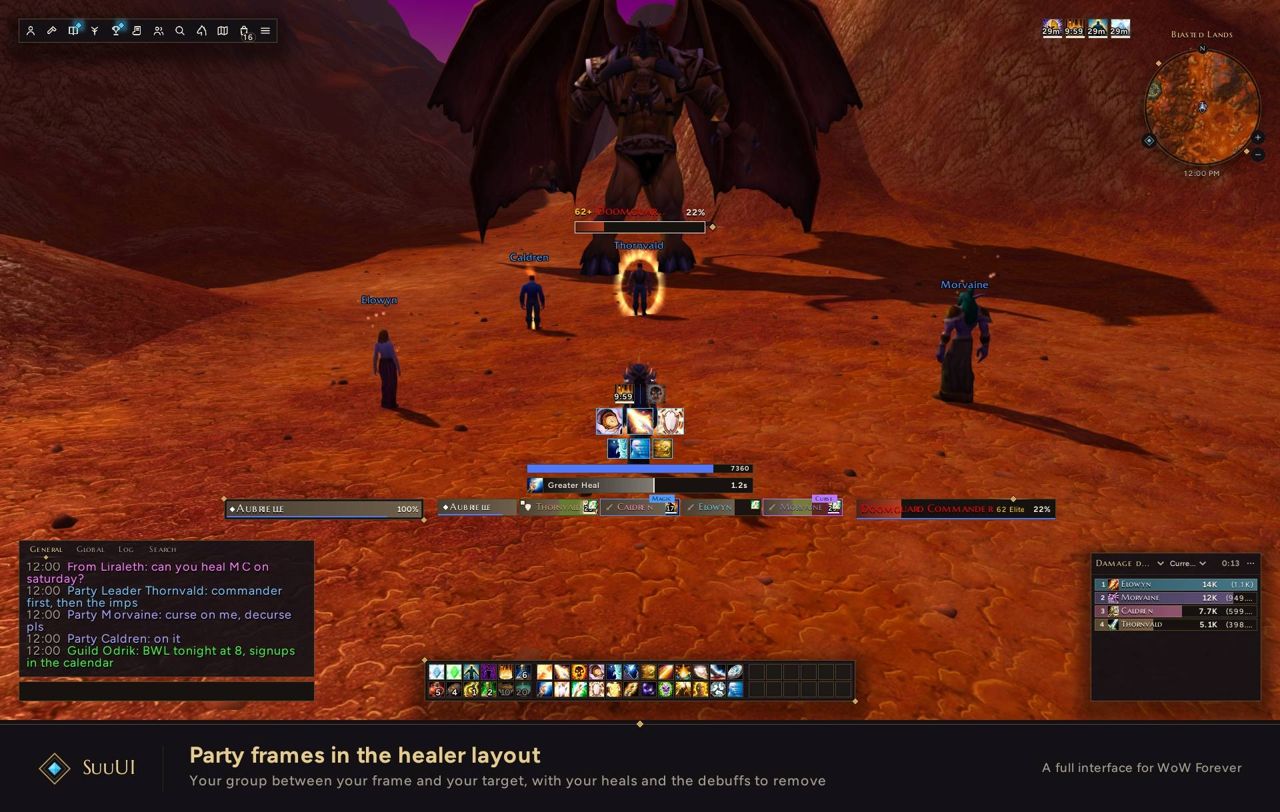
SuuUI replaces the game's default interface with a single design: player, target, focus, pet and boss frames, party and raid frames for 5 to 40 players, nameplates, and cast and swing bars.
On the combat side it has action bars 1 to 8, stance and pet bars, visibility rules, and key binding by hovering a button and pressing a key. A Cooldown Manager tracks cooldowns and auras with class and spec presets; buff reminders and conditional sounds are in there too.
You can turn any feature off and bring back Blizzard's default frames. The settings window is searchable, edit mode snaps frames to a grid, and profiles switch automatically by role and can be imported and exported.
Key features
- Player, target, focus, pet and boss frames; party and raid frames for 5 to 40 players.
- Nameplates, cast and swing bars.
- Action bars 1 to 8, stance and pet bars, visibility rules, hover-and-press key binding.
- Cooldown Manager: cooldown and aura tracking, class and spec presets, buff reminders, conditional sounds.
- A searchable settings window; an edit mode that snaps frames to a grid.
- Profiles that switch automatically by role, with import and export.
- Modular: each feature can be turned off and Blizzard frames restored.
Requirements
- The WoW Forever client.
Installation
- Download the zip and extract it.
- Move the
SuuUIfolder inside it intoWorld of Warcraft\_forever_\Interface\AddOns\. - Close the game completely and reopen it (
/reloadalone does not load new files). - On the character select screen, check that the addon is ticked in the AddOns list.
Commands
/suu- Opens or closes the settings.
/suu edit- Move frames on a snap grid.
/suu keybind- Bind keys by hovering over a button.
/suu profile- Shows or switches the profile.
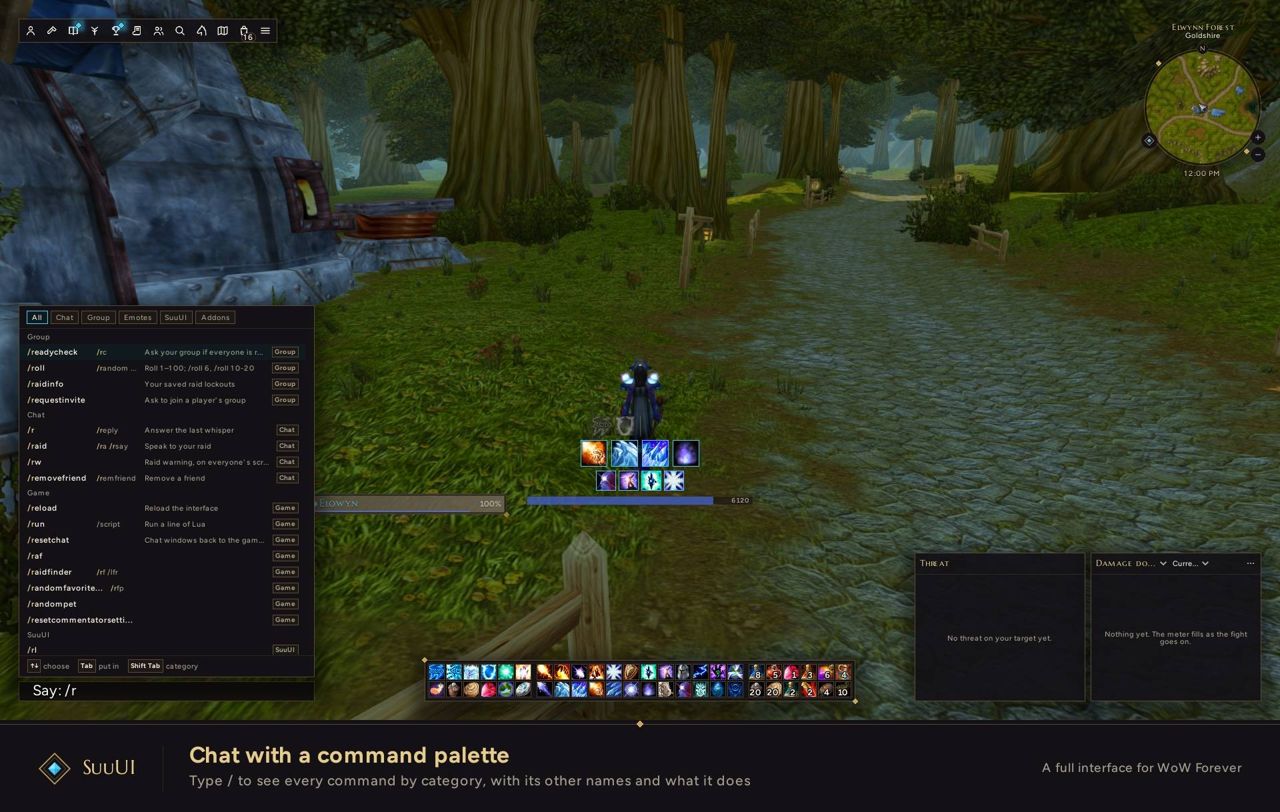
/suu help- Lists all commands.
Notes
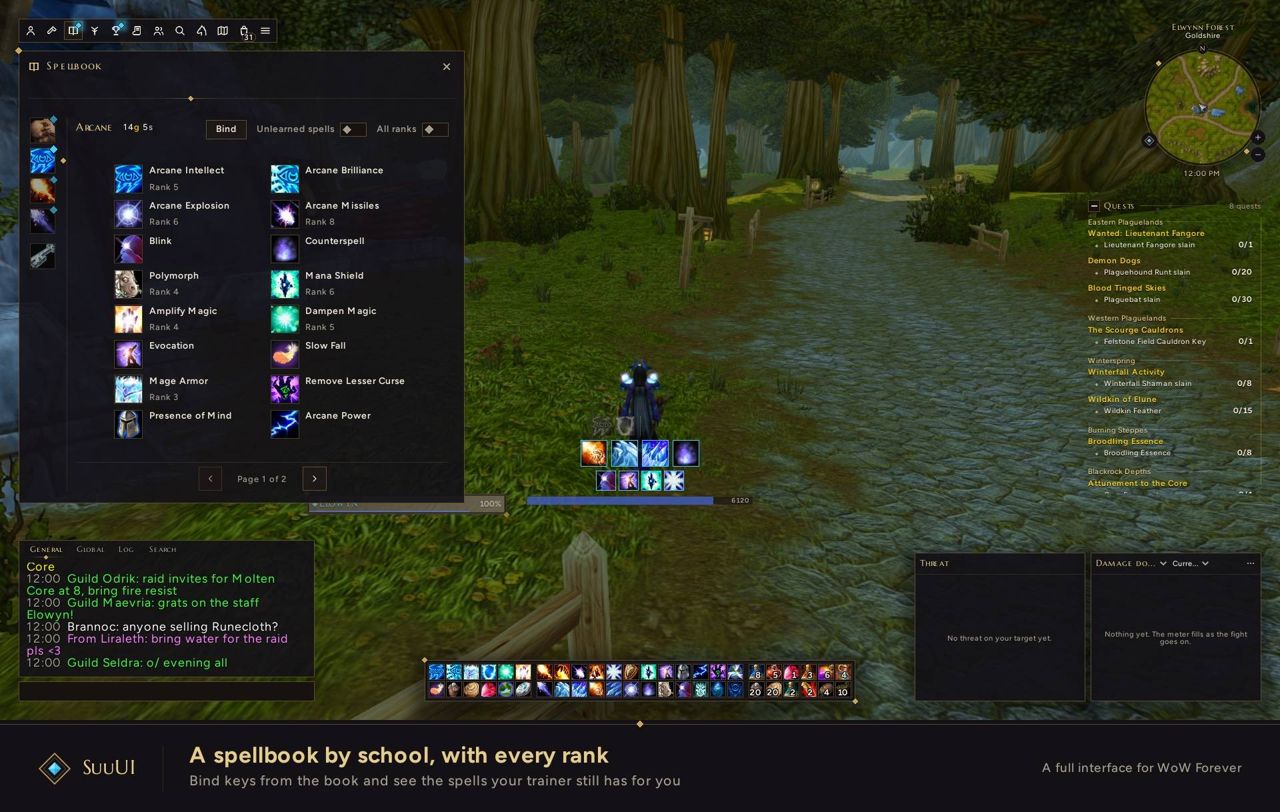
- The pack is in active development: the combat HUD is done, alerts and a threat meter are next, followed by the minimap, chat, bags, tooltips and Blizzard's windows. Until those are done, the default Blizzard interface stays for them.
FAQ
How do I go back to the default interface?
Each feature can be switched off separately and Blizzard's default frames can be restored. Open the settings with /suu to turn them all off.
Where is the documentation?
The author's wiki is at suuui.dev.
Author and license
SuuUI is written by SuuTV. License: MIT.