
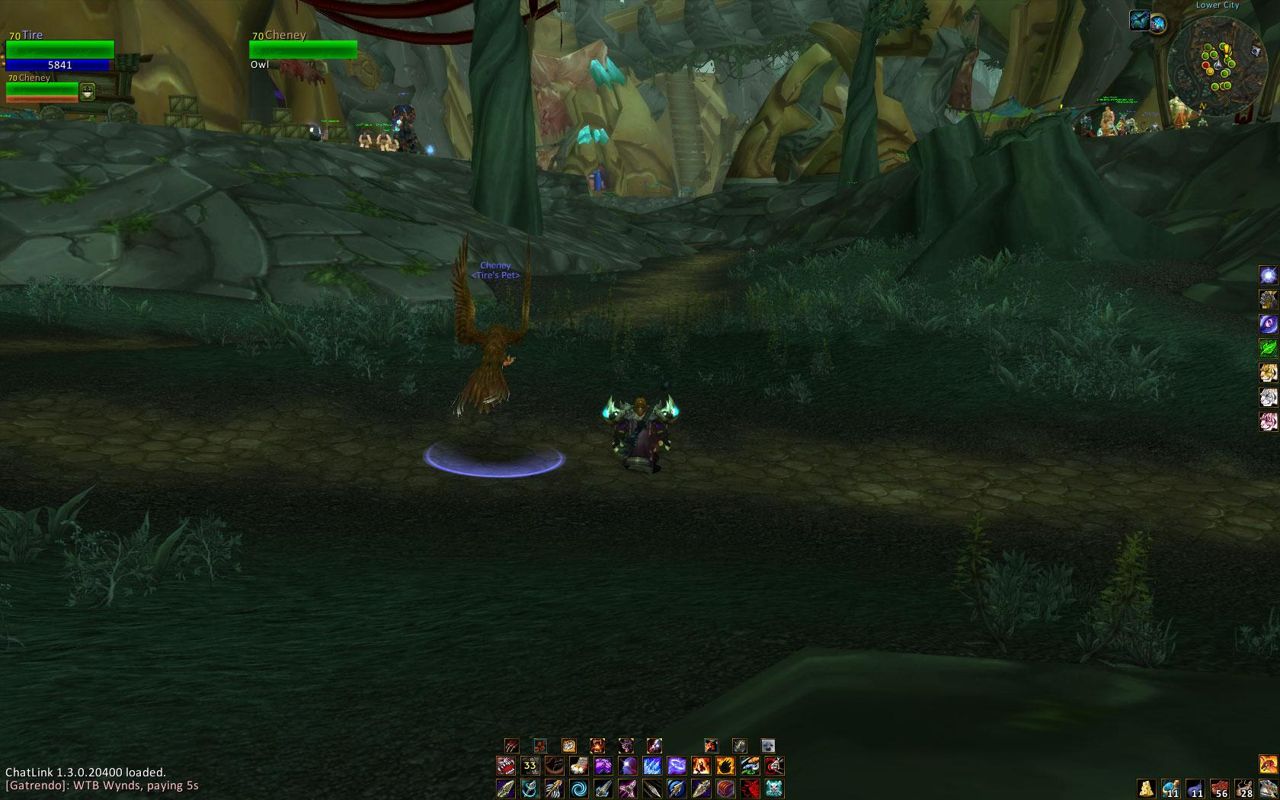
What it does
Dominos splits the main action bar into pieces. You place each bar anywhere on screen, change its size, spacing and opacity, and lay it out vertically if you want.
You also decide when bars show up: only in combat, or semi-transparent, for example. You can choose what a bar shows when you shapeshift.
Button looks can be changed per bar with Masque, and /kb is all you need for quick key binding. It works together with tullaRange, LiteButtonAuras and OmniCC.
Key features
- Move and resize action bars freely; spacing, vertical layout, opacity, scale.
- Customizable bar paging, for example when shapeshifting.
- Customizable visibility: transparent bars or bars that show only in combat.
- Masque support, with per-bar settings.
- Quick key binding with LibKeyBound (
/kb). - Compatible with tullaRange, LiteButtonAuras and OmniCC.
Installation
- Download the zip and extract it.
- Move all the folders inside it (
Dominos,Dominos_Cast,Dominos_Config,Dominos_Progress,Dominos_Roll,Masque_Dominos) intoWorld of Warcraft\_forever_\Interface\AddOns\. - Close the game completely and reopen it (
/reloadalone does not load new files). - On the character select screen, check that the addon is ticked in the AddOns list.
Commands
/dominos- Opens the options menu. Right-clicking the minimap icon opens it too.
/dominos config- Enters configuration mode: move or hide bars.
/kb- Opens quick key binding mode (Bind Keys).
Notes
- For per-bar settings, right-click or Alt-left-click a bar while in configuration mode.
- The full list of commands is on the author's GitHub wiki.
FAQ
How do I move the bars?
Type /dominos config or left-click the minimap button and choose "Configure Bars...". In configuration mode you can drag the bars.
How do I open a single bar's settings?
While in configuration mode, right-click or Alt-left-click the bar.
Author and license
Dominos is written by Tuller. License: BSD.