
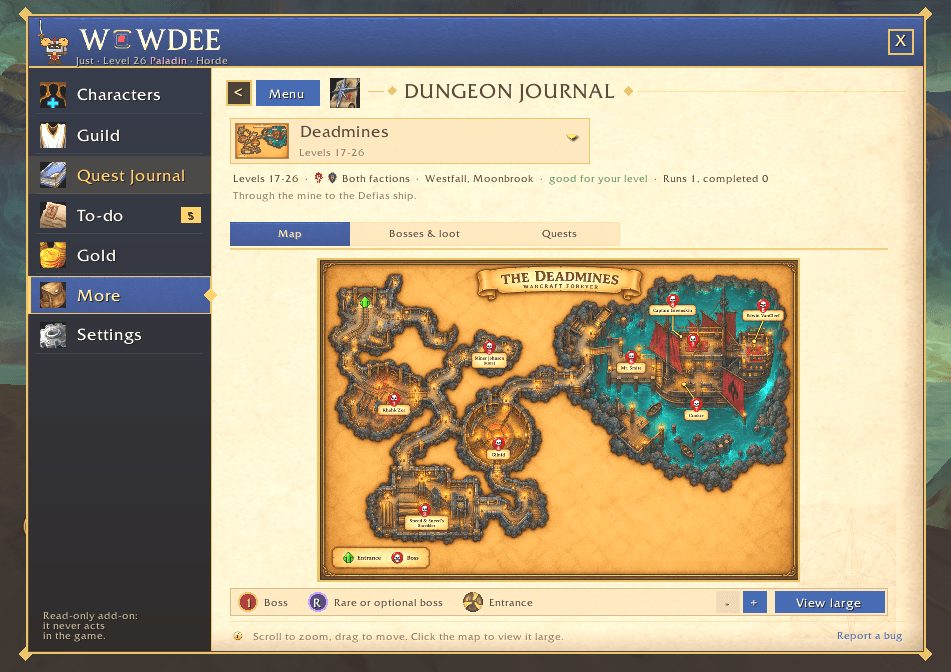
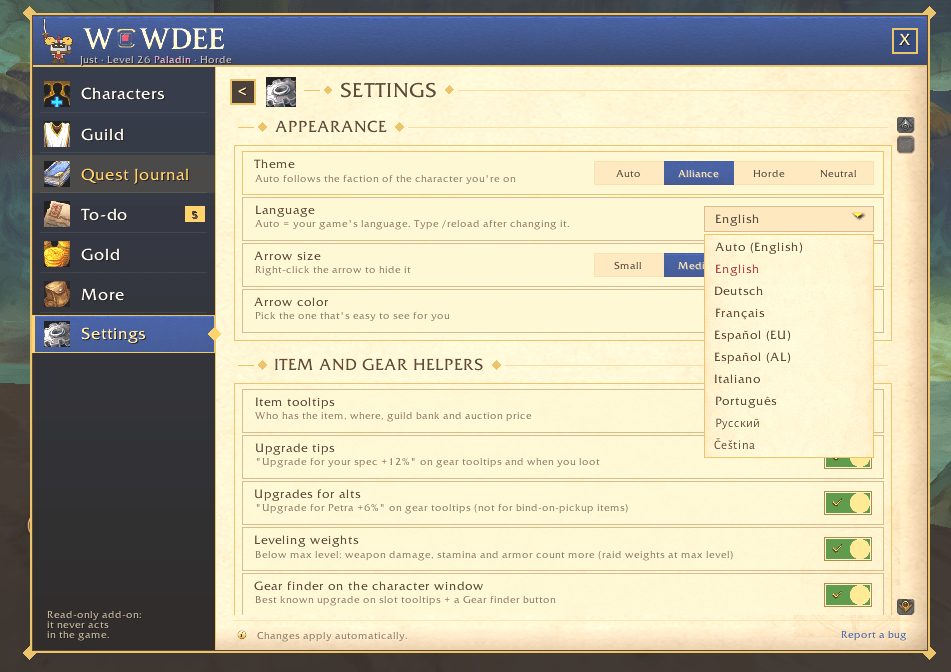
What it does
One search box finds NPCs, trainers, quests, zones, dungeons, bosses, spells and your items. Typos are fine, and you can ask in your own words, such as "deadmines quests". Pick Follow and an arrow on screen leads you there.
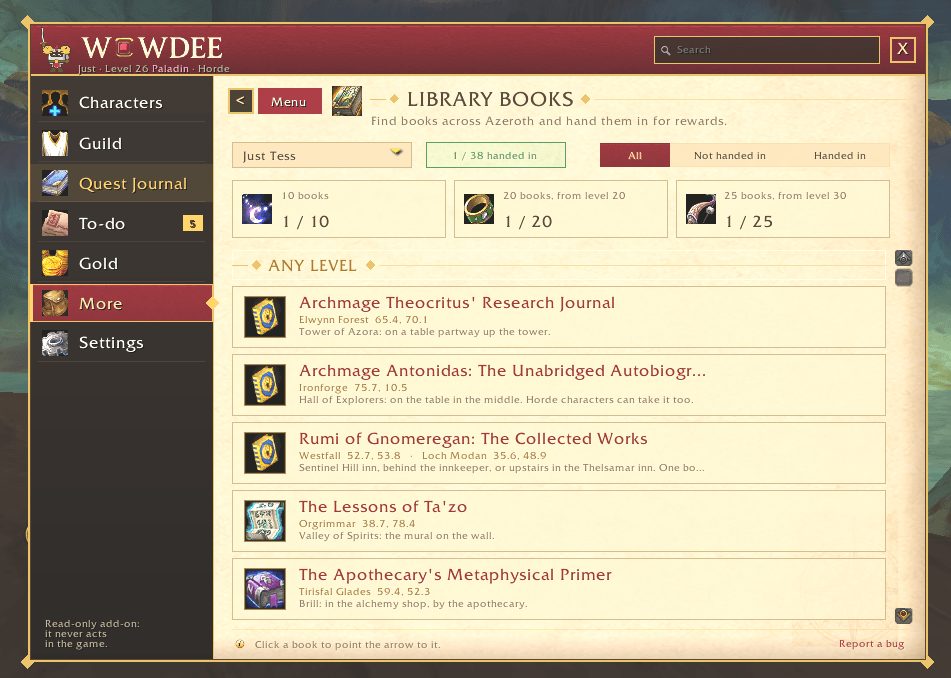
Its own 1-60 leveling guide comes with an on-screen tracker and a guide arrow. The Quest Journal covers every zone and dungeon with objectives, rewards, quest chains and where to hand in. Quest accept and hand-in are optional, each with its own switch.
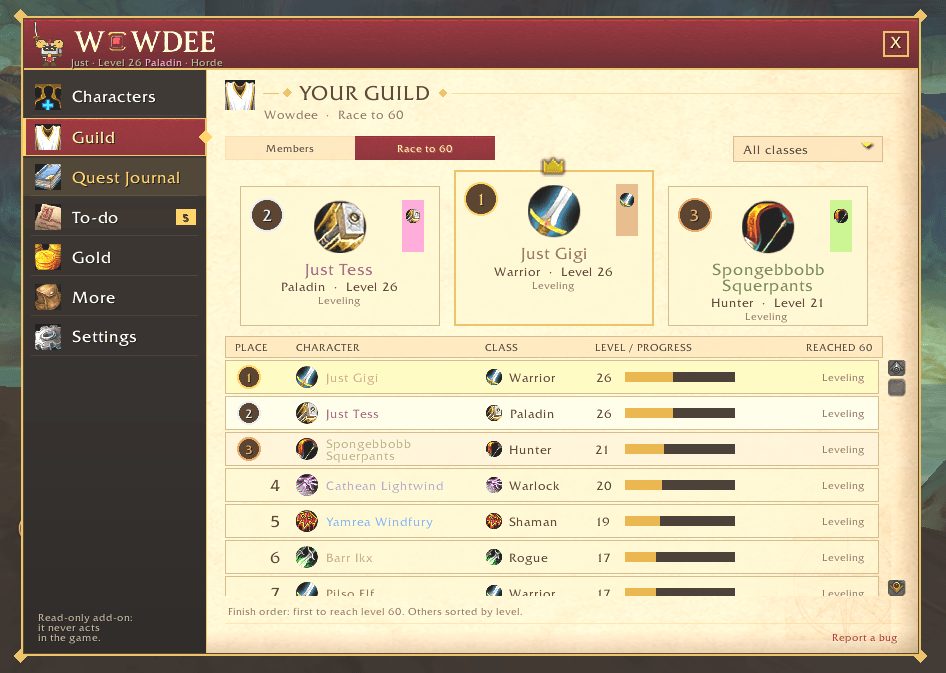
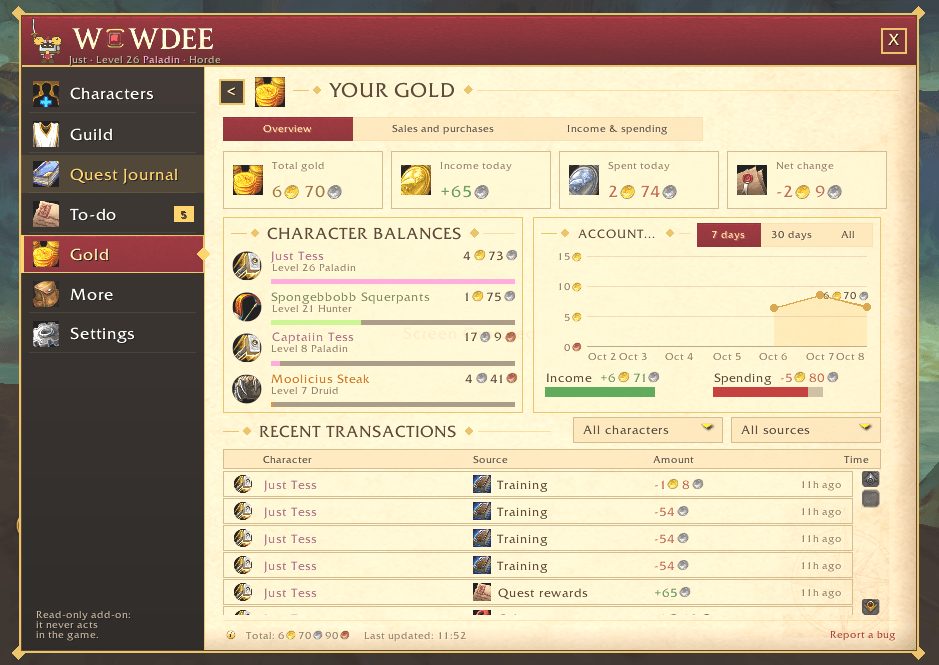
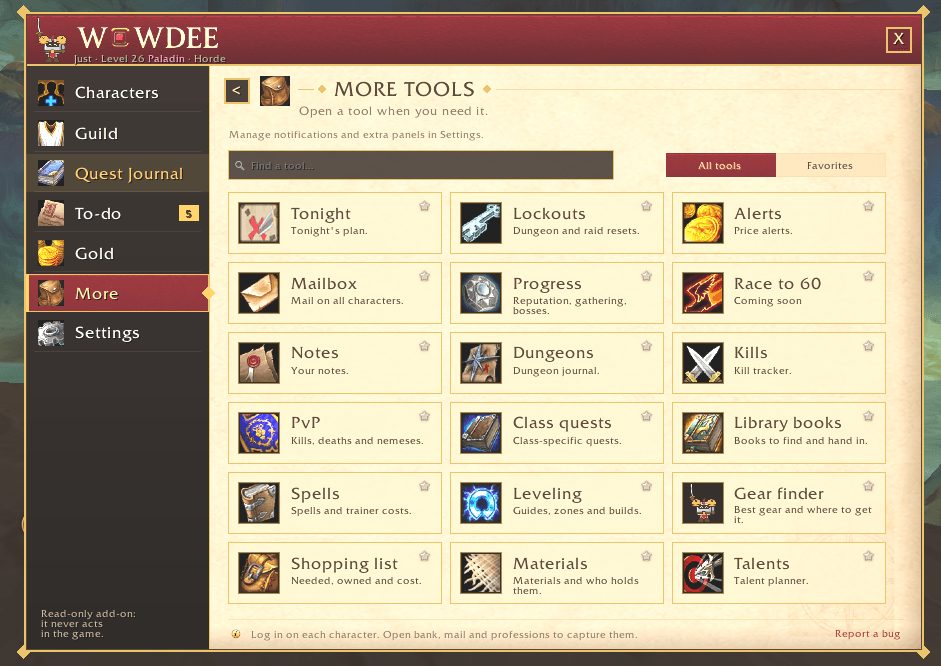
Gear recommendations, auction prices, inventory across your alts, a to-do list and guild tools sit in the same window. Wowdee does not use the internet; everything stays in your game.
Key features
- One search box for NPCs, quests, dungeons, bosses and items, with a follow arrow.
- A 1-60 leveling guide with an on-screen tracker and arrow.
- A Quest Journal with objectives, rewards and quest chains for every zone and dungeon.
- A seamless world map on M with layers you can switch on and off.
- Gear recommendations for your class, spec and level.
- Automation you switch on piece by piece: quests, junk selling, repairs, training.
Installation
- Download the zip and extract it.
- Move the
Wowdeefolder inside it intoWorld of Warcraft\_forever_\Interface\AddOns\. - Close the game completely and reopen it (
/reloadalone does not load new files). - On the character select screen, check that the addon is ticked in the AddOns list.
Commands
/wowdee- Opens the Wowdee window.
/wowdee help- Lists every command.
Notes
- Wowdee is in alpha and new features arrive often.
- Restart the game fully after an update; /reload is not enough when there are new files.
- New installs start quiet. Turn on extra popups and helpers in the settings.
FAQ
Does Wowdee accept and hand in quests by itself?
Only if you turn it on. Quest accept and hand-in are separate switches under Settings, Automation, and one switch pauses them all.
Author and license
Wowdee is written by wowdee. License: MIT.
Comments and questions
Loading comments…
Checking your session…