
What it does
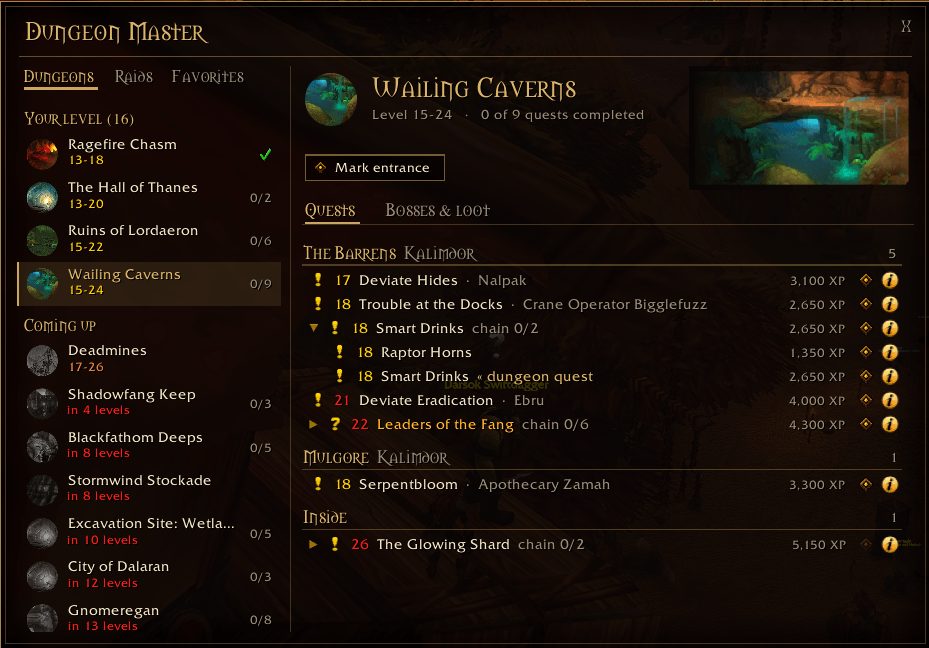
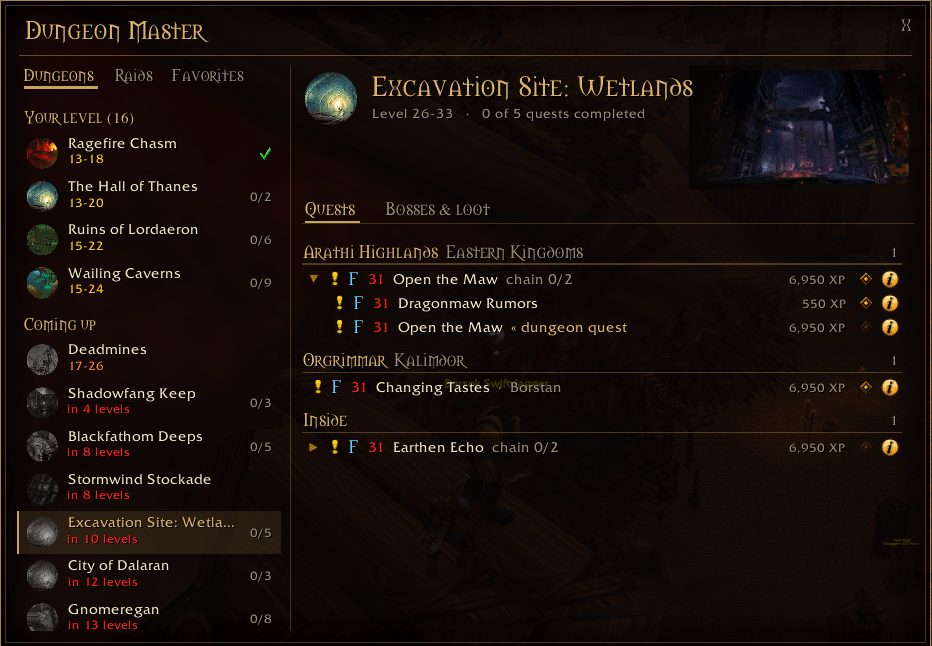
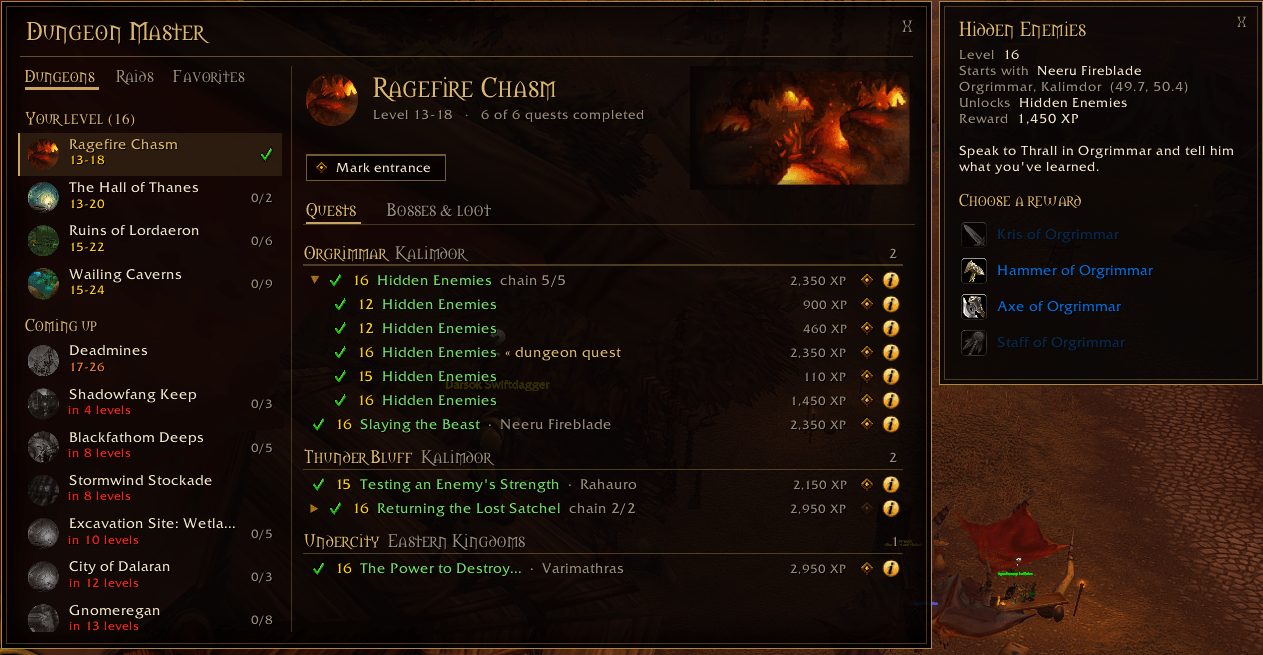
DungeonMaster lists every dungeon, split into ones that fit your level, ones coming up and ones below you. Before heading in you can see where to pick up each quest; quests are grouped by zone and continent, with your current zone first.
Quest chains are shown in full, including the steps before the dungeon quest and the follow-ups that often hold the real reward. Quest givers and mobs that drop quest-starting items get map pins, which clear once you arrive.
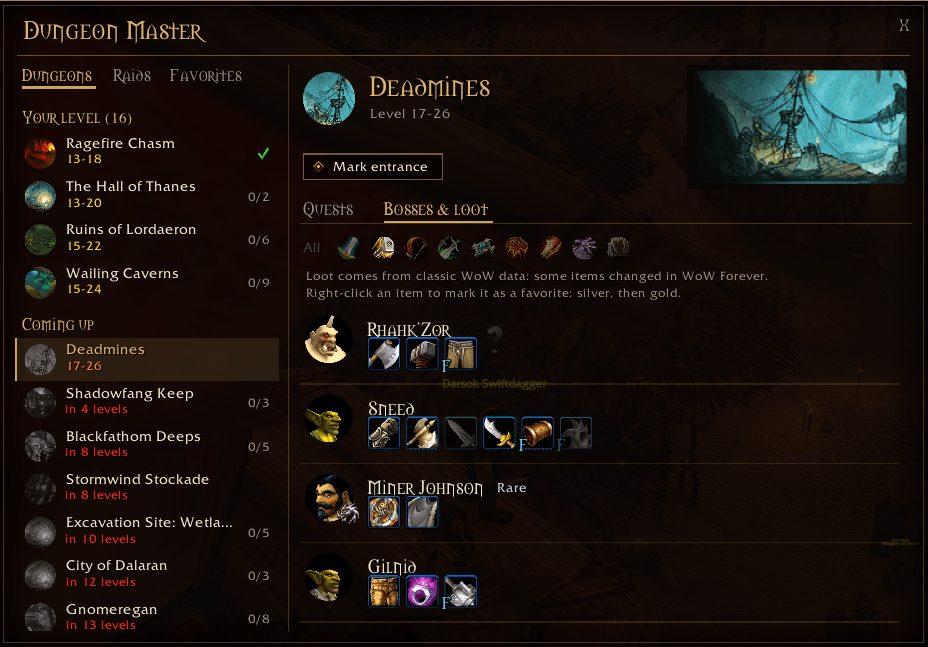
When you enter a dungeon a slim boss timeline appears at the top of the screen with every boss in order, the ones you have killed and the next one. Click a boss to see its loot. No other addons are required.
Key features
- A dungeon list sorted by your level, with your quest progress for each.
- New WoW Forever dungeons such as Ruins of Lordaeron, The Hall of Thanes, Excavation Site and City of Dalaran.
- Full quest chains with quest giver, location, XP and rewards.
- Bosses in order, rare spawns and how to summon secret bosses.
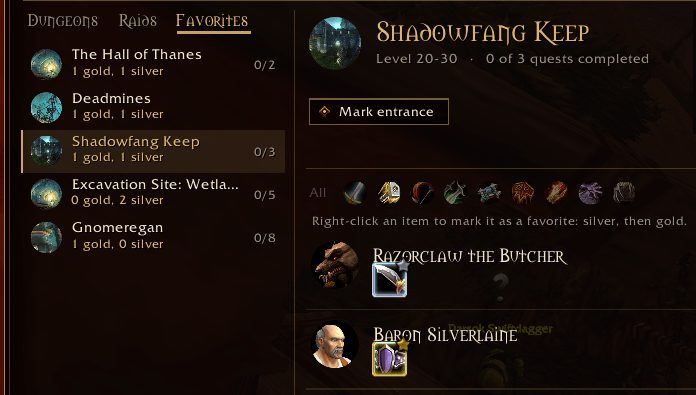
- A class filter that dims loot you cannot equip, plus favorites.
- A boss timeline you can move, resize or collapse.
Installation
- Download the zip and extract it.
- Move the
DungeonMasterfolder inside it intoWorld of Warcraft\_forever_\Interface\AddOns\. - Close the game completely and reopen it (
/reloadalone does not load new files). - On the character select screen, check that the addon is ticked in the AddOns list.
Commands
/dm- Opens or closes DungeonMaster.
/dm options- Opens the options.
/dm timeline- Shows or hides the boss timeline inside a dungeon.
/dm minimap- Brings the minimap button back.
Notes
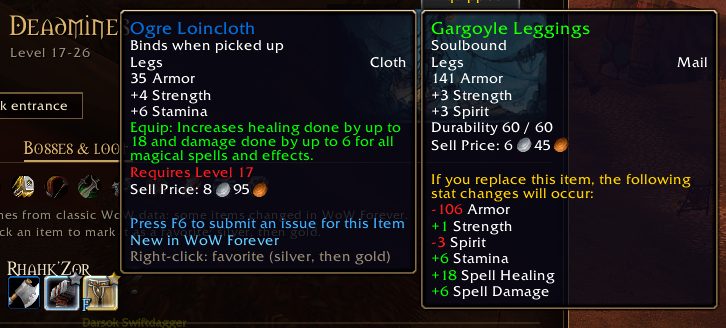
- On WoW Forever loot is only known once it drops. Items not yet revealed on your realm show their Classic stats and are clearly marked.
- Quests, bosses and items new to WoW Forever carry a blue F.
FAQ
I closed the boss timeline. How do I get it back?
Type /dm timeline while you are inside the dungeon.
How do I add an item to my favorites?
Right-click a boss drop or quest reward to star it silver or gold. Favorites are saved per character.
Does it need other addons?
No. If another addon provides Titan Panel or LibDBIcon support, DungeonMaster works with those too.
Author and license
DungeonMaster is written by Malk_Dev. License: GPLv3.