
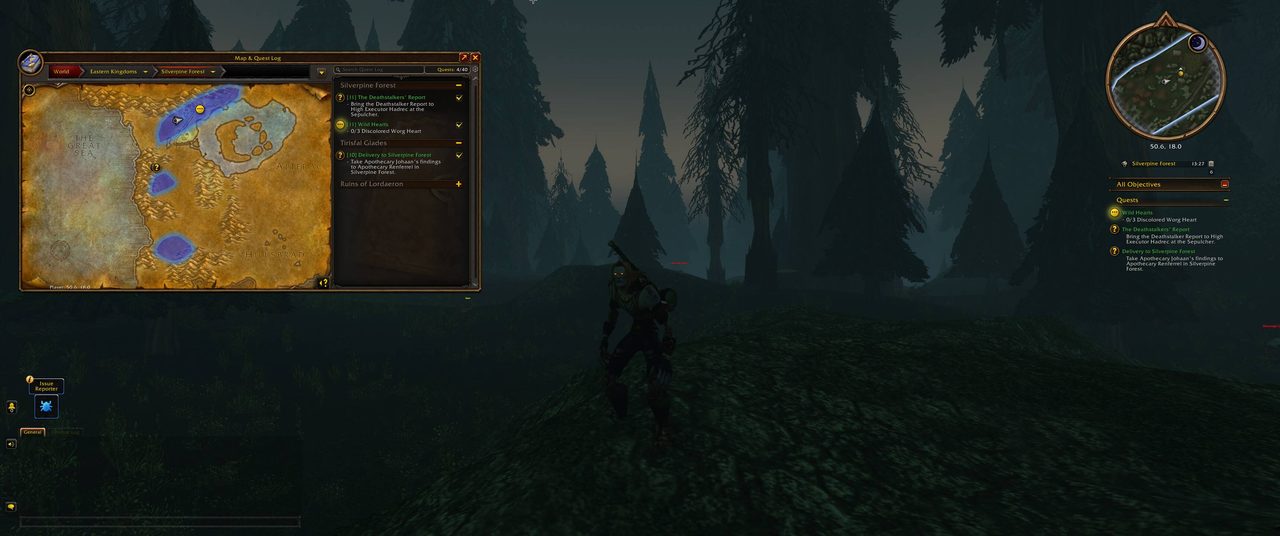
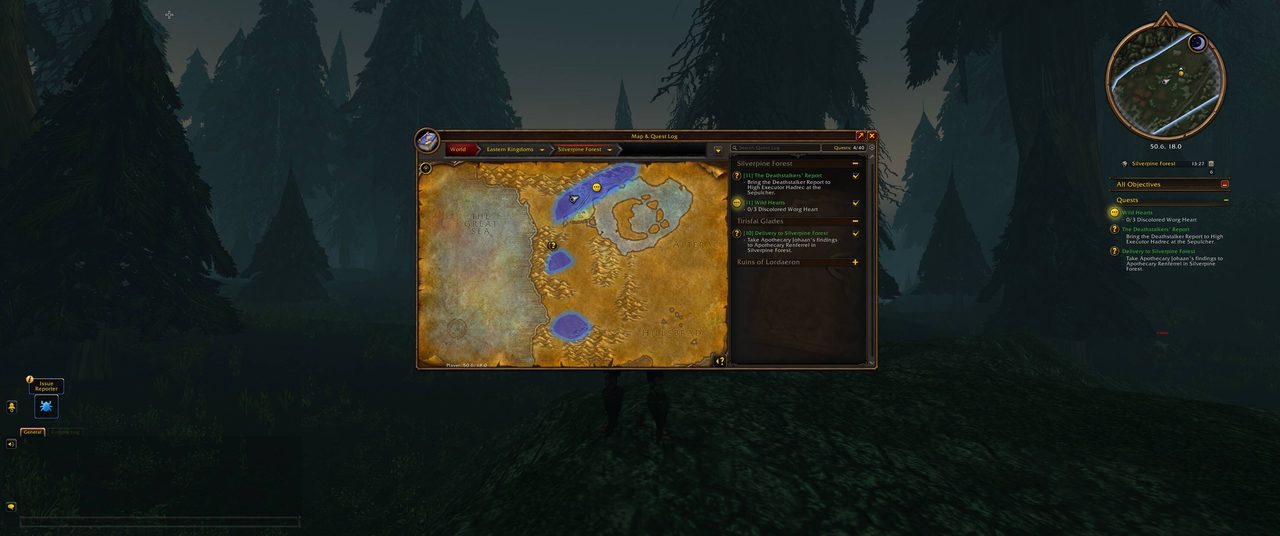
What it does
With Forever Move the character sheet, spellbook, quest log, bags and the other standard Blizzard windows become draggable. Each window remembers where you left it and opens right there next time, with no flicker. Windows the game loads later are covered too.
You can lock a window so it never moves by accident, or reset it to its default spot. Bags move only by their frame, so dragging an item never drags the bag. For a window that is not covered, hover over it and type /fm to make it draggable.
Key features
- Every standard window becomes draggable, including those loaded later.
- Each window's position is saved and reused when it opens again.
- Lock a window in place or reset it to its default spot.
- Bags move by their frame only, so dragging items is safe.
- Optional Shift, Ctrl or Alt modifier to drag, and Ctrl+Shift to click through.
- Make any window under the cursor draggable with
/fm.
Installation
- Download the zip and extract it.
- Move the
ForeverMovefolder inside it intoWorld of Warcraft\_forever_\Interface\AddOns\. - Close the game completely and reopen it (
/reloadalone does not load new files). - On the character select screen, check that the addon is ticked in the AddOns list.
Commands
/fm- Opens the settings, or makes the window under your cursor draggable.
/fm reset- Forgets every saved window position.
FAQ
Where are the settings?
Under Options, AddOns, Forever Move. The minimap button and /fm open them too.
How do I put every window back where it was?
Type /fm reset to clear all saved positions.
Author and license
Forever Move is written by Uggezen. License: MIT.