
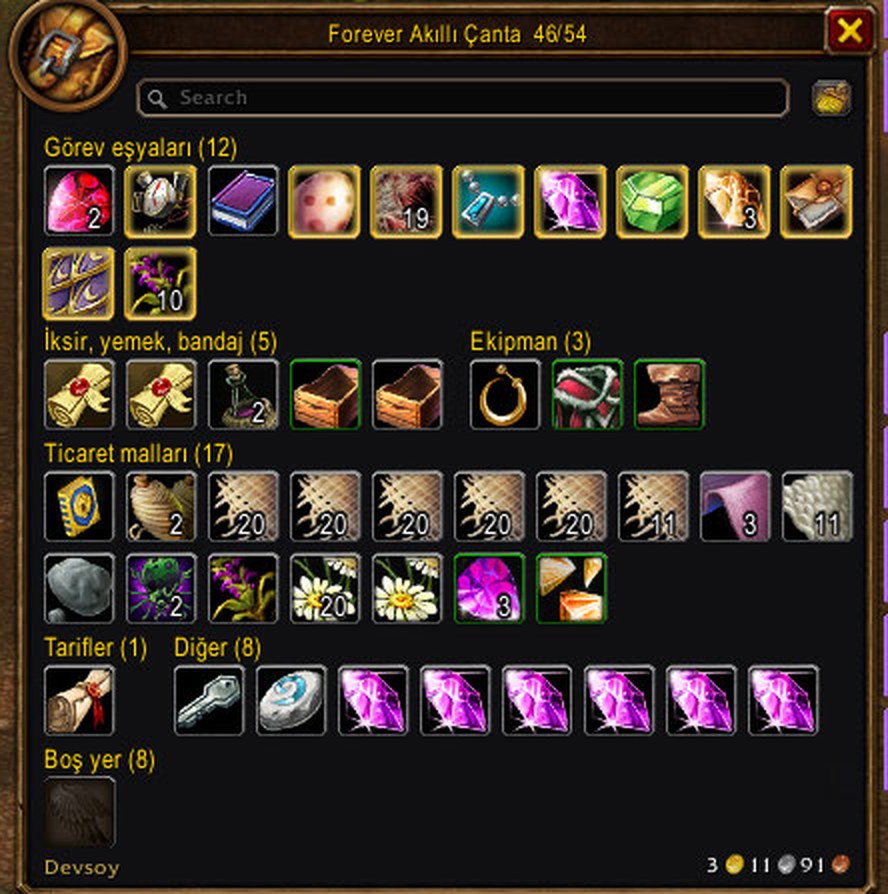
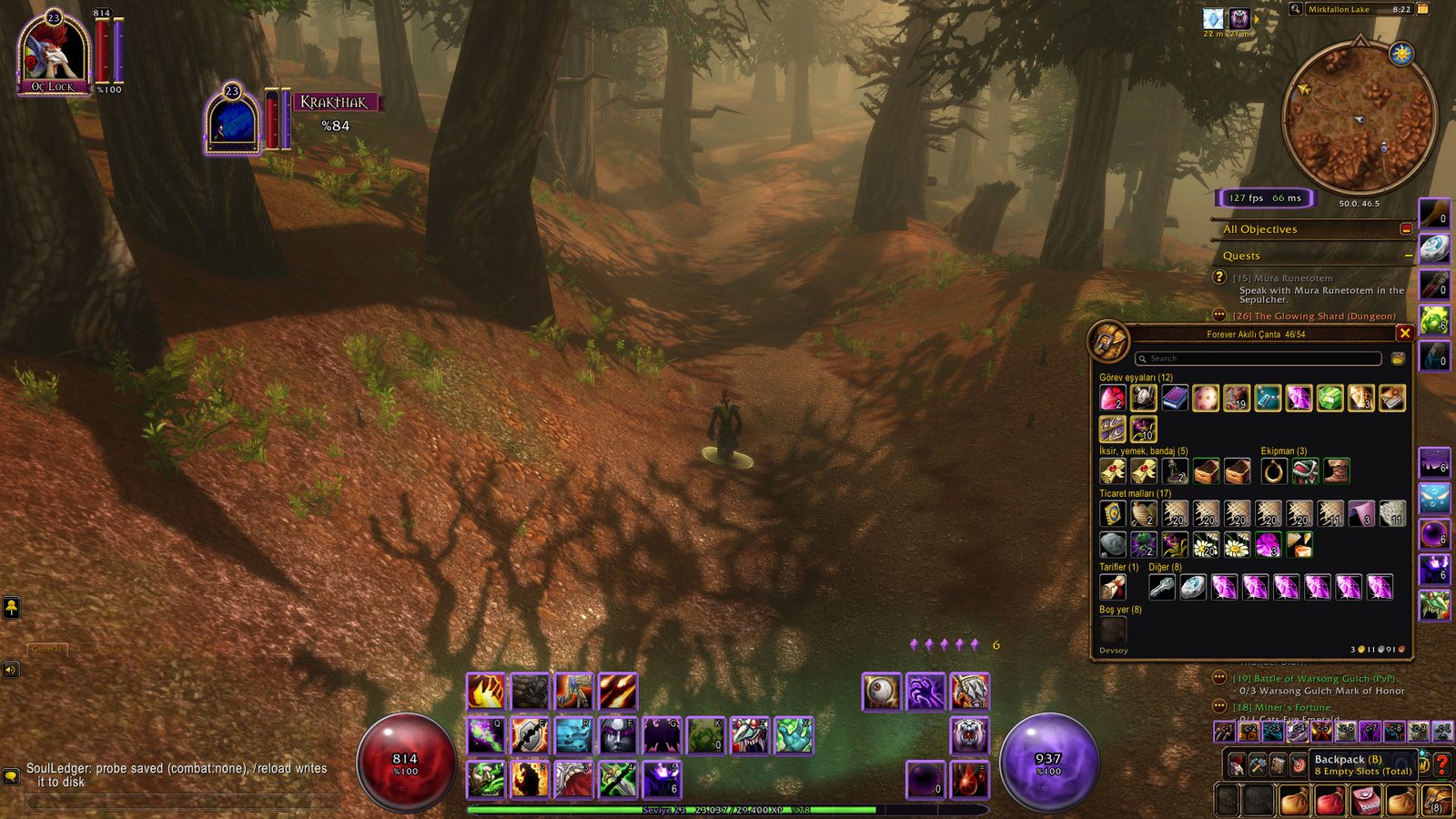
What it does
Every item in your backpack and four bags sits in one window, grouped by type: quest items, potions-food-bandages, equipment, trade goods, recipes, bags and ammo, other, junk and empty slots.
Small groups sit side by side, so the window stays compact. All empty slots are shown as one slot with the count in its header; drop an item there and it goes to the first free slot.
It feels like the Blizzard bag: right-click to use or sell, drag and drop, shift-click to split. The search box and the Clean Up Bags button work the same. B opens and closes it, and it opens by itself when you talk to a vendor.
Key features
- All your bags in one window, in 9 groups by type.
- Small groups side by side: the window stays tight and tidy.
- Empty slots in one slot, with the count in the header.
- Right-click, drag and drop, shift-click to split, search and Clean Up Bags work like the Blizzard bag.
- Opens with B and by itself at a vendor. Drag the window by its title to move it; the position is saved.
- Every text inside the bag is in English.
Installation
- Download the zip and extract it.
- Move the
ForeverSmartBagfolder inside it intoWorld of Warcraft\_forever_\Interface\AddOns\. - Close the game completely and reopen it (
/reloadalone does not load new files). - On the character select screen, check that the addon is ticked in the AddOns list.
Commands
/sb- Opens or closes the window.
/sb cols 12- Sets the window width in columns (4-20).
/sb blizzard- Gives the B key back to the Blizzard bag; type it again to take it back.
/sb help- Lists the commands.
Notes
- The file on this page is the English package (folder
ForeverSmartBag). For Turkish, get Forever Akıllı Çanta from the Turkish page; do not install both, only the first one loaded runs. - It shows your backpack and four bags only. Bank and keyring are not supported.
- Free. Sharing it unchanged is fine; publishing a modified version needs permission from Dev/Soy (LICENSE.txt in the zip).
FAQ
How do I go back to the Blizzard bag?
Type /sb blizzard. The B key opens the Blizzard bag again. Type the same command again to give B back to Smart Bag.
The window is too wide or too narrow. Can I change it?
Yes. Type something like /sb cols 10, any number from 4 to 20, and the window lays out that many columns.
Author and license
Forever Smart Bag is Dev/Soy's own addon. License: Free to use.
Comments and questions
Loading comments…
Checking your session…
