
What it does
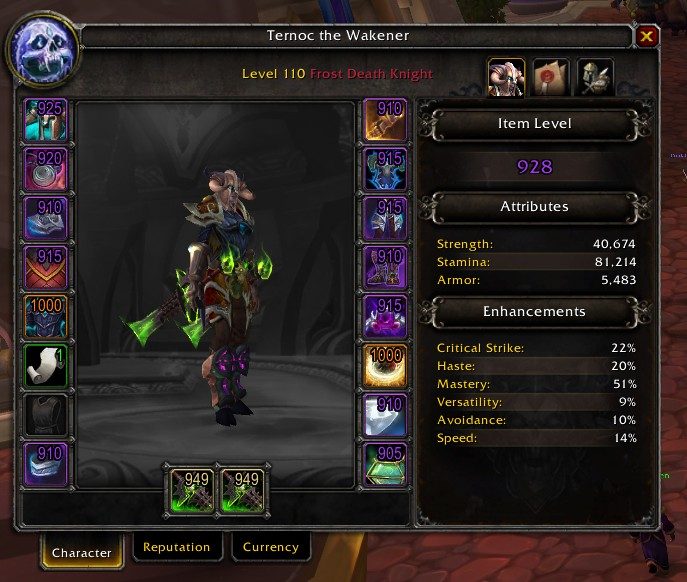
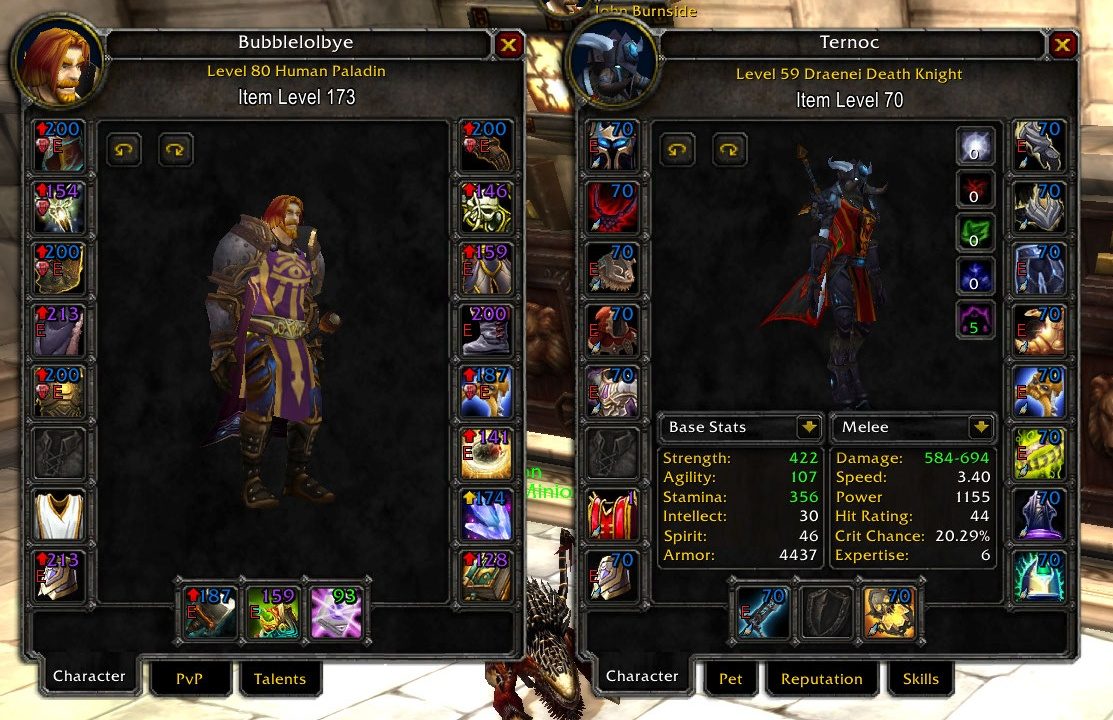
Simple Item Levels puts the item level of every equipped piece on its icon in the character panel. The same numbers show up when you inspect another player, in loot windows and in the equipment picker flyout, and on Classic clients they are added to tooltips as well.
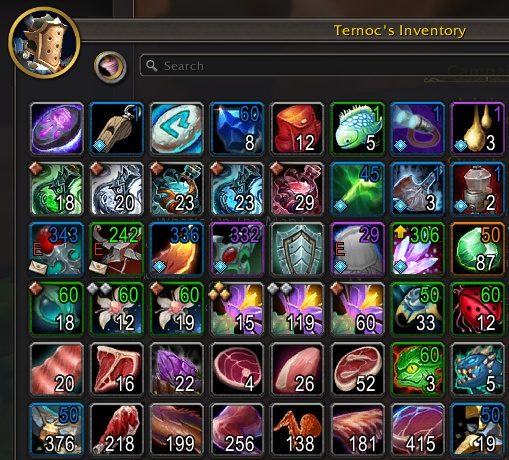
Weapons and armor in your bags get a number too. It works with the default bags and with Bagnon, Baggins and Inventorian. When you carry something usable with a higher item level than what you have on, it gets an upgrade arrow.
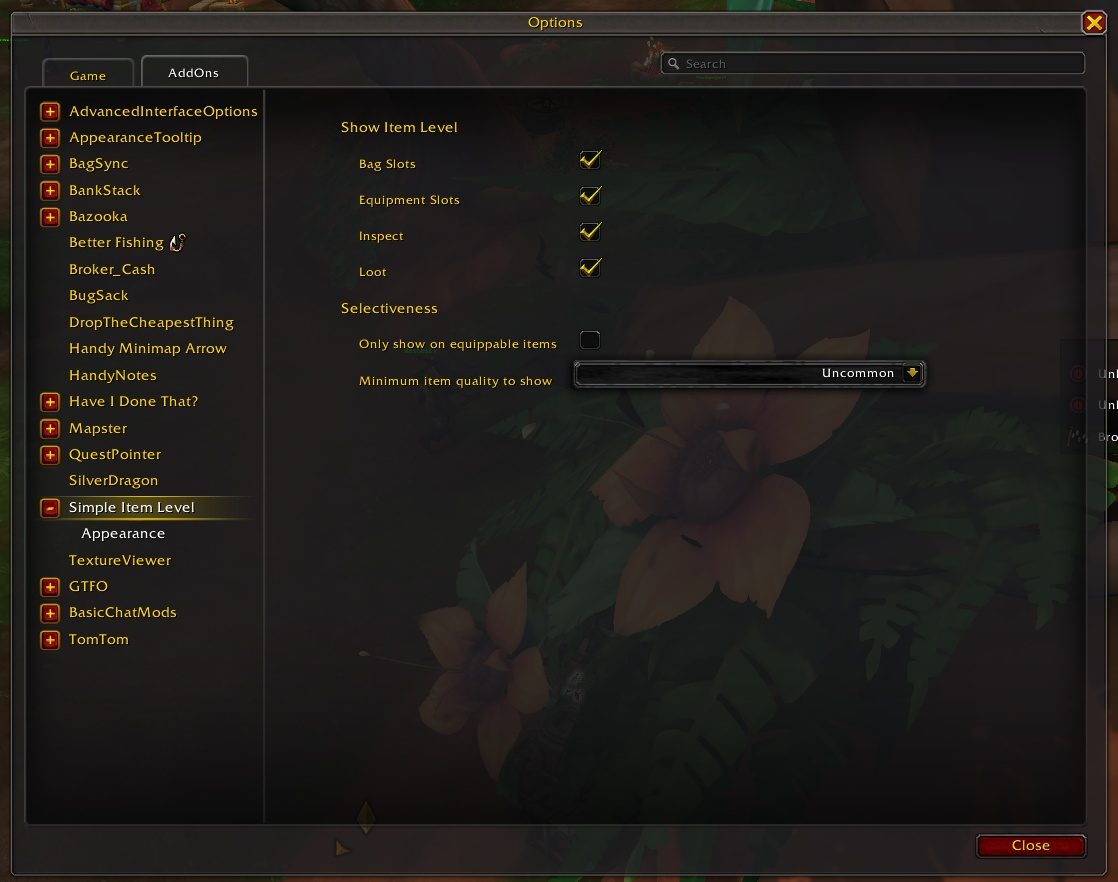
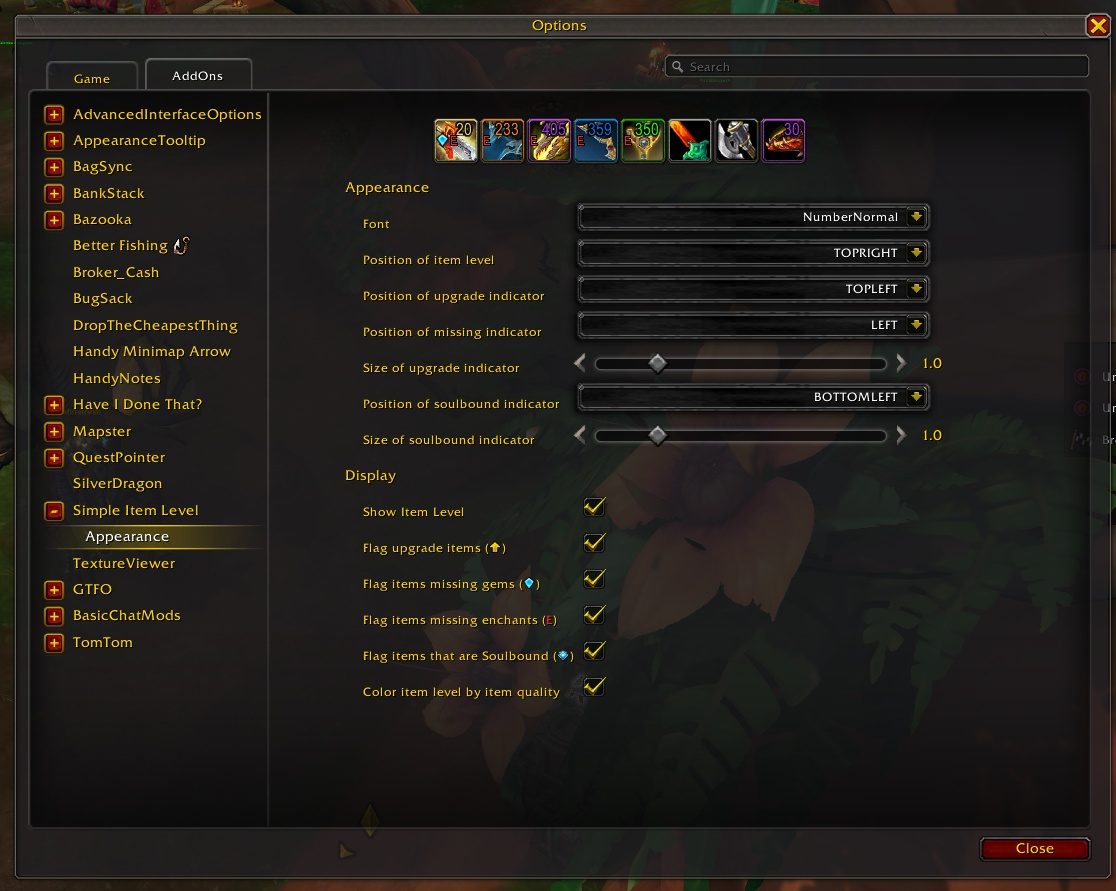
Settings live in a slash command. You pick where the numbers appear, whether the arrow stays on and whether the text takes the item's quality color.
Key features
- Item level on every slot in the character and inspect panels.
- Item level in loot windows and the equipment picker flyout.
- Bag item levels for weapons and armor, with Bagnon, Baggins and Inventorian support.
- An upgrade arrow on usable items that beat what you wear.
- A marker showing whether an item is soulbound or bind on equip.
- Text colored by item quality, or plain white.
Installation
- Download the zip and extract it.
- Move the
SimpleItemLevelfolder inside it intoWorld of Warcraft\_forever_\Interface\AddOns\. - Close the game completely and reopen it (
/reloadalone does not load new files). - On the character select screen, check that the addon is ticked in the AddOns list.
Commands
/simpleilvl- Shows a summary of the settings.
/simpleilvl bags- Toggles item levels in bags;
characterandinspectwork the same way. /simpleilvl upgrades- Turns the upgrade arrow off or on.
/simpleilvl color- Toggles coloring the text by item quality.
FAQ
When does the upgrade arrow appear?
When you can use the item in your bag and its item level is higher than what you have equipped in that slot. Use /simpleilvl upgrades to turn it off.
Can I show item levels only in the character panel?
Yes. Turn the other places off with /simpleilvl bags and /simpleilvl inspect, and the character panel stays on.
Author and license
Simple Item Levels is written by Kemayo. License: BSD.