
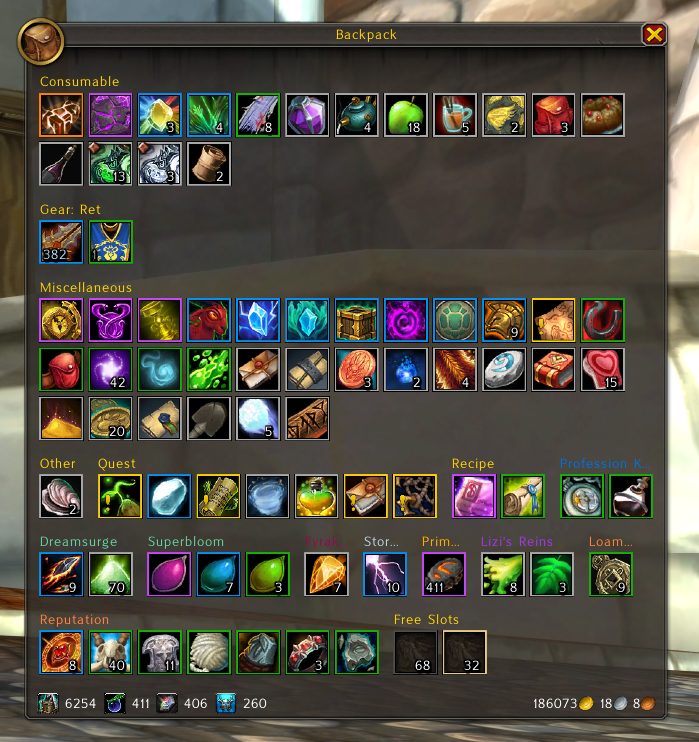
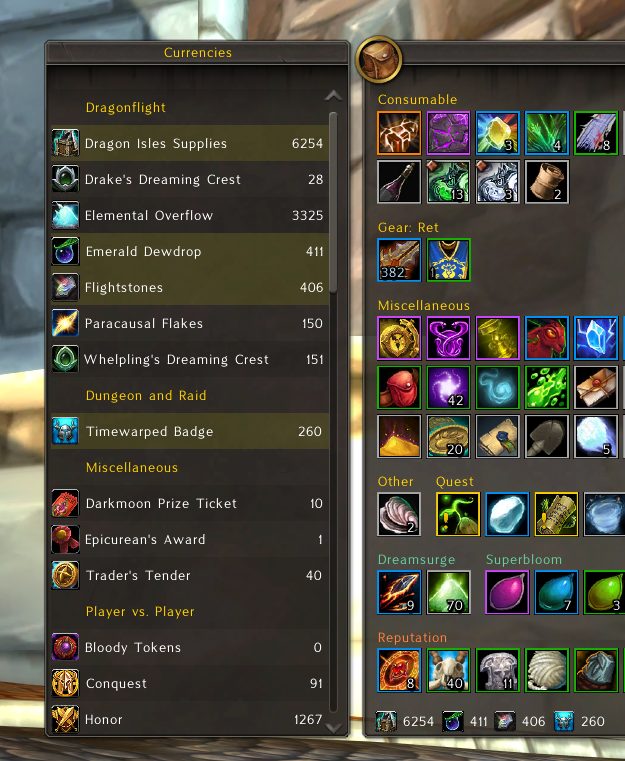
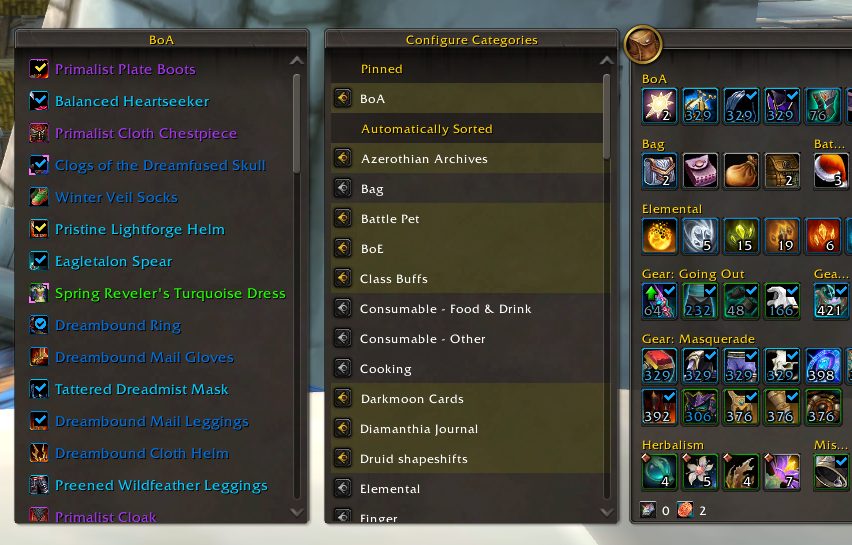
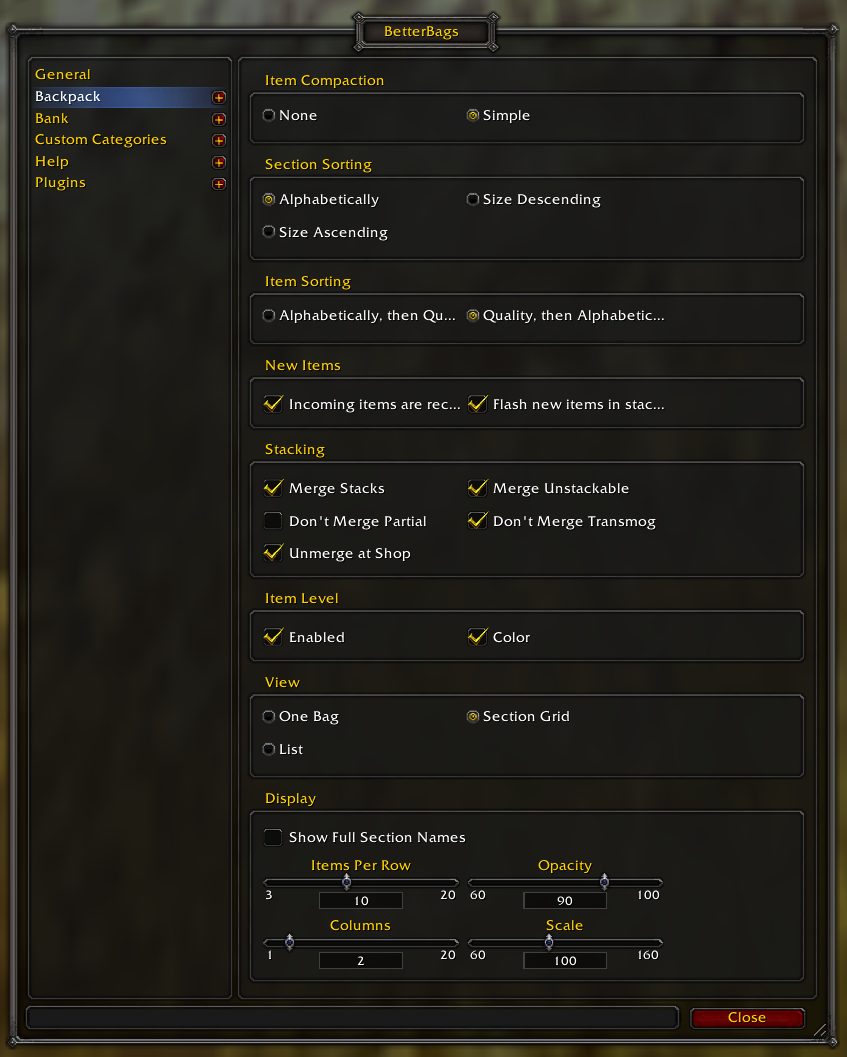
What it does
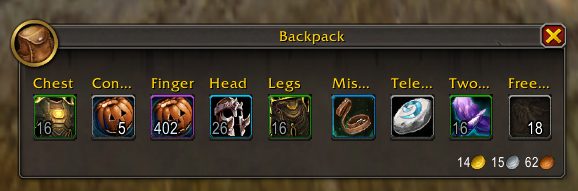
BetterBags gathers all your bags into a single window and splits the contents into categories so similar items sit together. The bank uses the same layout.
You can build your own categories, including ones defined by a search query, so items fall into a section by type, subtype, item level and other properties. Categories can be pinned, toggled or hidden.
Right-clicking a category header lets you move or vendor everything in it. Newly looted items are marked as recent and can flash if you want.
Key features
- A section grid view by category, with adjustable columns and items per row.
- Custom categories, including search-based ones.
- Category and item sorting, plus several stacking options.
- Right-click a category header to move or vendor its items.
- An anchor that sets which corner the bag and bank grow from.
- Works with Pawn upgrade arrows and Simple Item Levels coloring.
Installation
- Download the zip and extract it.
- Move the
BetterBagsfolder inside it intoWorld of Warcraft\_forever_\Interface\AddOns\. - Close the game completely and reopen it (
/reloadalone does not load new files). - On the character select screen, check that the addon is ticked in the AddOns list.
Commands
/bb- Opens the options screen.
/bbanchor- Enables and shows the bag anchor.
Notes
- The description lists Classic Era as supported. Bank types that only exist on retail are not part of WoW Forever.
FAQ
How do I make the bag grow from a specific corner?
Left-click the bag icon at the top left of the bag, enable Bag Anchor and use Show to drag it where you want. /bbanchor does the same, and right-clicking the anchor hides it.
Where are most of the options?
Left-click the bag icon to open the menu. Anything not in the menu is on the options screen, opened from "Open Options Screen" or with /bb.
Author and license
BetterBags is written by Cidanz. License: MIT.