
What it does
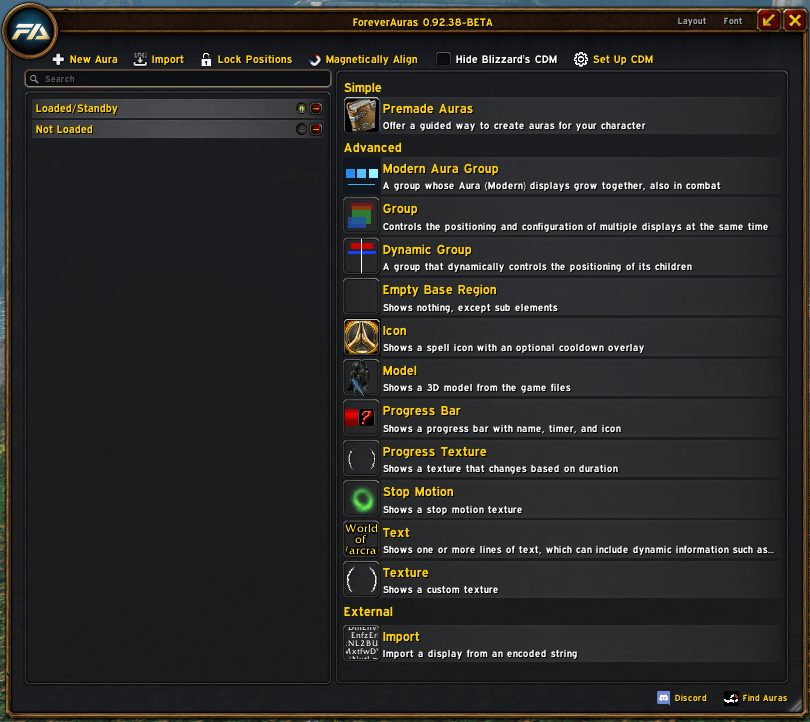
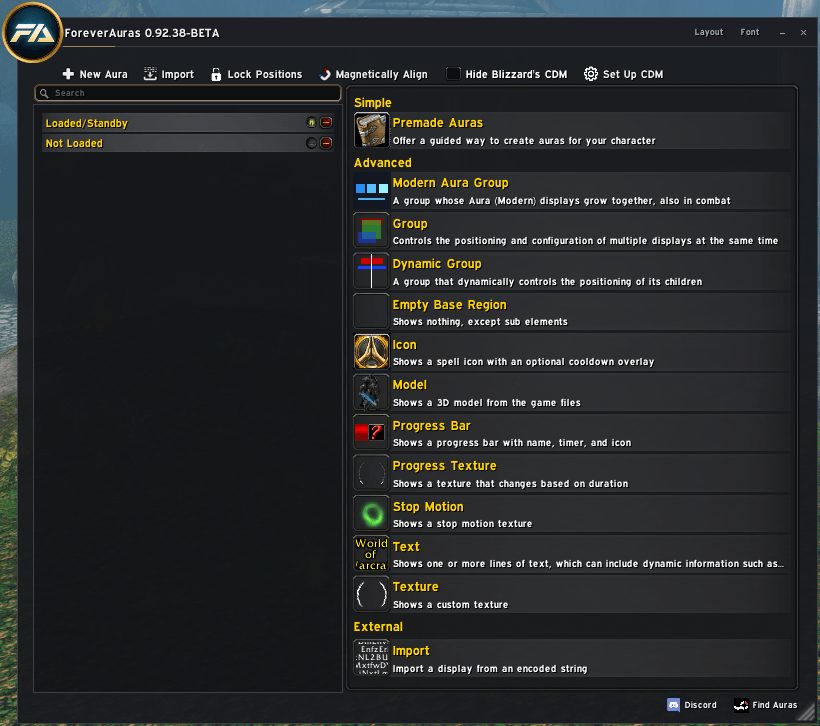
ForeverAuras was made to stand in for WeakAuras2 on WoW Forever. You build small displays, called auras, that put buffs, debuffs, cooldowns or other game information on screen the way you want.
Triggers decide what an aura watches and the options window decides how it looks. Templates and the options module are part of the same download.
The addon is still under development during the beta. If something breaks, report it through the links shown in the addon itself.
Key features
- Displays driven by buffs, debuffs and other triggers.
- Detailed control over how each display looks.
- Built-in templates and a separate options module.
- Options window opened from the minimap icon or a command.
Installation
- Download the zip and extract it.
- Move all the folders inside it (
ForeverAuras,ForeverAurasArchive,ForeverAurasModelPaths,ForeverAurasOptions,ForeverAurasTemplates) intoWorld of Warcraft\_forever_\Interface\AddOns\. - Close the game completely and reopen it (
/reloadalone does not load new files). - On the character select screen, check that the addon is ticked in the AddOns list.
Commands
/fa- Opens the options window (
/foreveraurasworks too).
Notes
- Under development during the beta, so features may still change.
- Based on code from WeakAuras2 and M33kAuras.
FAQ
How do I open the options?
Type /fa or /foreverauras in chat and press Enter, or click the minimap icon.
Author and license
ForeverAuras is written by Neroxrw. License: GPLv2.