
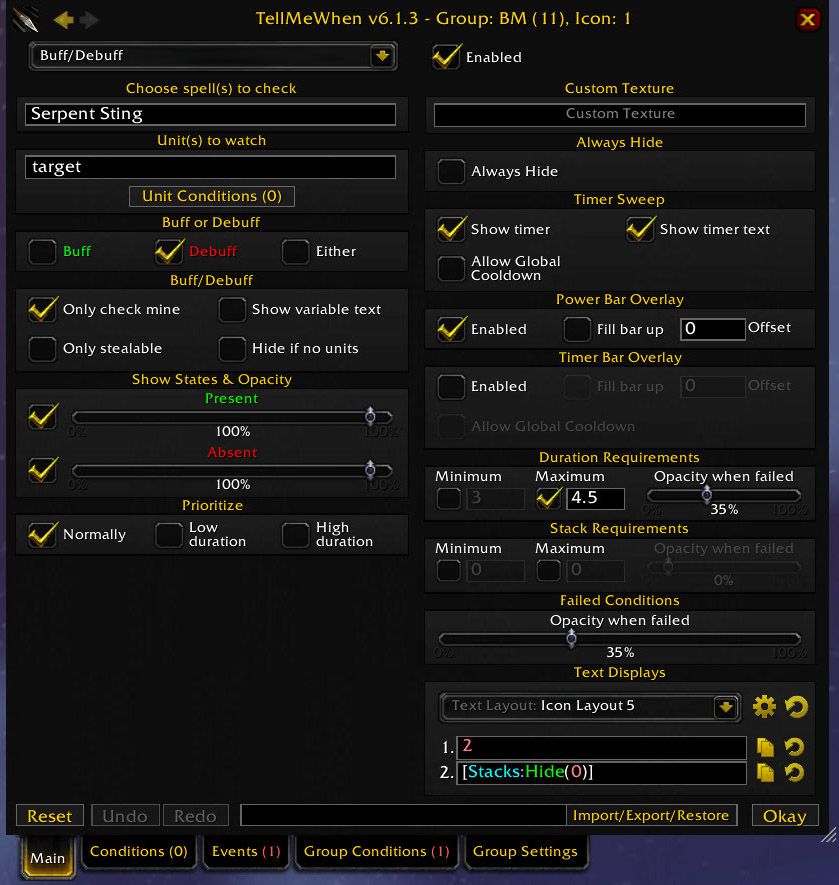
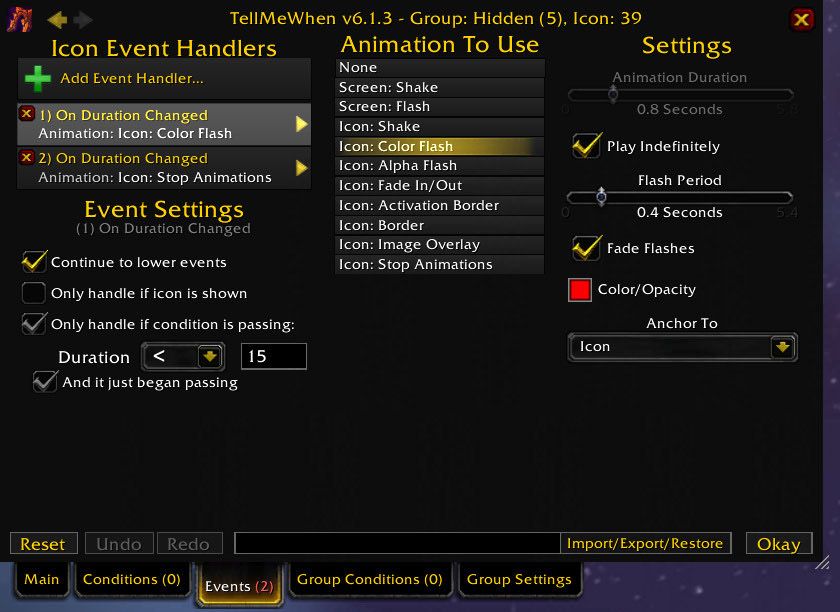
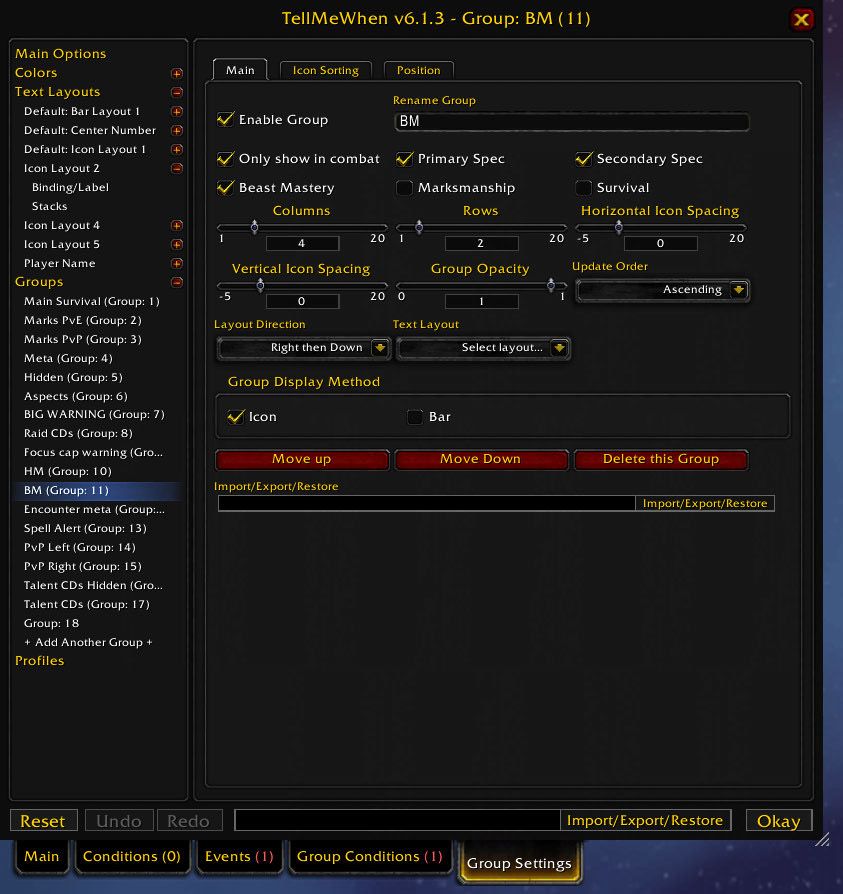
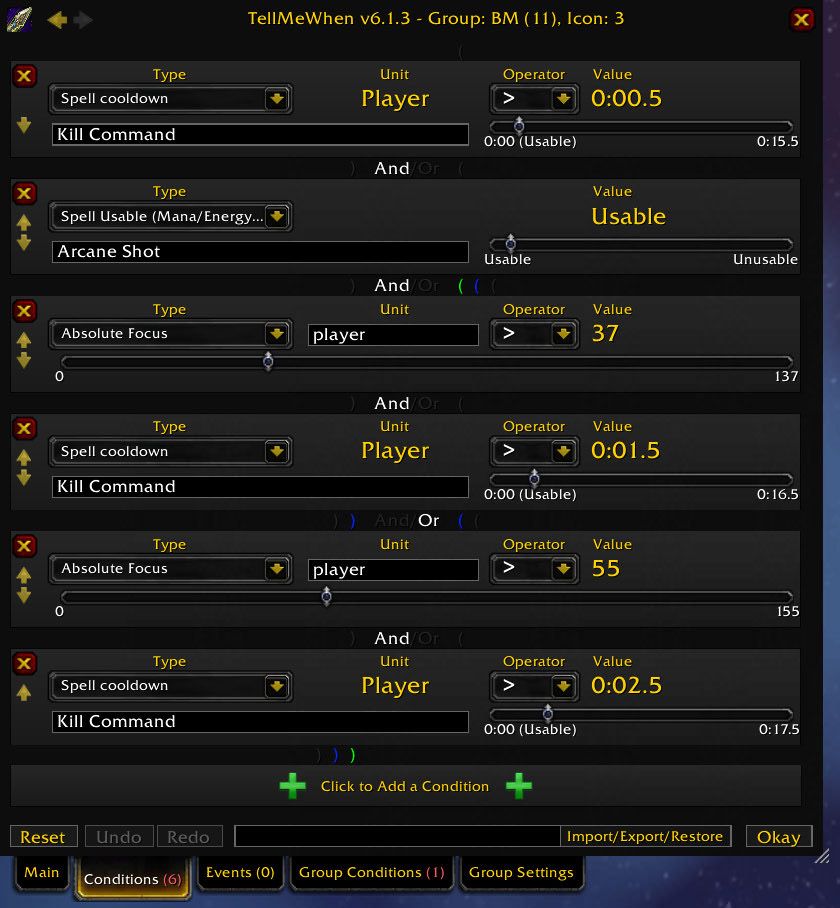
What it does
In TellMeWhen you build your own icons on screen. Each icon tracks one thing: a spell's cooldown, a buff or debuff, a reactive ability, a weapon enchant, a totem, a rune cooldown, an internal cooldown, other people's cooldowns, diminishing returns or a spell cast. With conditions you can track over 110 other things.
An icon can show the standard cooldown animation, status bars and varying transparency; it works with OmniCC and can be re-skinned with Masque. When an icon's state changes you can play a sound or show text.
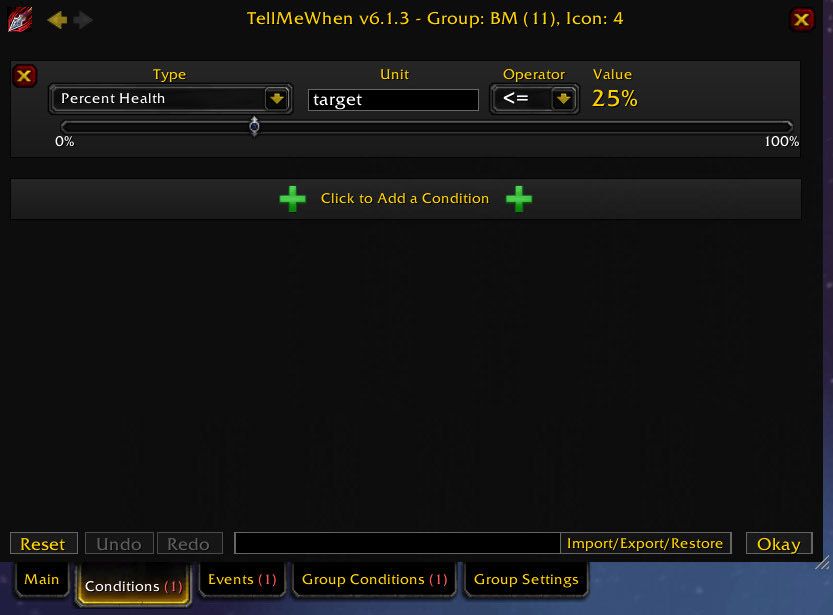
More than 110 conditions decide when icons or groups show or hide, and they combine with AND/OR. Meta icons list other icons so several of them can share one spot on the screen.
Key features
- Tracks cooldowns, buffs/debuffs, reactive abilities, weapon enchants, totems, runes, internal cooldowns, others' cooldowns, diminishing returns and casts.
- Conditions let you track over 110 other things.
- Standard cooldown animation, status bars, varying transparency; OmniCC compatibility and Masque skins.
- A sound or text when an icon's state changes.
- Over 110 conditions that combine with AND/OR.
- Meta icons that list other icons.
- Commands for profiles and counters.
Installation
- Download the zip and extract it.
- Move all the folders inside it (
TellMeWhen,TellMeWhen_Options) intoWorld of Warcraft\_forever_\Interface\AddOns\. - Close the game completely and reopen it (
/reloadalone does not load new files). - On the character select screen, check that the addon is ticked in the AddOns list.
Commands
/tmw- Toggles locked (working) and unlocked (configuration) states.
/tellmewhenworks too. /tmw options- Opens the general settings.
/tmw profile "Profile Name"- Loads a profile. The name is case-sensitive; put it in quotes if it has spaces.
/tmw enable|disable|toggle global|profile groupID iconID- Changes the state of a group or icon.
/tmw counter name +|-|/|*|= number- Changes a TMW counter that conditions and icons can use.
/tmw cpu- Shows icon performance measurements.
Notes
- If icons do not respond, make sure the addon is not in configuration mode: toggle it with
/tmw. - Type spell, buff or item names exactly as the in-game tooltip shows them. If a name fails, use the spell ID, which you can find on sites such as Wowhead.
- Right-click an icon to open the editor. You can drag a spell or item onto the screen to create a cooldown icon; right-drag moves an icon.
- The author says CurseForge comments are not monitored: bugs go to GitHub, questions to Discord.
FAQ
My icons do not react at all.
TellMeWhen may be in configuration mode. Type /tmw to put it back in the locked (working) state.
I typed a spell name but the icon does not work.
The name has to match the in-game tooltip exactly. If it still fails, try the spell ID, which sites such as Wowhead list.
How do I move an icon?
While in configuration mode, drag the icon with the right mouse button. A right-click opens the editor.
Author and license
TellMeWhen is written by Cybeloras of Aerie Peak. License: GPLv3.