
What it does
When a player has an effect you can cleanse (magic, curse, poison, disease), Decursive shows them in a small box and in a list, and you click to dispel. It sets itself up for every class that can dispel, so there is nothing to configure by hand.
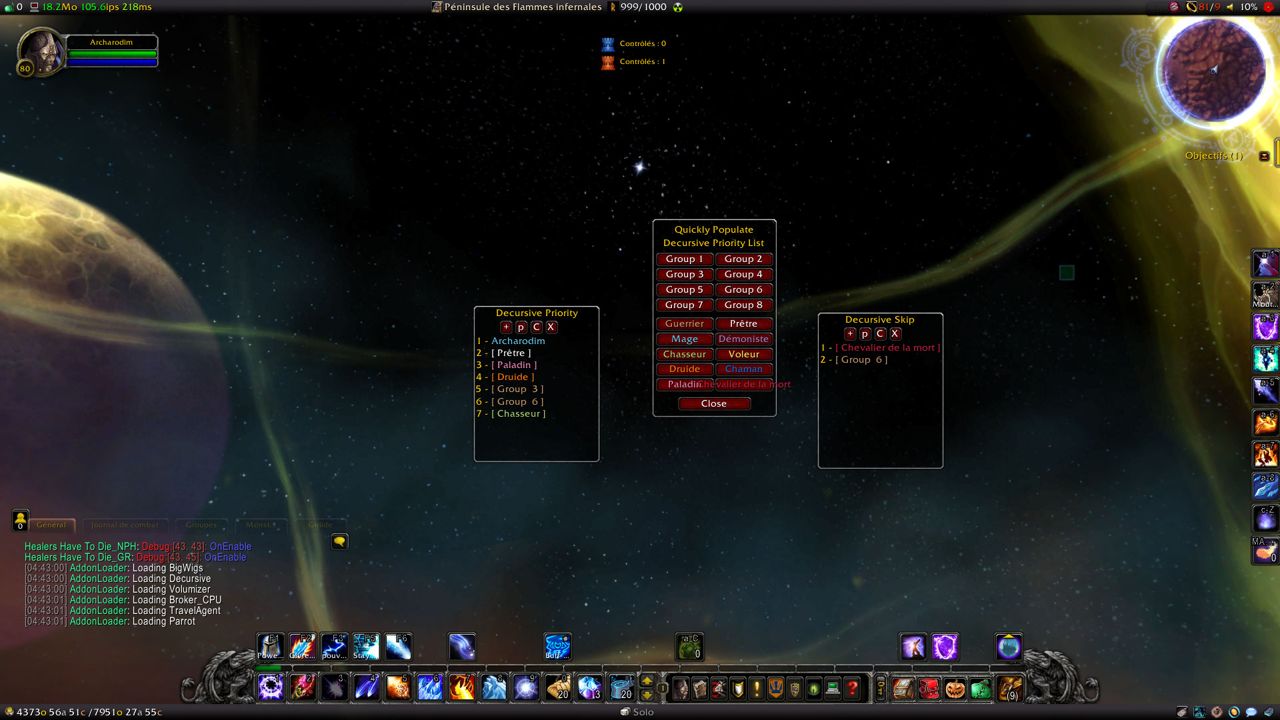
You can filter out effects you do not care about and choose which players, classes or raid groups get cleansed first. It skips players it cannot dispel, such as those out of line of sight.
For mind-controlled players it targets polymorph, cyclone, hex or charm-removing abilities. There is a separate alert for Unstable Affliction, a notice when a dispel is resisted or fails, and alert colors you can change.
Key features
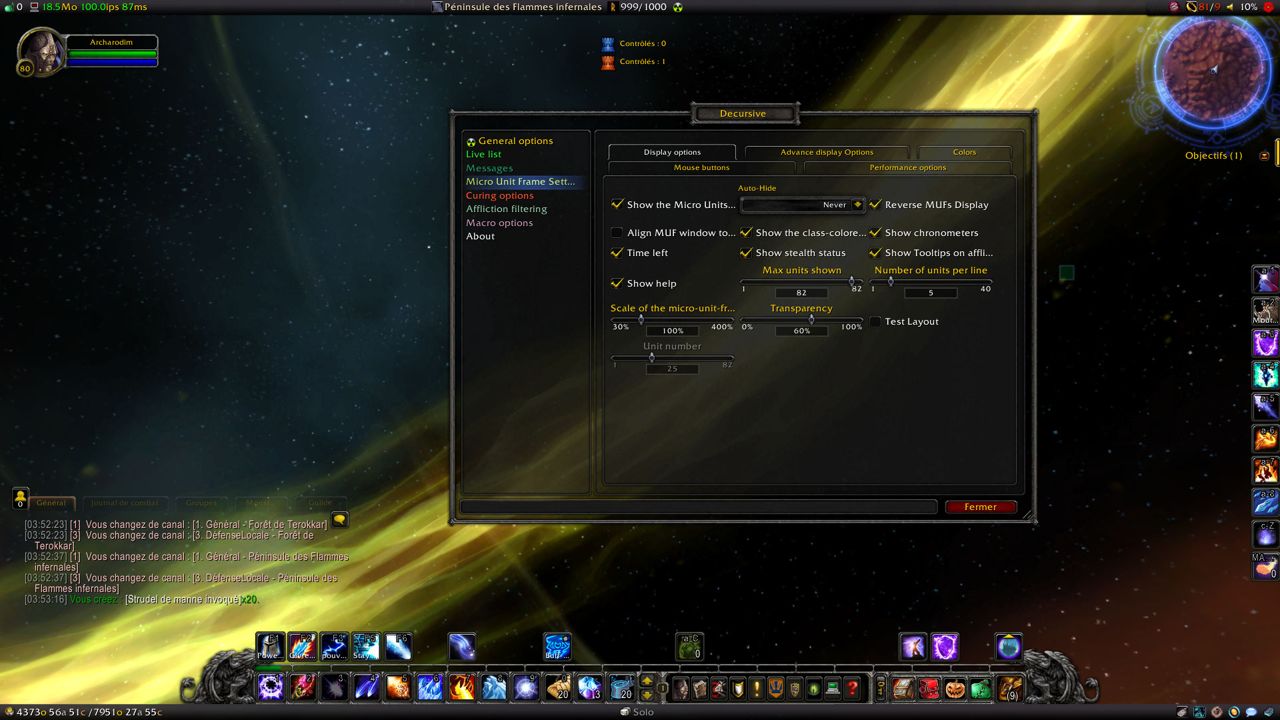
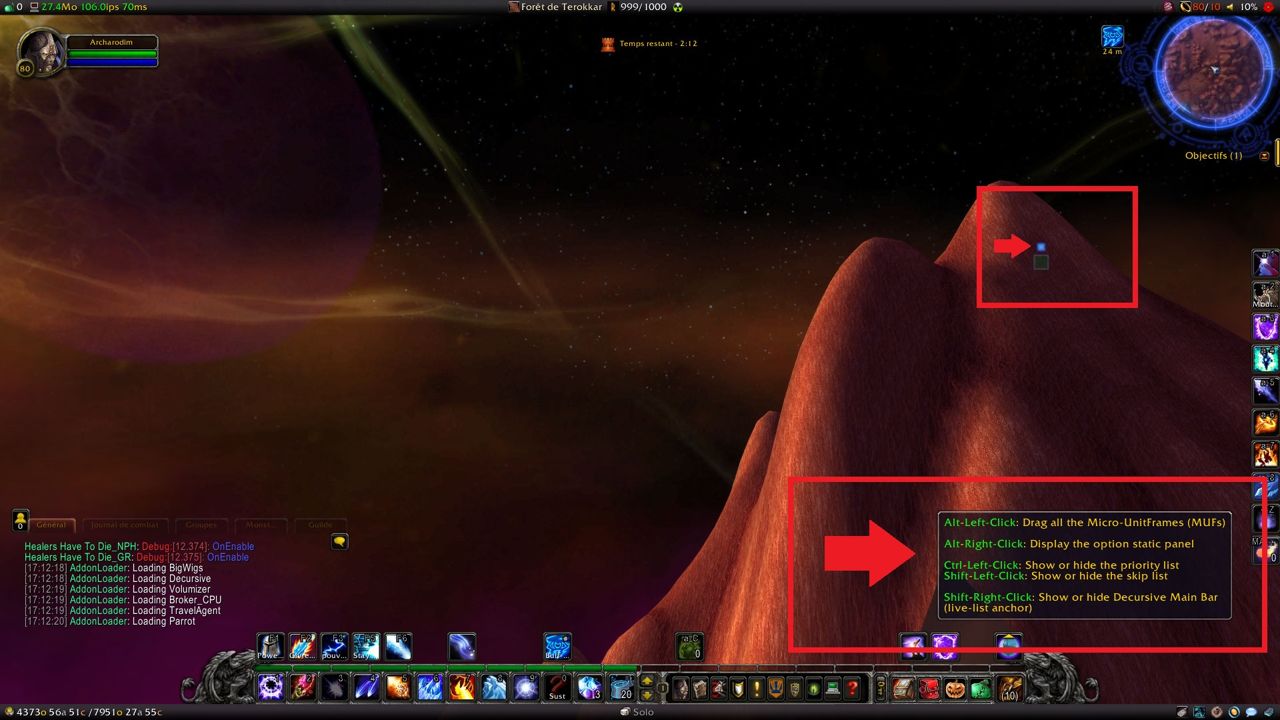
- Small unit frames (MUFs) and a Live-List for afflicted players.
- Self-configuration for every class with a cleanse.
- Filter out unwanted afflictions; dispel types (magic, curses, poison, diseases, charms) and their priority.
- Priority or exclusion by player, class or raid group.
- Targeting mind-controlled units (Polymorph, Cyclone, Hex and spells that remove charm).
- Cooldown display for your cleanse and an automatic blacklist for units that cannot be dispelled.
- Visual and audio alerts, a special alert for Unstable Affliction, and a notice when a dispel is resisted or fails.
- All alert colors can be changed (the page says this suits colorblind players).
Installation
- Download the zip and extract it.
- Move the
Decursivefolder inside it intoWorld of Warcraft\_forever_\Interface\AddOns\. - Close the game completely and reopen it (
/reloadalone does not load new files). - On the character select screen, check that the addon is ticked in the AddOns list.
Commands
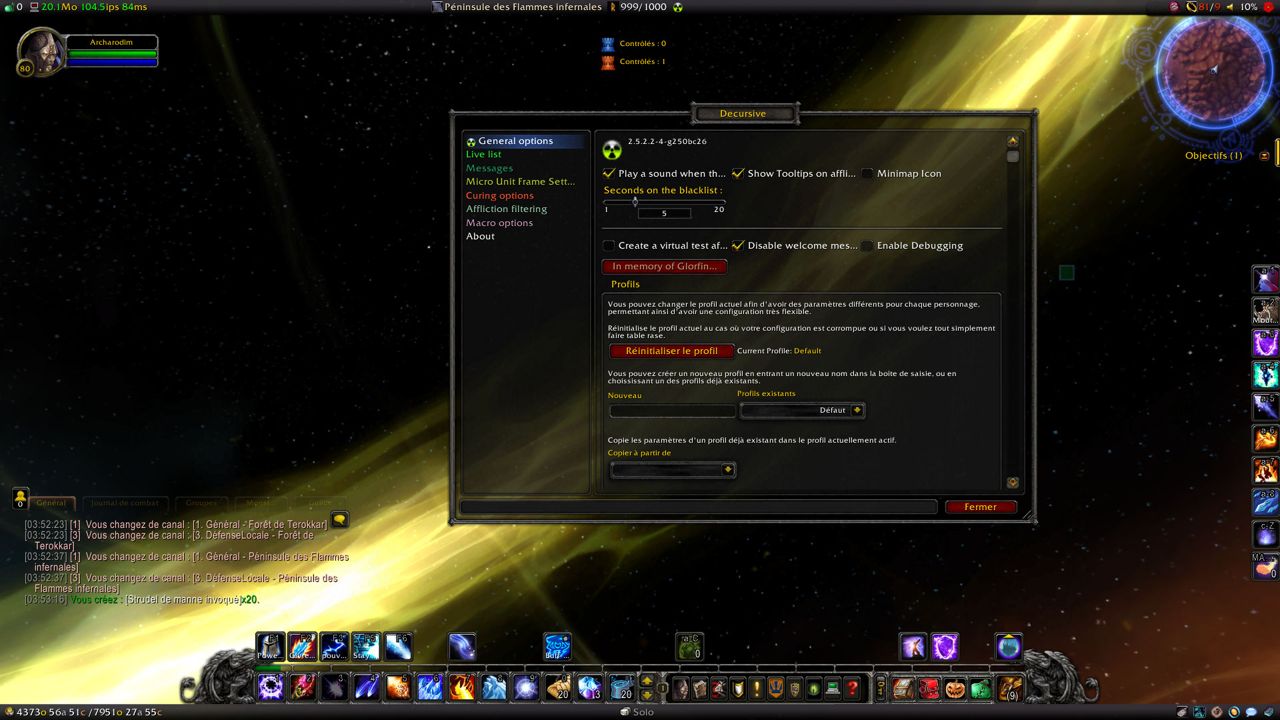
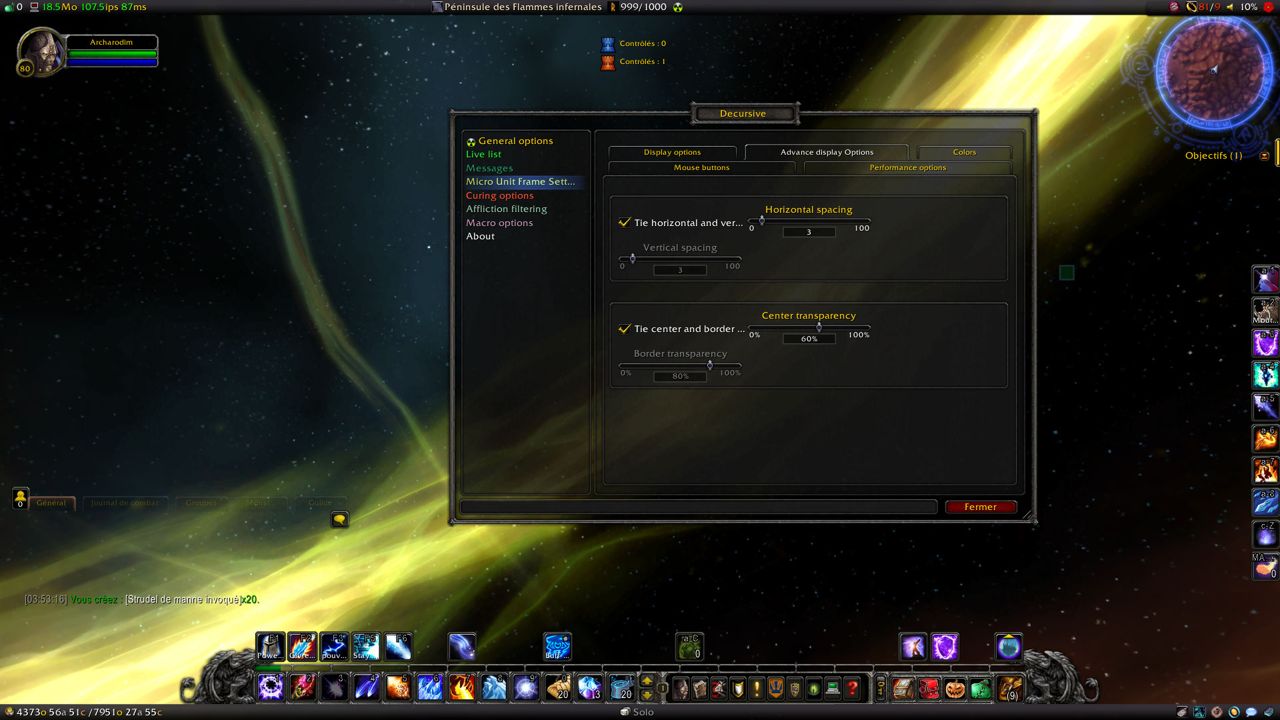
/DECURSIVE- Opens the configuration panel.
Notes
- The options are not in Blizzard's Interface panel: because of tainting issues Blizzard will not fix, you open them with
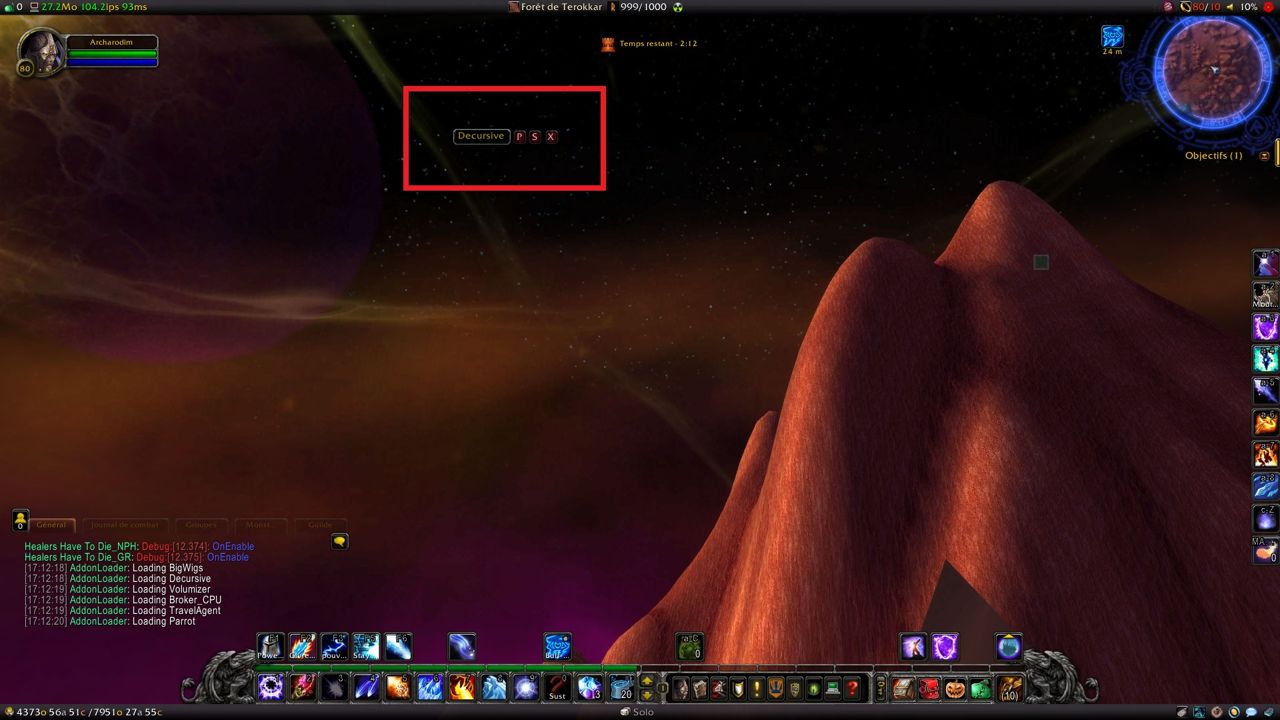
/DECURSIVE. - The Live-List is anchored to Decursive's bar. You can hide the bar after placing it, but it must be visible while you position the Live-List.
FAQ
Why aren't the options in the Interface panel?
Because of tainting issues Blizzard has not fixed. Type /DECURSIVE to open the settings.
How do I position the Live-List?
The Live-List is anchored to the Decursive bar. Show the bar and move the Live-List where you want it; after that you can hide the bar.
Author and license
Decursive is written by John Wellesz. License: GPLv3.