
What it does
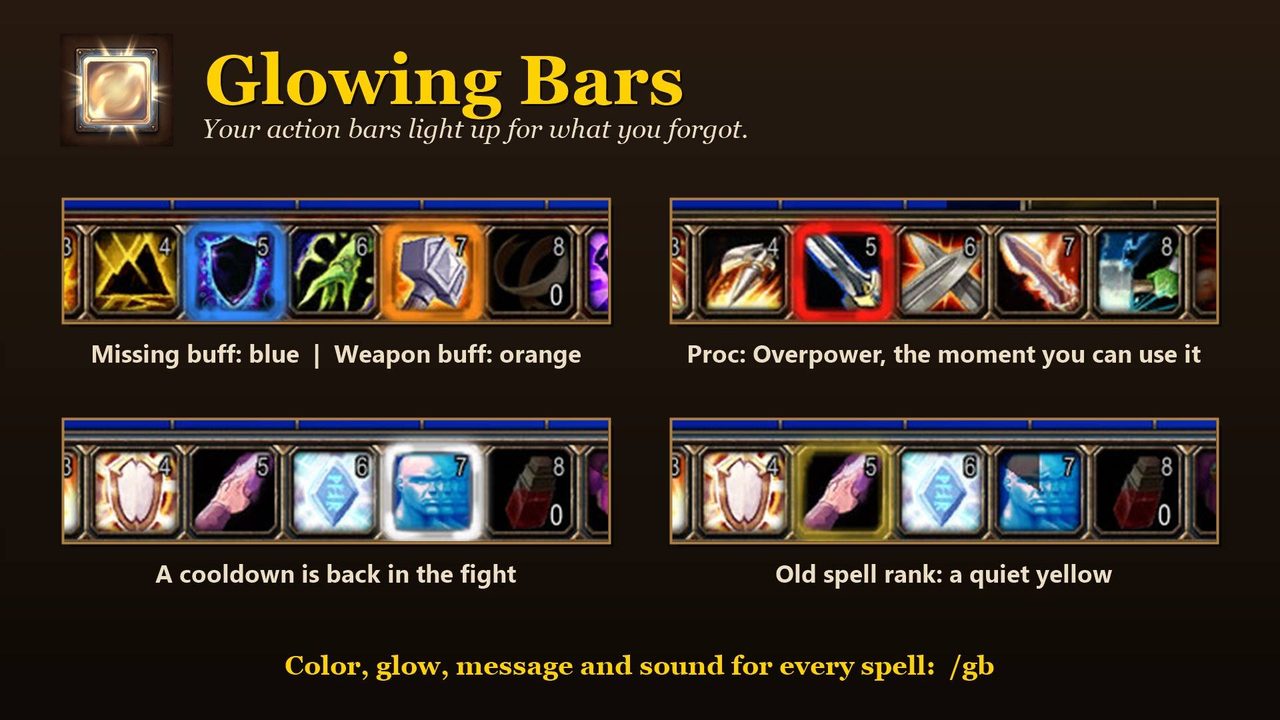
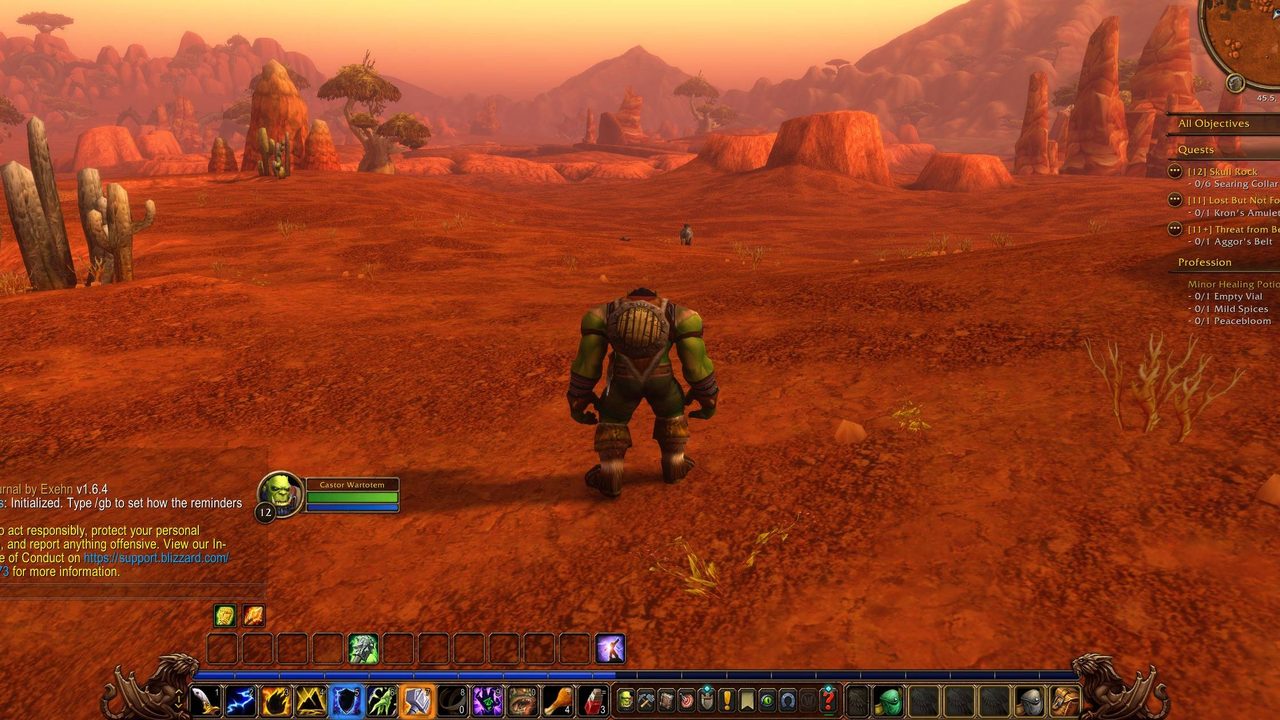
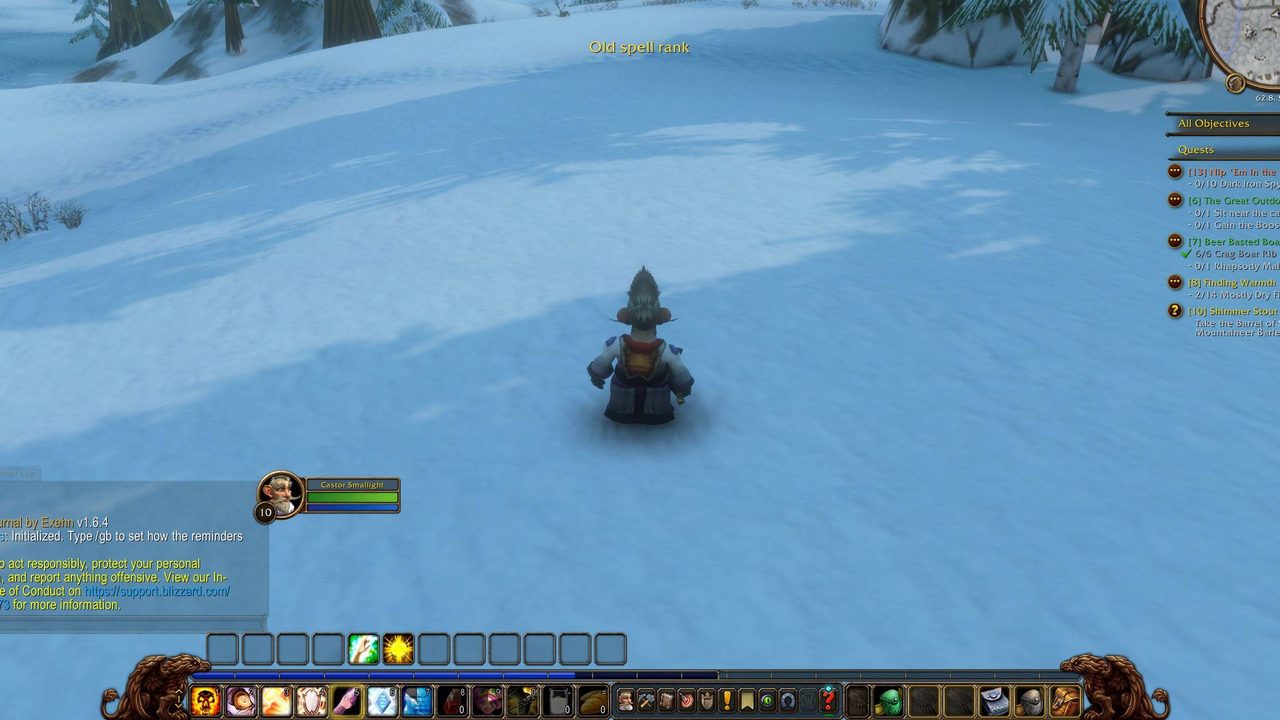
Glowing Bars has no window or bars of its own. The button you should press lights up where you would press it anyway, whether that is a missing Fortitude, a forgotten poison or imbue, or a cooldown that came back mid-fight.
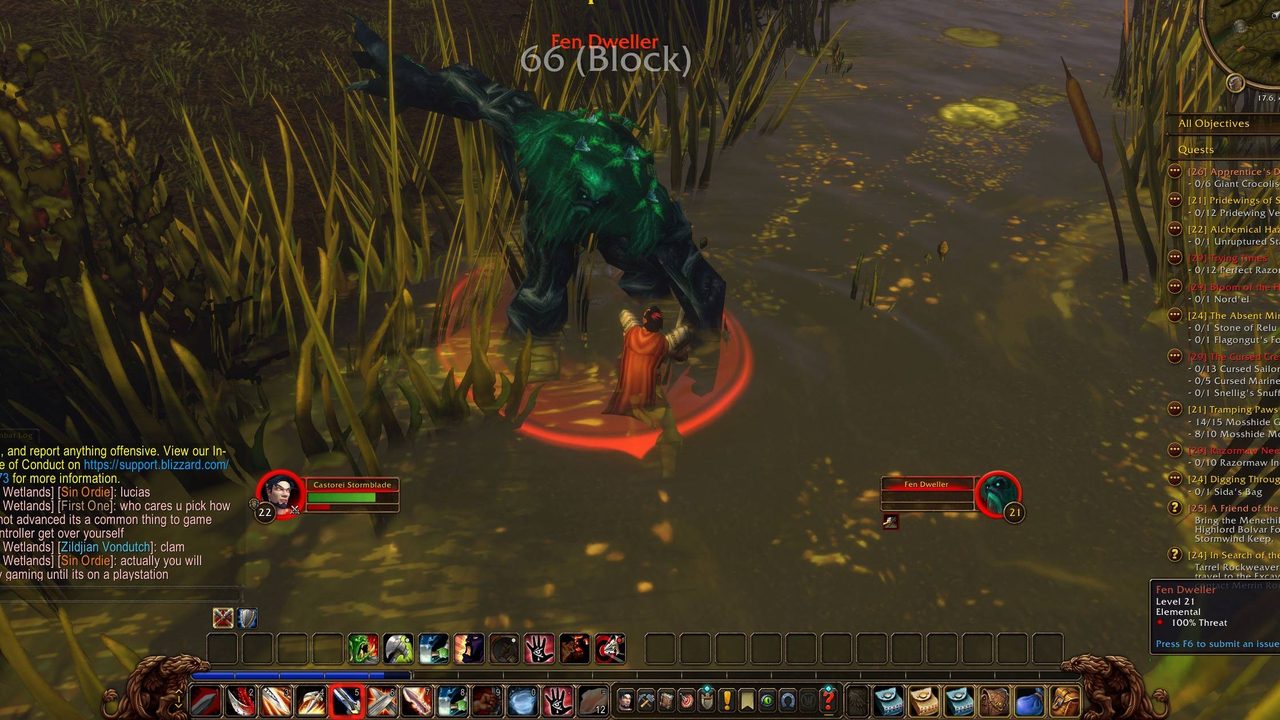
Procs such as Overpower, Revenge, Execute and Hammer of Wrath glow while you can use them. It also points out a spell on your bars at a lower rank than one you know, and warns when group buff reagents or items you added run low.
It works on Bartender4, Dominos and EllesmereUI buttons and tries to detect buttons from other bar addons by itself. Support for Forever's gamepad bars is in alpha.
Key features
- Glows for missing buffs, including party and raid members out of combat.
- Reminders for weapon buffs and Paladin seals.
- Find Minerals, Find Herbs or Find Treasure glow when no tracking is on.
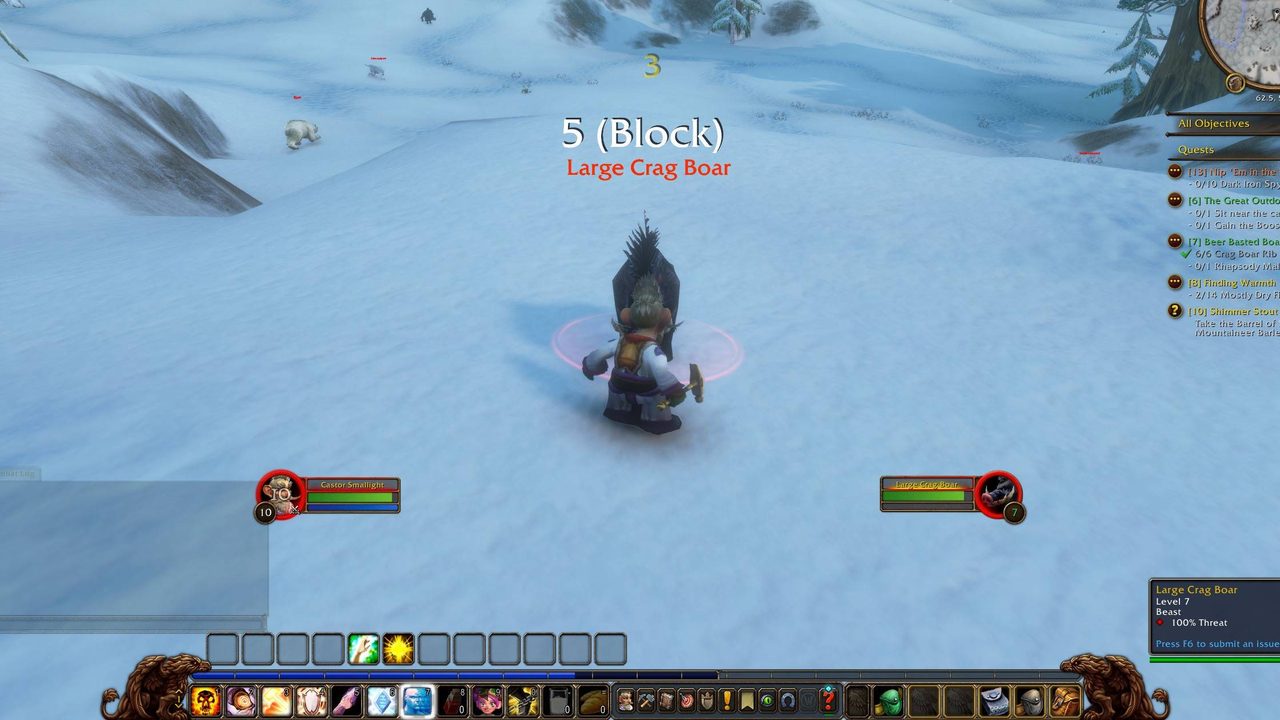
- Cooldowns that are ready again in a fight, and usable procs.
- Warnings for old spell ranks and low reagents or items.
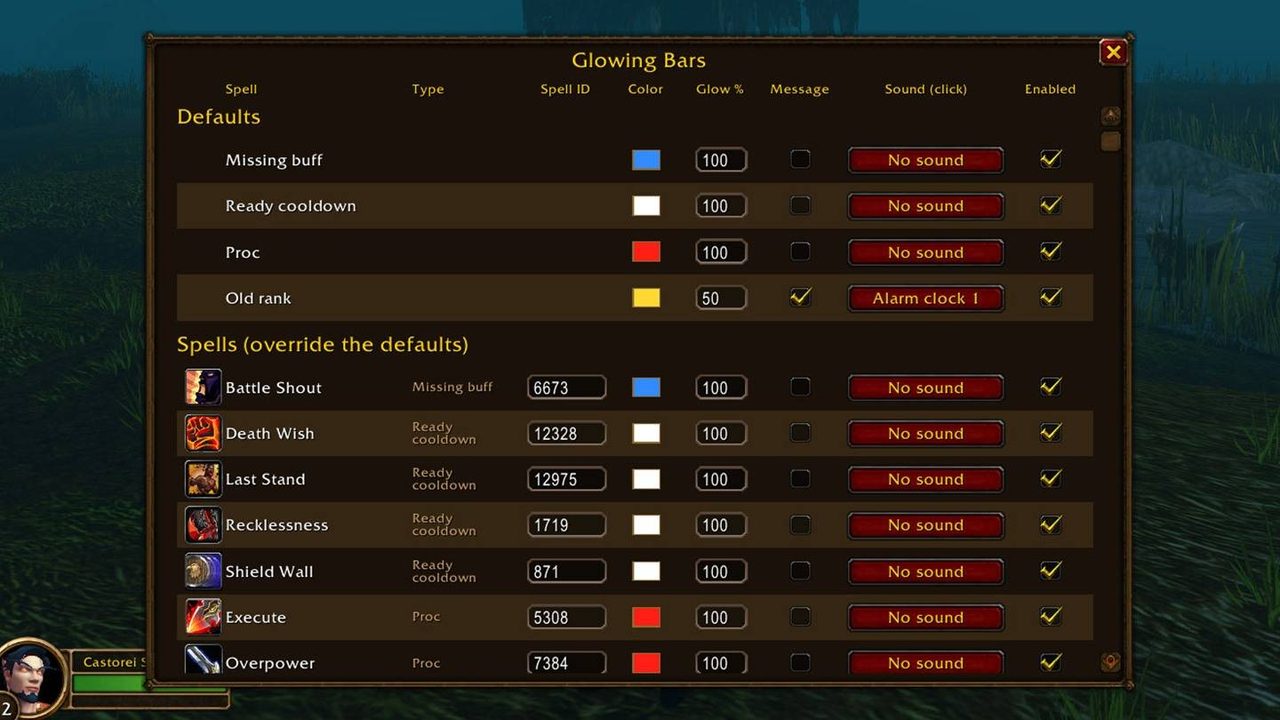
- Per-reminder color, glow strength, message, sound and animation.
Installation
- Download the zip and extract it.
- Move the
GlowingBarsfolder inside it intoWorld of Warcraft\_forever_\Interface\AddOns\. - Close the game completely and reopen it (
/reloadalone does not load new files). - On the character select screen, check that the addon is ticked in the AddOns list.
Commands
/gb- Opens the table of every reminder.
/gb settings- Opens the settings window.
Notes
- The game hides your buffs from addons in combat, so Glowing Bars reads them from Blizzard's Cooldown Manager and remembers what you cast.
- Gamepad support is in alpha.
FAQ
What if my buttons don't glow?
Open /gb settings and press Scan on the Welcome tab. It reports which buttons the addon can see.
Do macros glow?
Yes. They glow for the spell shown with #showtooltip, or for every spell they cast if that line is missing.
Author and license
Glowing Bars is written by vattiss. License: MIT.