
What it does
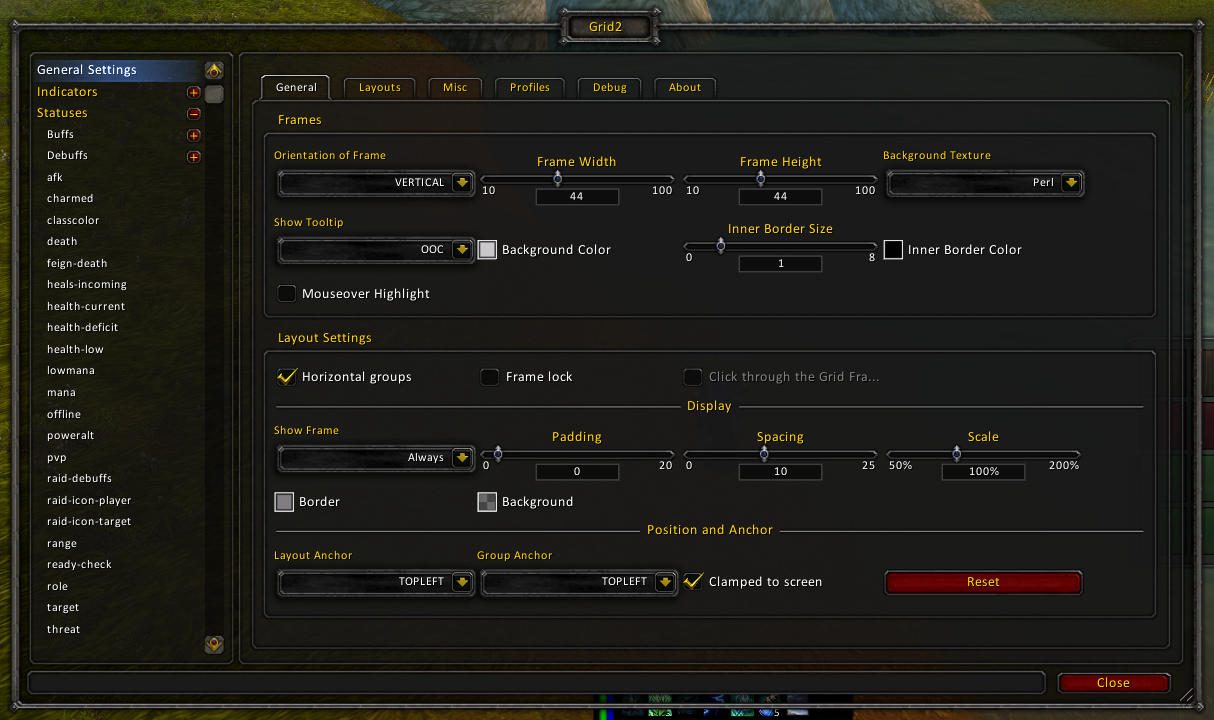
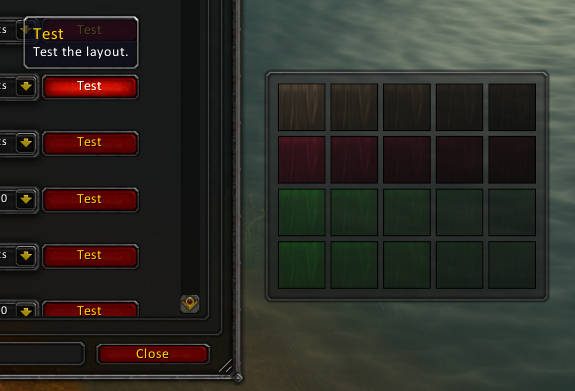
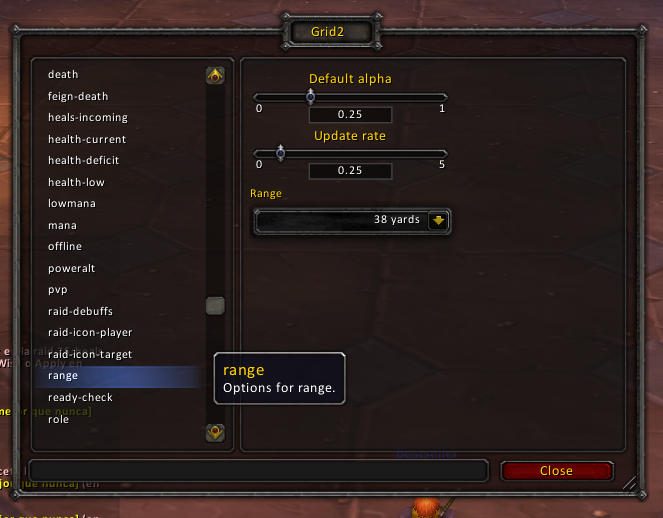
Grid2 lays out party and raid members as a grid of small boxes. You add indicators wherever you want inside a box and pick which piece of information, called a status, each one shows: health, debuffs, range and so on.
Indicator types are icon, icons, square, text, bar and multibar. The list of statuses is long but not everything is turned on at first, so expect to look through the settings and enable what you need.
It suits healers in particular. Paired with Clique you can click the boxes to cast spells.
Key features
- A small, space saving grid for party and raid members.
- Icon, square, text, bar and multibar indicators, each placed where you like.
- You choose which status each indicator displays.
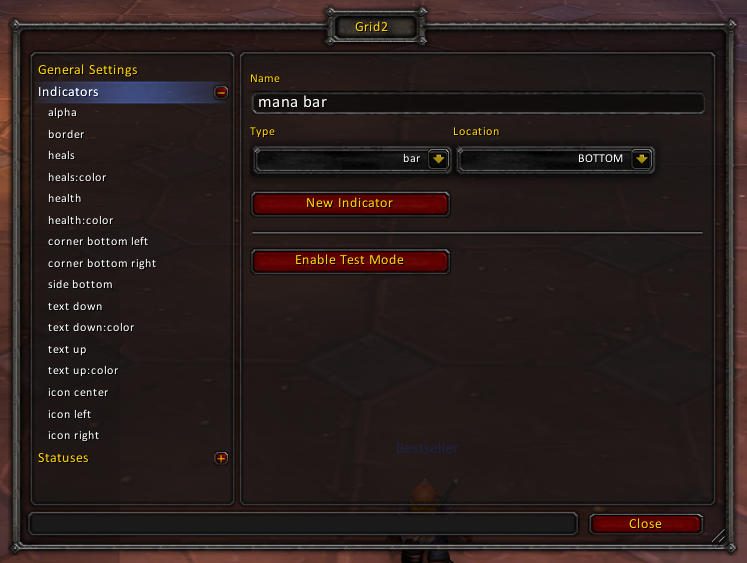
- Mana or power bars are added by creating your own bar indicator.
- Settings open with
/grid2, the minimap icon or a DataBroker launcher. - Click casting on the frames through Clique.
Installation
- Download the zip and extract it.
- Move all the folders inside it (
Grid2,Grid2LDB,Grid2Options) intoWorld of Warcraft\_forever_\Interface\AddOns\. - Close the game completely and reopen it (
/reloadalone does not load new files). - On the character select screen, check that the addon is ticked in the AddOns list.
Commands
/grid2- Opens the configuration window.
Notes
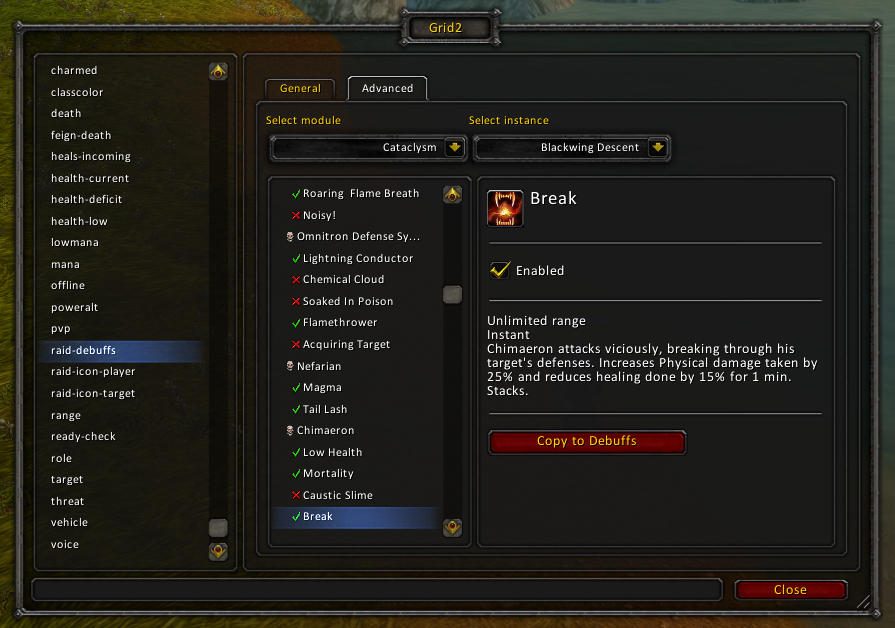
- The Raid Debuffs status is off by default. After enabling it, leave and re-enter the instance or reload the UI.
- On Classic versions, OmniCC is suggested for cooldown text over buff and debuff icons.
FAQ
Where are the mana bars?
They are not created by default. Make a new indicator of type "bar", place it, and map the "mana" or "power" status to it. Map a color status to the bar color indicator as well.
I can't pack the boxes as tightly as before.
Under Indicators, border, Layout tab, set the border size to 1 and choose a black, opaque background color for the border.
Raid debuffs are not showing up.
Go to Statuses, Raid Debuffs and enable at least one module. If you are inside an instance, leave and come back or reload the UI.
Author and license
Grid2 is written by michaelsp, _ForgeUser65911, _ForgeUser117147. License: zlib.