
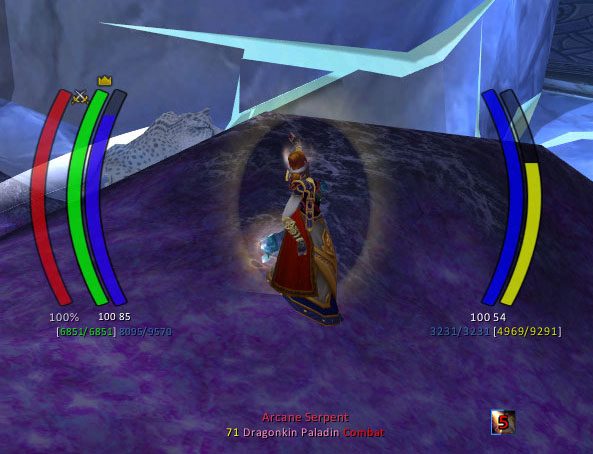
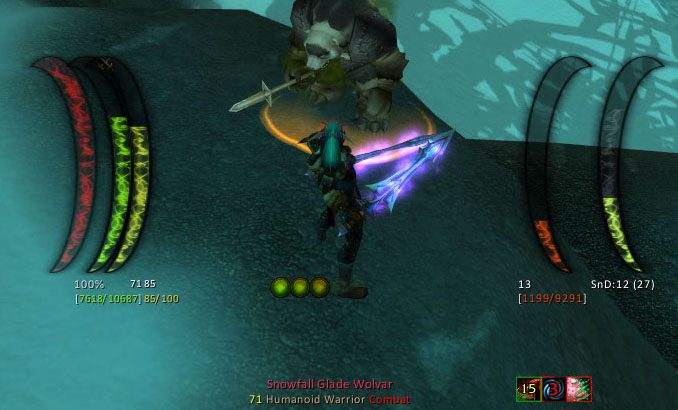
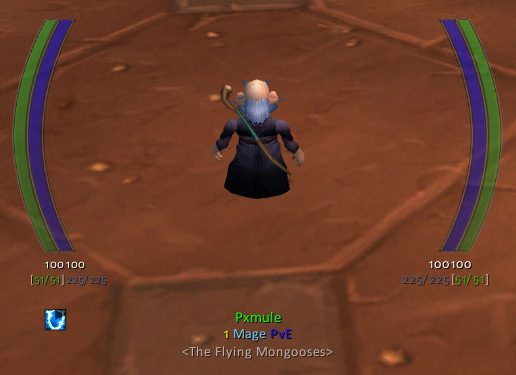
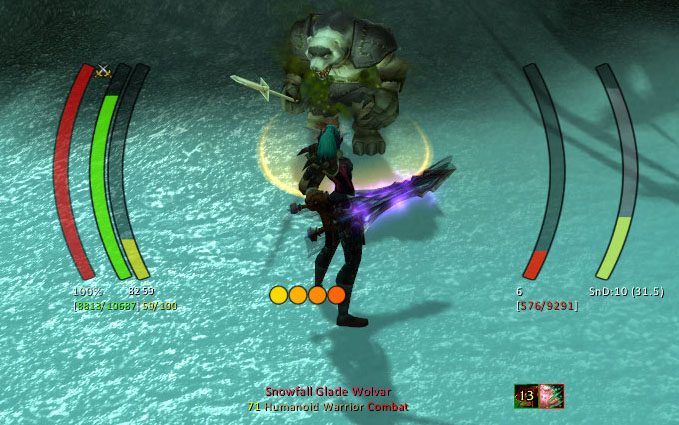
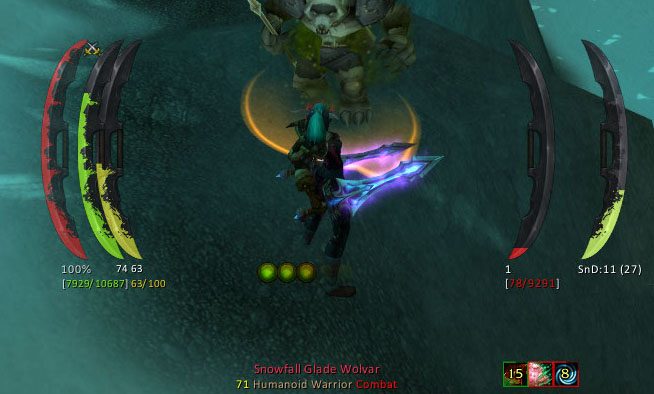
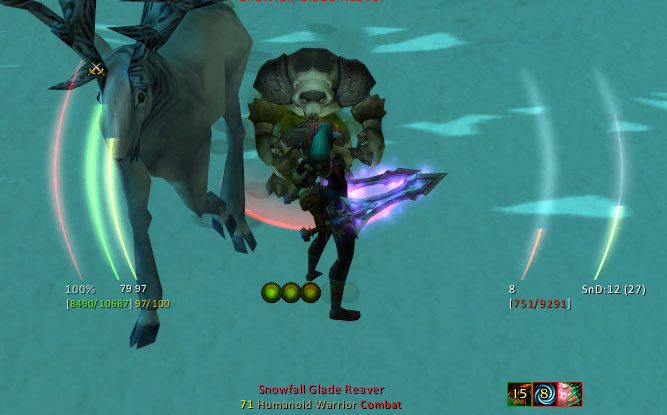
What it does
IceHUD follows older HUD addons such as DHUD and MetaHUD. The idea is to keep your eyes in the center of the screen where your character is, with health and mana bars, the cast bar, pet bars and target info all placed there.
Bar shapes, patterns, positions and text can all be changed. There are class modules too, for example combo point counters for Rogues and Druids, Slice and Dice timers, a Druid mana bar while shapeshifted, and a Sunder counter for Warriors.
You can also build custom bars and counters that track buff or debuff stacks on any unit, spell cooldowns, or the health and mana of a unit you specify.
Key features
- Health and mana bars for player, target and pet, plus cast and mirror bars.
- Many bar shapes and patterns, and every bar can be rearranged.
- Class modules such as combo points, Sunder counts and Druid mana in forms.
- Target of target bars, crowd control timers, range finders and threat meters.
- Transparency settings for combat, having a target selected and other states.
- An optional cast lag indicator; DogTag text strings can be used or switched off entirely.
Installation
- Download the zip and extract it.
- Move all the folders inside it (
IceHUD,IceHUD_Options) intoWorld of Warcraft\_forever_\Interface\AddOns\. - Close the game completely and reopen it (
/reloadalone does not load new files). - On the character select screen, check that the addon is ticked in the AddOns list.
Commands
/icehud- Opens the configuration window for every setting.
/icehudCL- Command line access to IceHUD settings, for use in macros.
Notes
- The Midnight notes in the description refer to retail, where some features no longer work. Which modules work fully on WoW Forever is not clear.
FAQ
How do I hide the default Blizzard player and target frames?
Type /icehud, expand Module Settings, click Player Health or Target Health and check Hide Blizzard Frame or Hide Blizzard Party Frame.
How do I stop the player bar from targeting me when clicked?
In /icehud go to Module Settings, Player Health and uncheck Allow click-targeting. There is also an option to allow it only out of combat.
Is there a breath bar for swimming?
Yes, it is the MirrorBarHandler in Module Settings. It also shows timers such as fatigue and can be moved and resized like any other module.
Author and license
IceHUD is written by Parnic. License: MIT.