
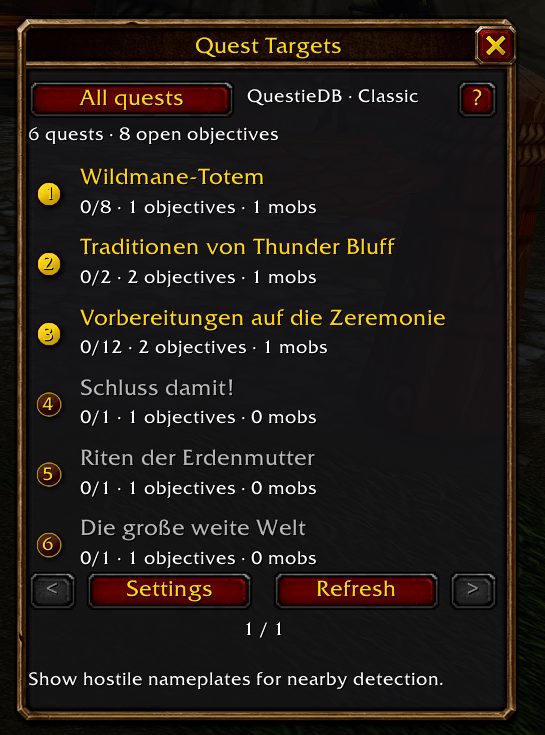
What it does
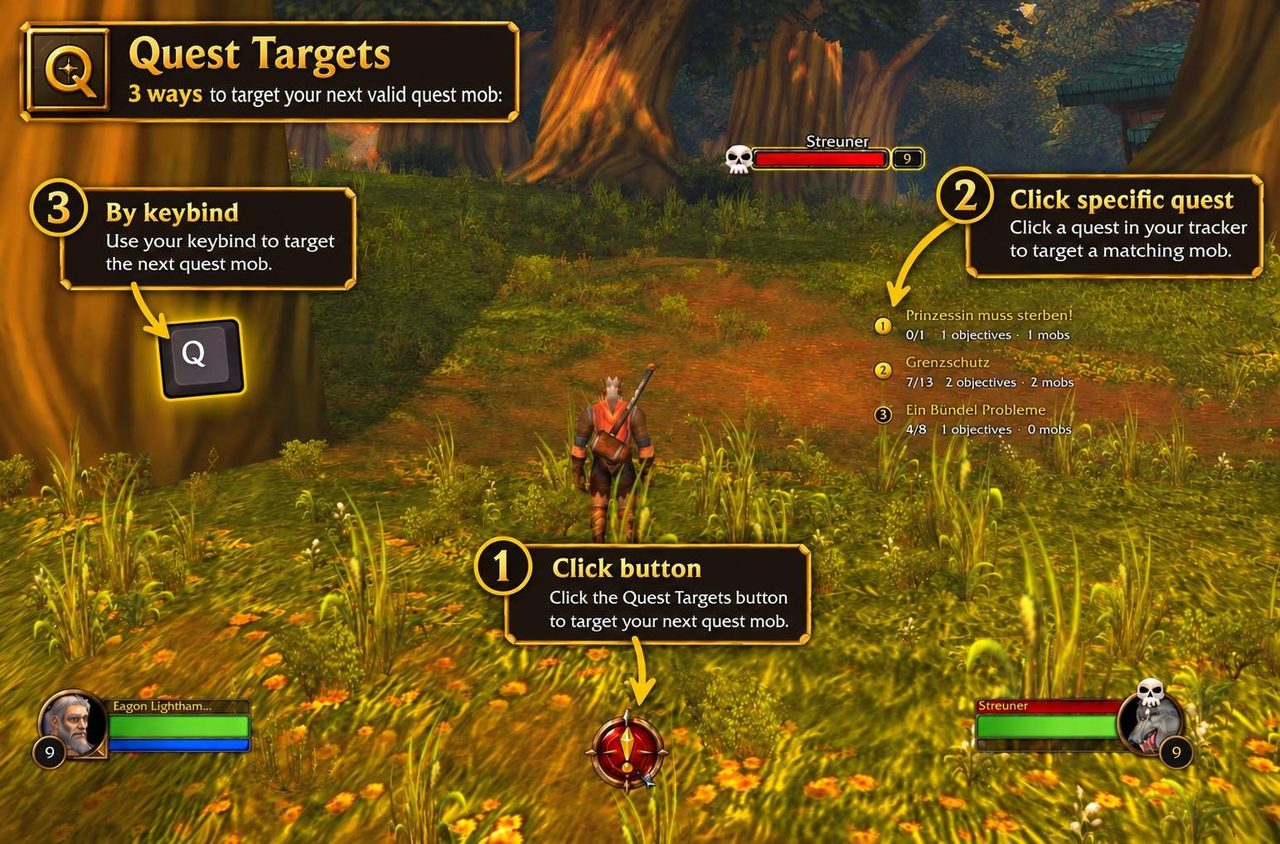
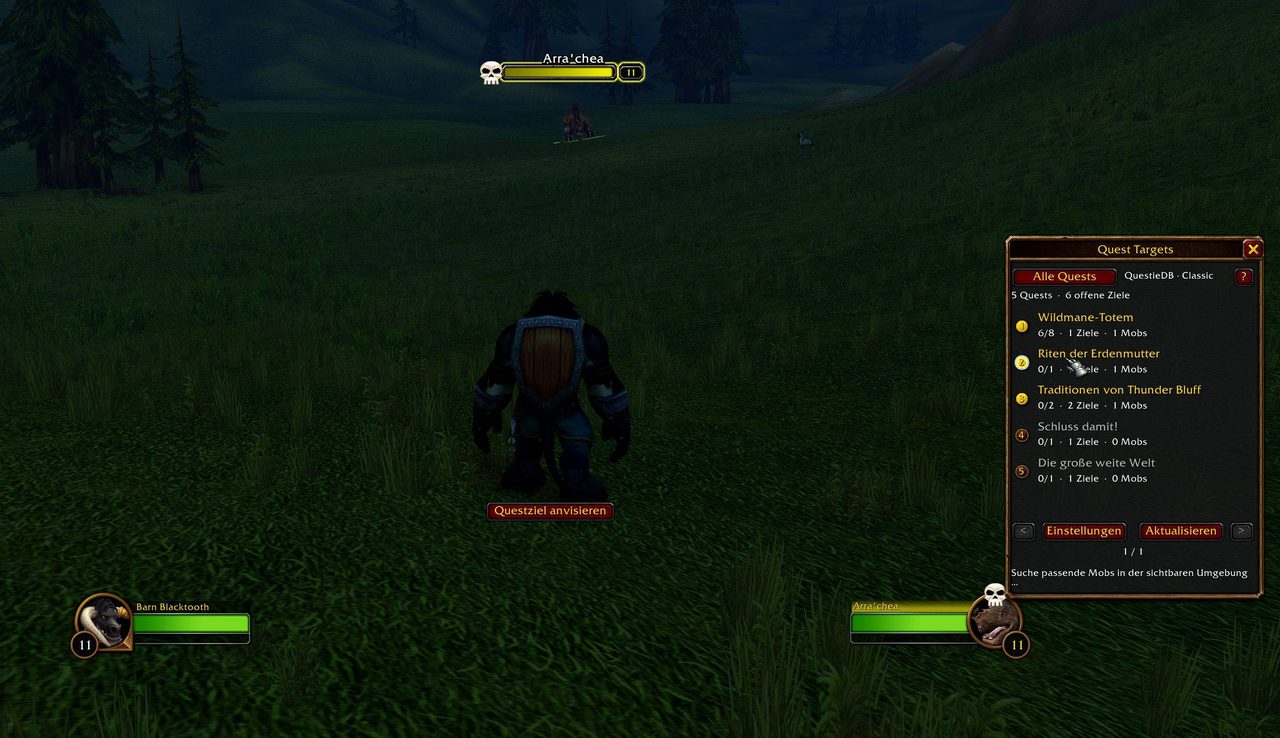
Quest Targets reads the open objectives in your quest log, and pressing the master button targets a mob that matches one of them. Open mob objectives come before turn-in NPCs. Click a single quest in its list to search only for that quest's unfinished targets.
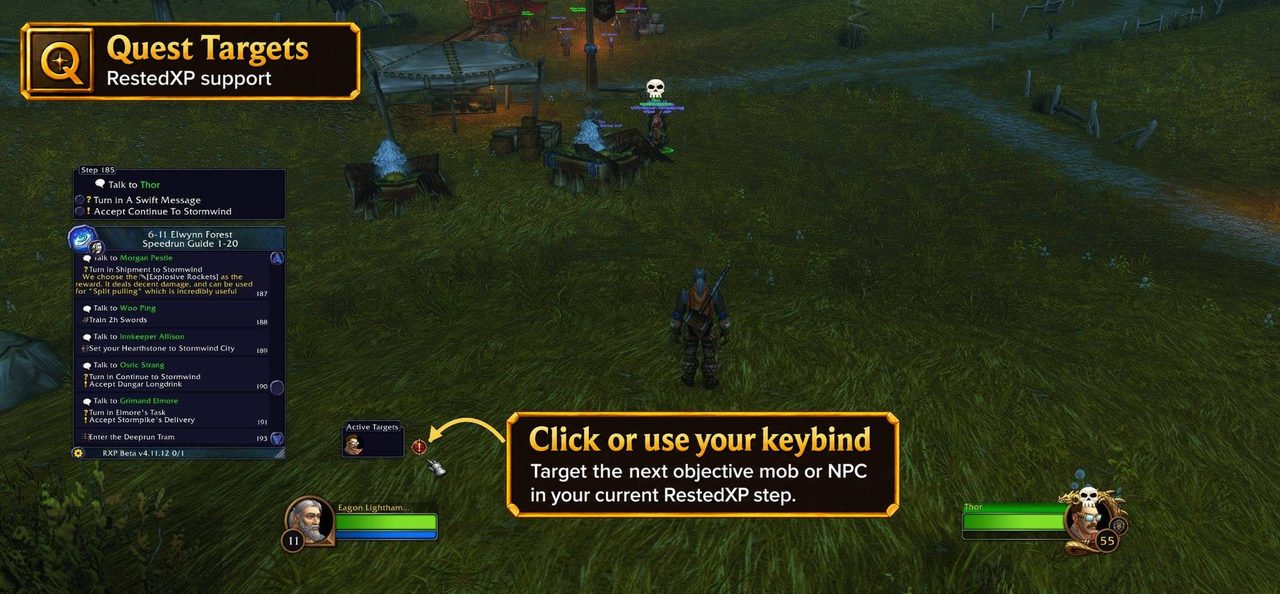
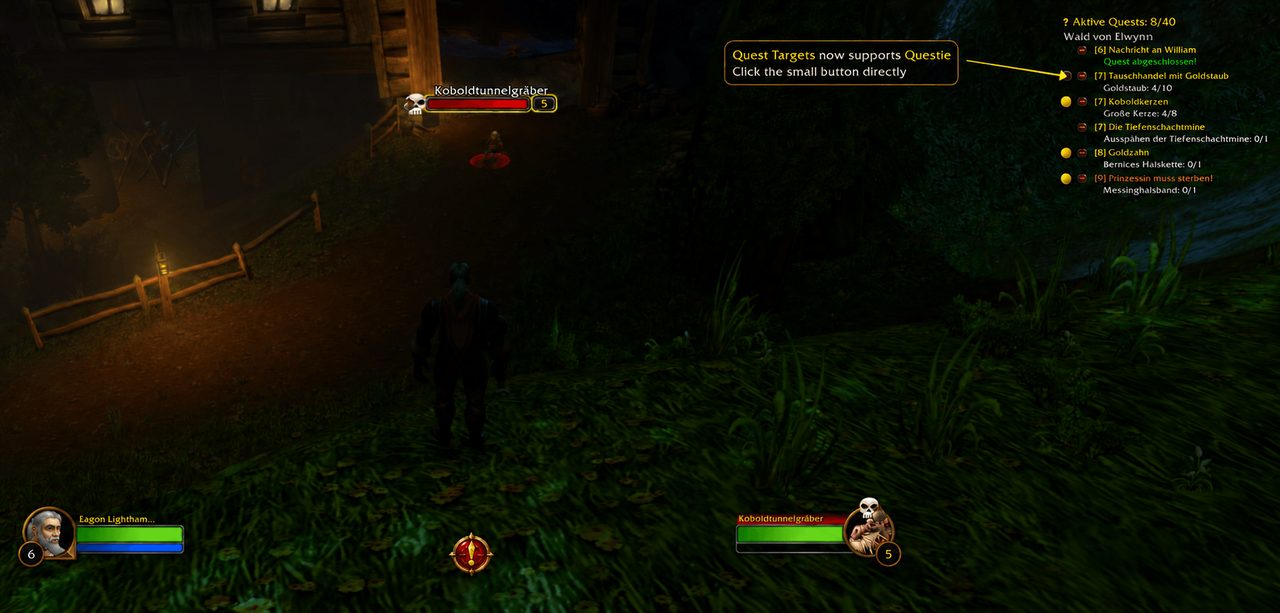
Known quest targets and item drop sources come from QuestieDB. It adds a small button next to Questie's quest list and also works with RestedXP and ItemTree. From an ingredient's Sources tab in ItemTree you can target the mobs that drop it.
Targeting goes through the game's secure name targeting, so range, line of sight and combat rules are decided by the game. The interface is available in six languages.
Key features
- Target a mob for your active quests with the master button or a hotkey.
- Target turn-in NPCs once quests are ready to hand in.
- Click one quest to focus on its targets; right-click its name to open it in the quest log.
- A button next to Questie's quest list, plus RestedXP and ItemTree support.
- A text or compass style button, a transparent mode, or hidden controls with only the hotkey.
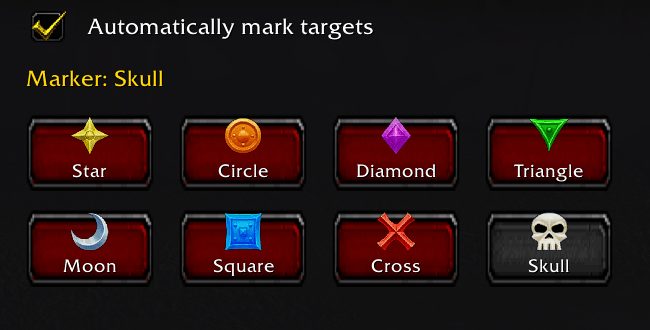
- Optional raid marking with all eight markers, subject to group permissions.
Installation
- Download the zip and extract it.
- Move the
QuestTargetsfolder inside it intoWorld of Warcraft\_forever_\Interface\AddOns\. - Close the game completely and reopen it (
/reloadalone does not load new files). - On the character select screen, check that the addon is ticked in the AddOns list.
Commands
/qt- Shows or hides the quest window.
/qt settings- Opens settings.
/qt refresh- Refreshes quest data.
/qt reset- Resets the window position.
/qt rescan- Clears automatically detected targets and scans again.
/qt debug- Shows diagnostics for the last targeting click.
/qt help- Shows help.
Notes
- It cannot cycle through mobs that share a name and cannot guarantee the nearest one. A same-named mob already tagged by another player may be picked.
FAQ
How do I move the master button?
Right-click and drag it.
Does the mob's nameplate have to be visible?
Not always. Visible hostile nameplates help find extra candidates, but the game can target a known name without one.
Author and license
Quest Targets is written by jackNine. License: GPLv3.
Comments and questions
Loading comments…
Checking your session…