Why a plain AI chat writes broken WoW addons
Ask any AI model for a WoW addon and you get code that looks right, loads, and then fails in combat with "Interface action failed because of an AddOn". The reason is what the model remembers: mostly old Classic and Retail tutorial code. WoW Forever (Interface 16001) belongs to the modern client family. It hides some values from addons during combat, moved many functions into new C_ namespaces and keeps the combat log closed to addons.
Our plugin makes Claude Code treat its memory as a guess and the client as the judge. It checks every API name against Blizzard's own UI source, runs the addon on an offline stand-in for the game, and only then gives you a short test to do in game.
How the plugin works
The plugin has three parts: a skill that holds the rules, three agents that do the work, and scripts that test it.
- You askDescribe the addon in plain words. Claude pins your client version first.
- The skillRules from addons tested in WoW Forever: taint, combat lockdown, secret values.
- Three agentsEach reads only the rules it needs.UI builderMechanics engineerReviewer
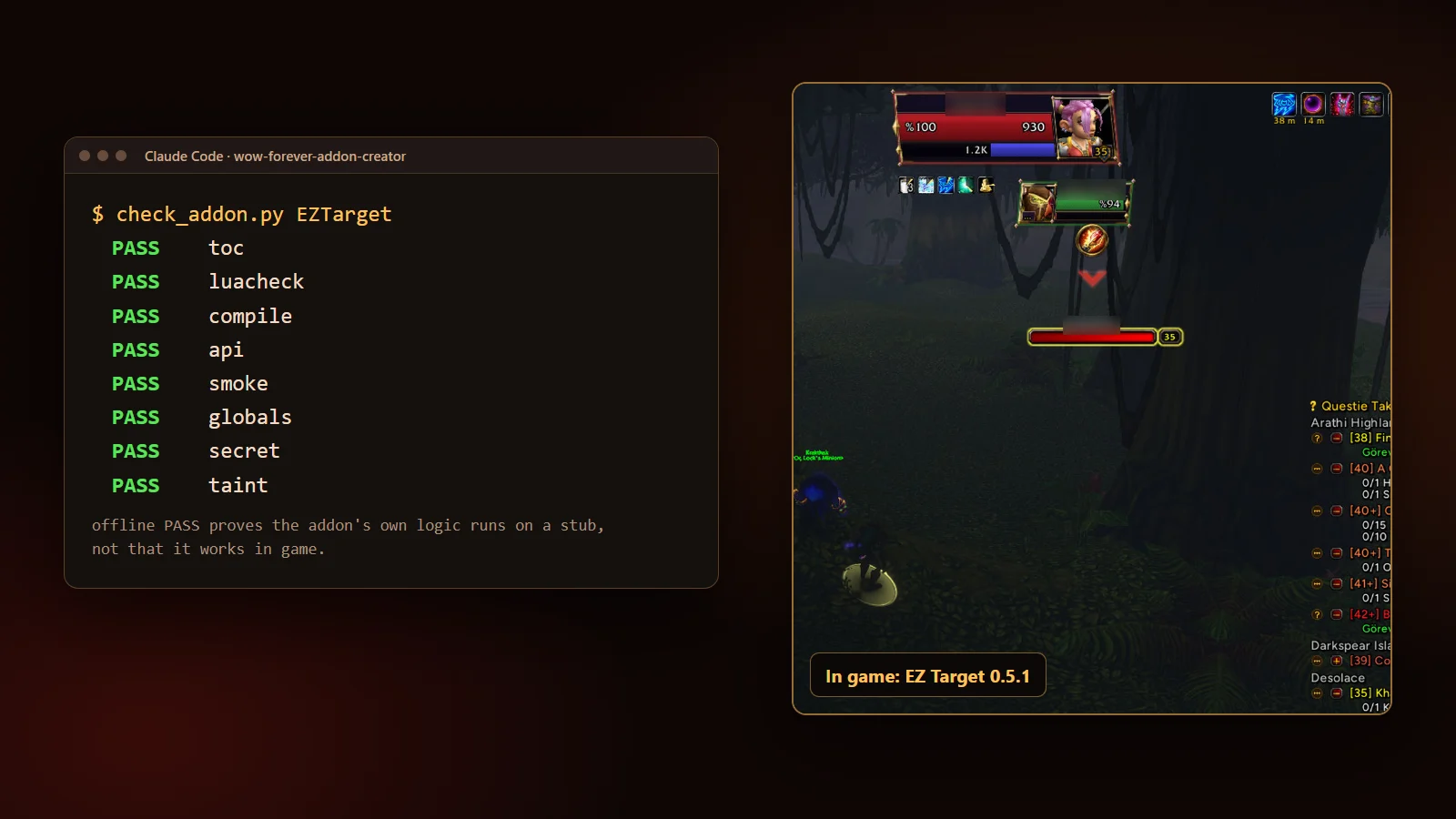
- 8 gatesTOC, luacheck, compile, API names, smoke test, globals, secret values, taint.
- In gameA short test script for you; only the client proves an API works.
- ReleaseA clean zip, ready for your players or for our site.
Every rule in the skill comes from an addon of ours that broke without it. The dated cases are in the plugin's field notes, so you can see where each rule came from.
Install it in two commands
You need Claude Code first. Then run these two lines in your terminal:
claude plugin marketplace add toresoysal/wow-forever-addon-creator
claude plugin install wow-forever-addon-creator@wow-forever-addon-creator
For the full test set, also install lupa (pip install lupa) and luacheck. Without them those two gates report "not run" instead of passing, so a missing tool never looks like a green light.
The plugin is free and open source under the MIT licence: github.com/toresoysal/wow-forever-addon-creator.
The three agents
Each agent reads only the rules it needs, so a long session stays focused. The UI builder and the mechanics engineer build their halves; the reviewer then reads the result with fresh eyes.
 UI builder
Builds the parts you see: status bars, Diablo-style orbs with masks, animations, Turkish or Cyrillic letters, movable and lockable frames, a settings window. It does not touch combat logic.
 Mechanics engineer
Handles what happens: events, combat state, secure buttons, values the game hides in combat, cast and aura tracking, settings that survive a relog, and changes to another addon without forking it.
 Reviewer
Never edits code. Runs the checklist, the eight gates and a static scan, then returns ranked findings with the file, the line and the evidence.
Make your first addon
- Open Claude Code in an empty folder and describe the addon: "Make a WoW Forever addon that shows my mana as a Diablo-style orb."
- Answer the first question: Claude asks for your client version (type /run print(GetBuildInfo()) in game). This decides which rules apply.
- Let it build. The skill scaffolds the folder, the agents write the code, the gates run after each change.
- Copy the folder into World of Warcraft\_forever_\Interface\AddOns and restart the game.
- Do the short in-game test it gives you, and paste any Lua error back into Claude Code.
Other things you can ask: "My addon gives Interface action failed in combat, find out why", "Review this addon before I upload it", "Translate Questie's quest text without forking Questie".
A real build: SakuraMeter, an anime DPS meter
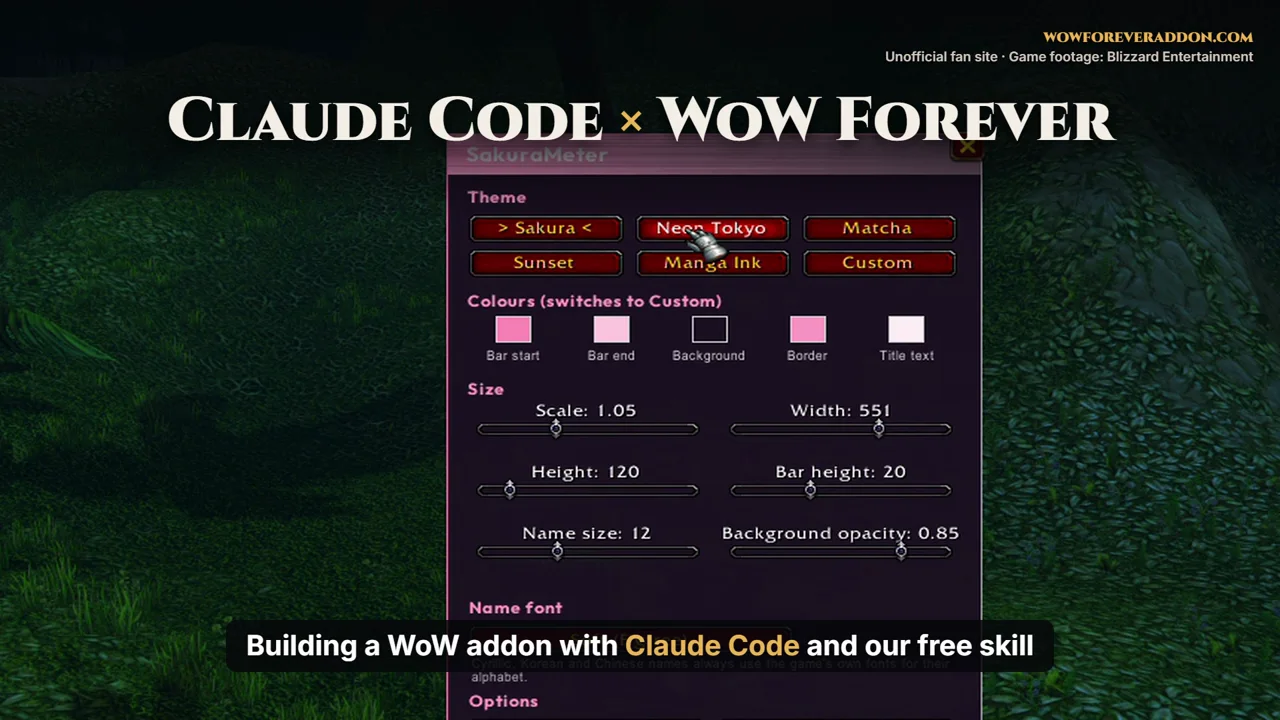
We asked for a DPS meter with anime graphics, small animations, and adjustable size and colours. Before writing any code, the skill checked whether it could be done at all: WoW Forever keeps the combat log closed to addons, but Blizzard's own damage meter API is there, so SakuraMeter reads that.
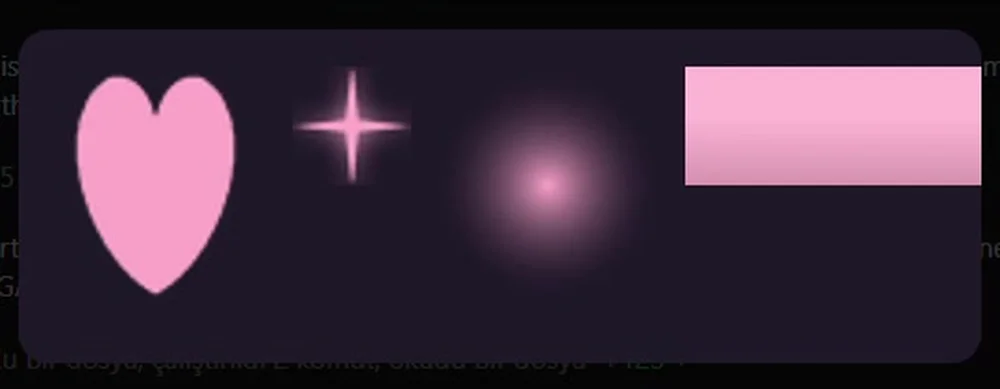
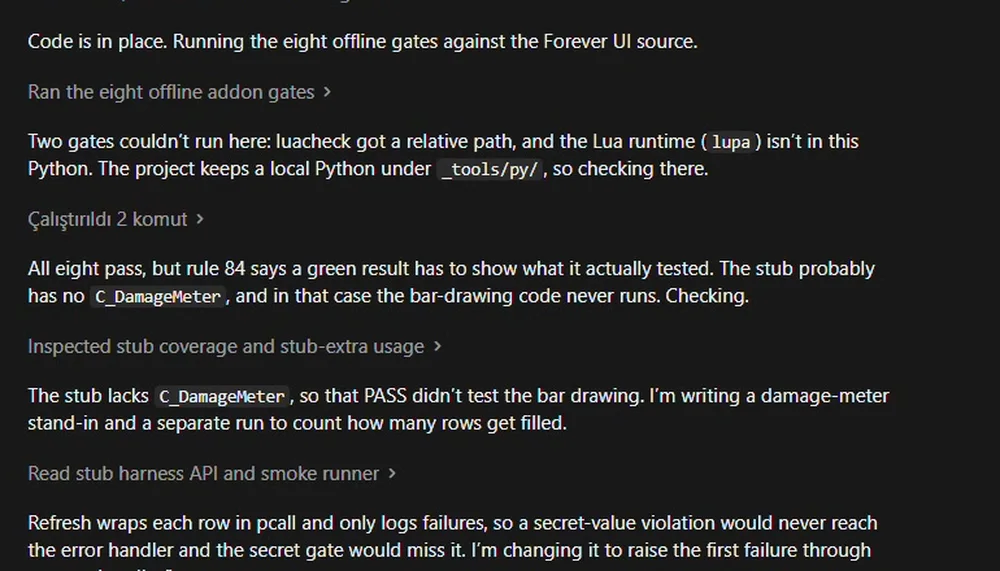
Halfway through we asked for class icons and name fonts that work in every language; it built a font family that covers five alphabets. All eight gates passed, and Claude still checked what they had really tested: the stand-in game had no damage meter, so the bars never drew. It wrote one and tested again. Then we opened the game.
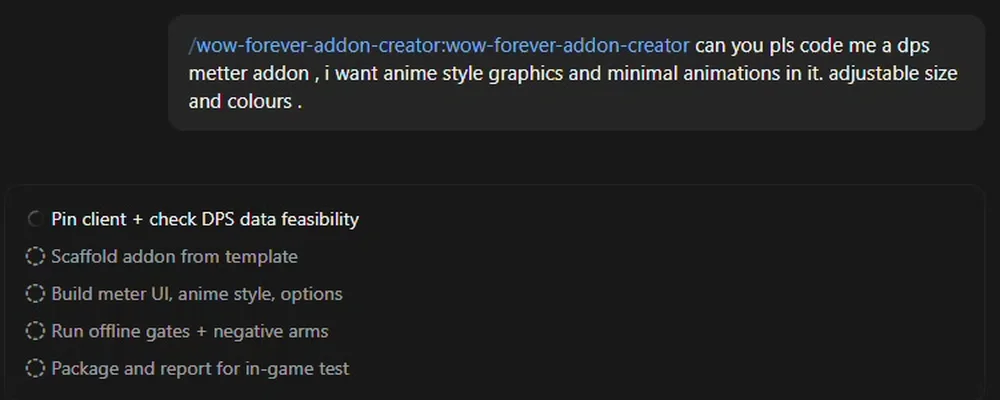
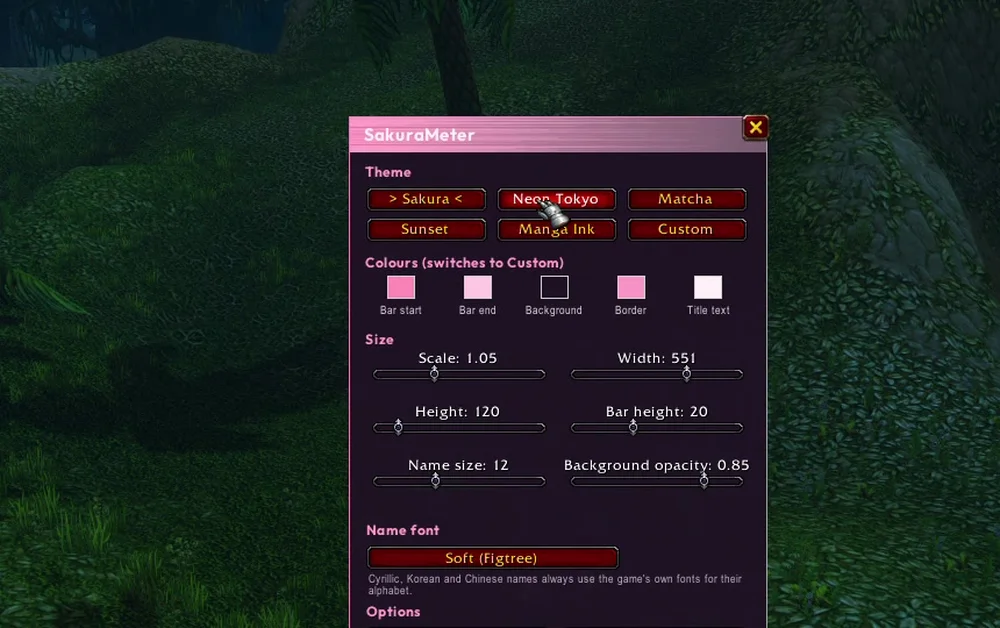
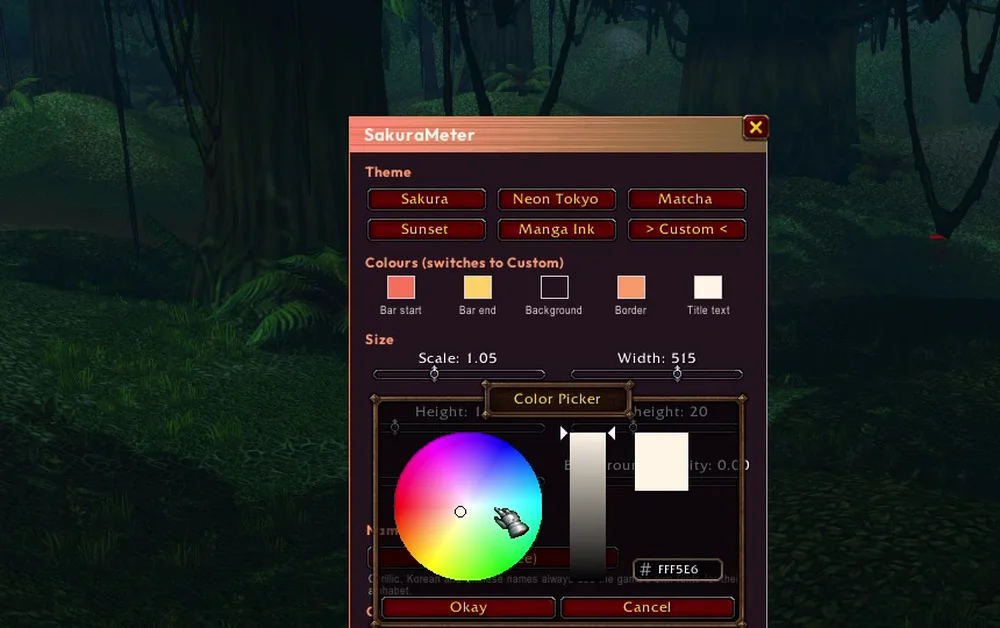
SakuraMeter is free on GitHub, with the rest of our addons.
The full 72-second build is in the video below.
Or change an addon that already exists
Building from scratch is one use. The other is taking an addon you already use and making it yours. Our Forever Turkish Pack is Questie with a Turkish interface and Turkish quest text, built this way.
Changing someone else's addon has its own rules: hook the function that actually runs, keep every change reversible, and notice when the original addon updates. The skill has a reference for exactly this, and the mechanics agent uses it.
The eight test gates
The gates run on your computer, before the game. Each one answers a single question:
| Gate | What it checks |
|---|---|
| toc | A numeric interface line, and every file the .toc lists actually exists |
| luacheck | Unused and undefined variables, shadowing, typos in names |
| compile | The code compiles as Lua 5.1, the version WoW uses |
| api | Every API name appears in Blizzard's own UI source for your client |
| smoke | The addon loads on a stand-in game: login, a target, entering and leaving combat |
| globals | No stray global variables leak out of the addon |
| secret | No maths or comparisons on values the game hides during combat |
| taint | No fields written onto Blizzard frames, no protected changes in combat |
A gate that can never fail proves nothing, so the plugin can also break a copy of your addon on purpose in eight ways and check that every gate turns red.
Does it make a difference?
We gave the same two tasks to Claude with and without the skill, each in a fresh session, and graded the results automatically.
| Task | With the skill | Without |
|---|---|---|
| Build an addon that must not error in combat | 11/11 | 10/11: compared a health value the game hides in combat |
| Review an addon written by another AI (6 hidden defects + 1 bonus) | 8/8 | 5/8: missed the closed combat log and the hidden health value |
That is one run per task, so read it as a direction, not a statistic. The run without the skill also caught one defect the skill missed at first, and that lesson went back into the skill.
Addons from the same workshop
The skill grew out of building these addons and testing them in WoW Forever. All are free on this site, and the source is on GitHub.
 SakuraMeter
An anime-style DPS and HPS meter on Blizzard's own damage meter data: five themes, a colour picker, class icons and name fonts for five alphabets.
 EZ Target
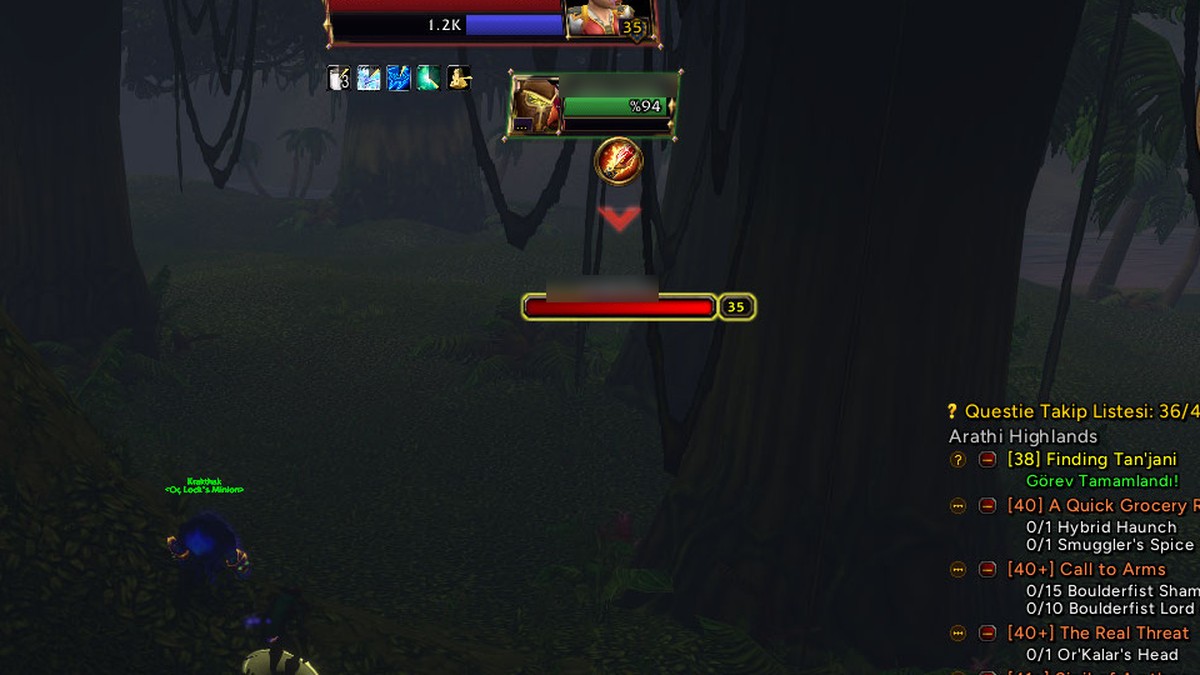
An arrow over your target that turns green, yellow or red by your spell range, a quest mark on quest mobs and a class icon in a gold ring.
 FelCast
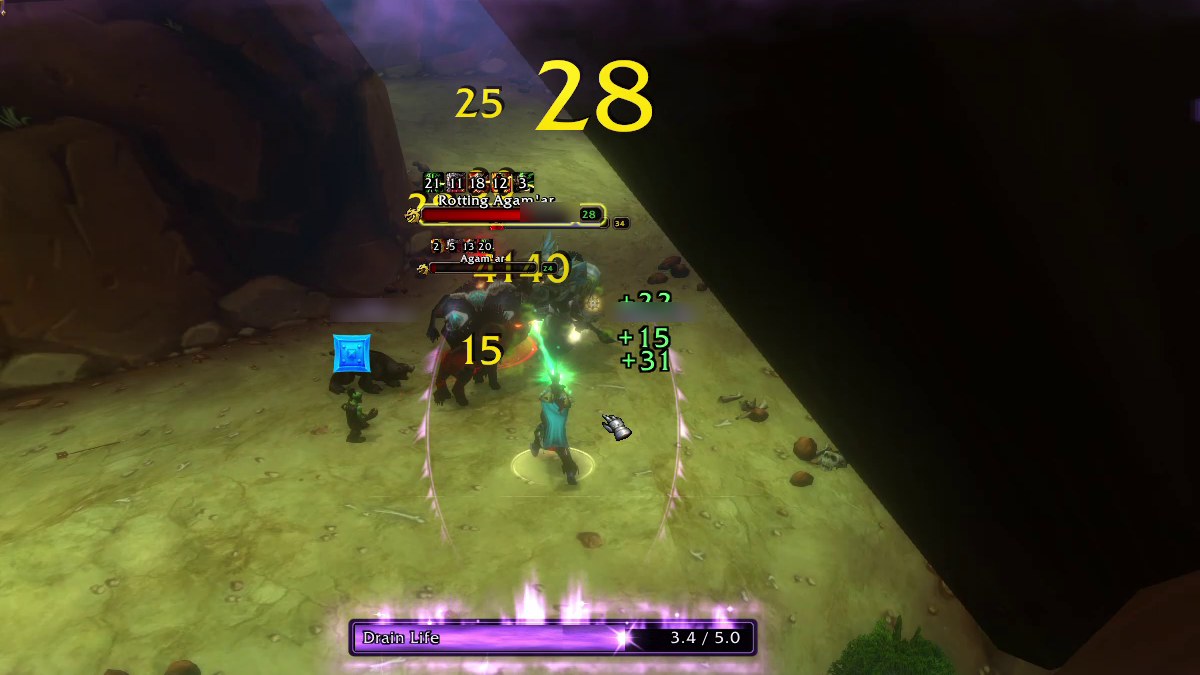
A cast bar dressed in smoke and flame by spell school, proc arcs beside your character, a DoT warning and big healing numbers.
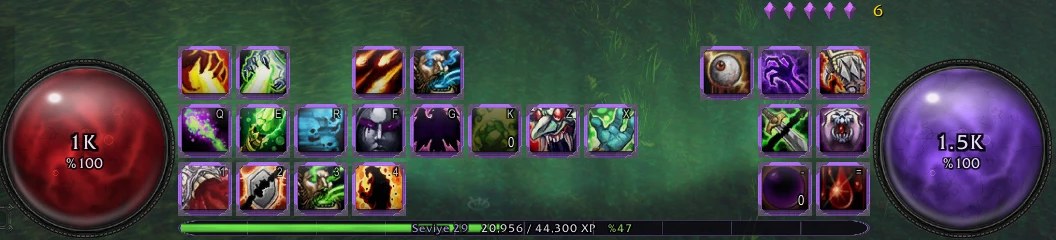
 Forever Diablo UI
Action bars and Diablo-style health and mana orbs, without tainting Blizzard's secure action buttons.
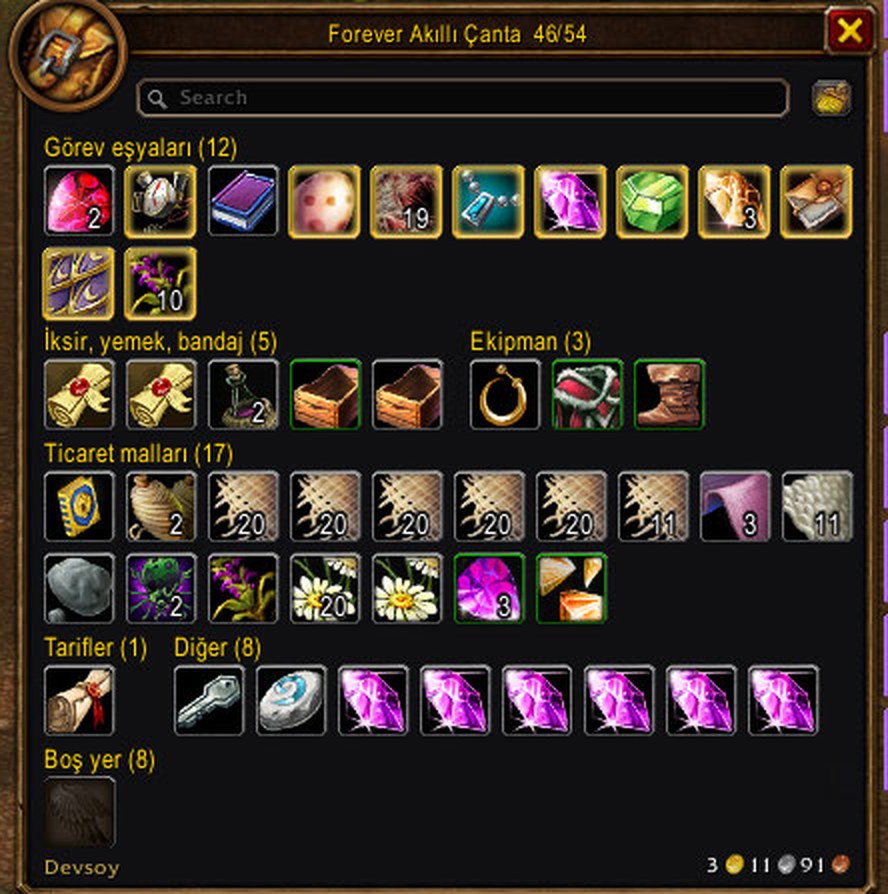
 Forever Smart Bag
All your bags in one window, grouped by type, with item use that works like Blizzard's own bag.

 Forever Turkish Pack
Questie with a Turkish interface and Turkish quest text in the quest window.
Bonus: list your addon on our site for free
Made something with the plugin? Submit it here. You fill in the name, a short description and the address of your download page (GitHub, CurseForge, Wago or your own site). An admin reviews it, and once approved it joins the addon catalog. Your file stays on your page; we link to it.
What it cannot do
- The offline stand-in is not the game. A pass means your addon's own logic runs; only the client proves an API works.
- The API gate shows a name exists in Blizzard's UI source, not that the object you call it on has it.
- It does not replace an API reference. Pair it with Blizzard's UI source or an API index when you need the full signature.
Watch: Claude Code builds SakuraMeter
The whole SakuraMeter build in 72 seconds: the request, the feasibility check, the art, the mid-flight changes, the test gates and the meter in game.
Questions
Is the plugin free?
Yes. The plugin is open source under the MIT licence. You need Claude Code itself to run it.
Do I need to know Lua?
No. You describe the addon and test it in game. Knowing a little Lua helps you read what Claude wrote, and the reviewer agent explains its findings in plain words.
Does it work for Retail and Classic too?
The skill covers WoW Forever, Retail 12.x and Classic. The rules marked as seen in game were tested in WoW Forever; for other clients the skill relies on Blizzard's UI source and tells you what it could not test.
Can I publish addons I make with it?
Yes, the code is yours. Upload it to CurseForge or GitHub, or list it on our site.