
What it does
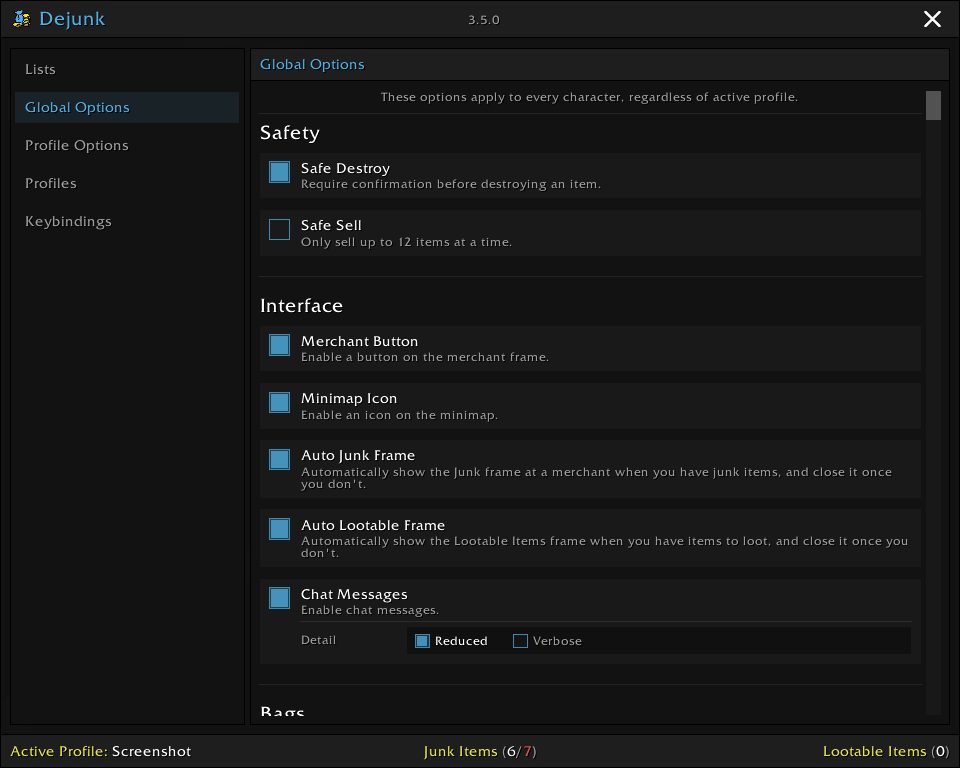
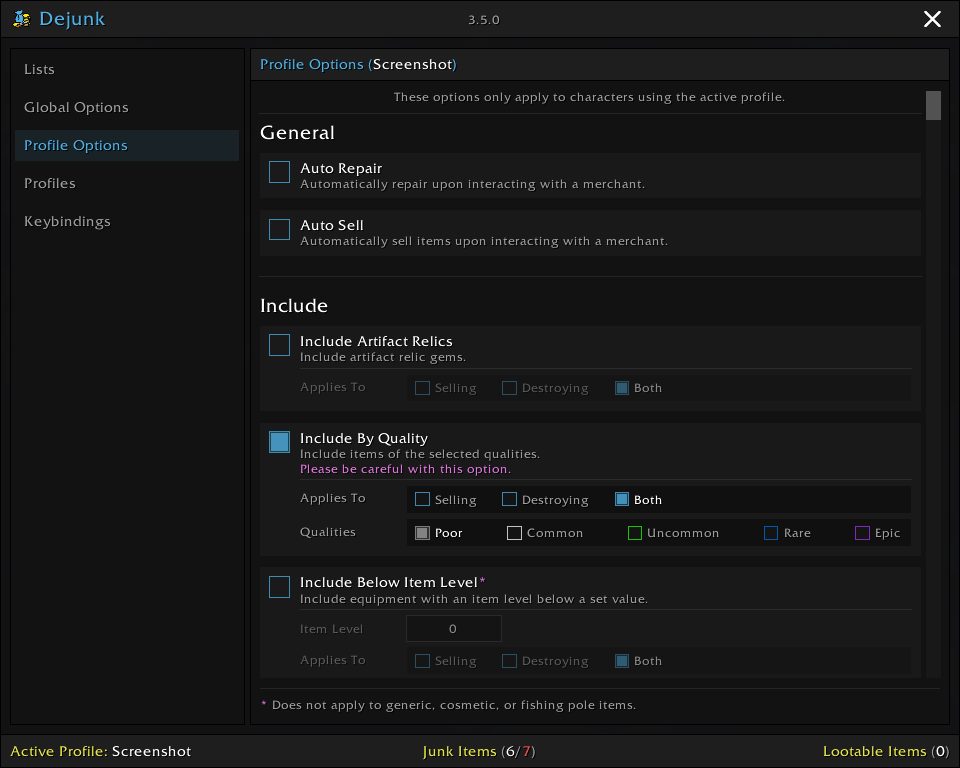
Dejunk sorts your bags using criteria you set: quality, item level, price and equipment type. Items that count as junk can be sold together at a vendor or destroyed one by one.
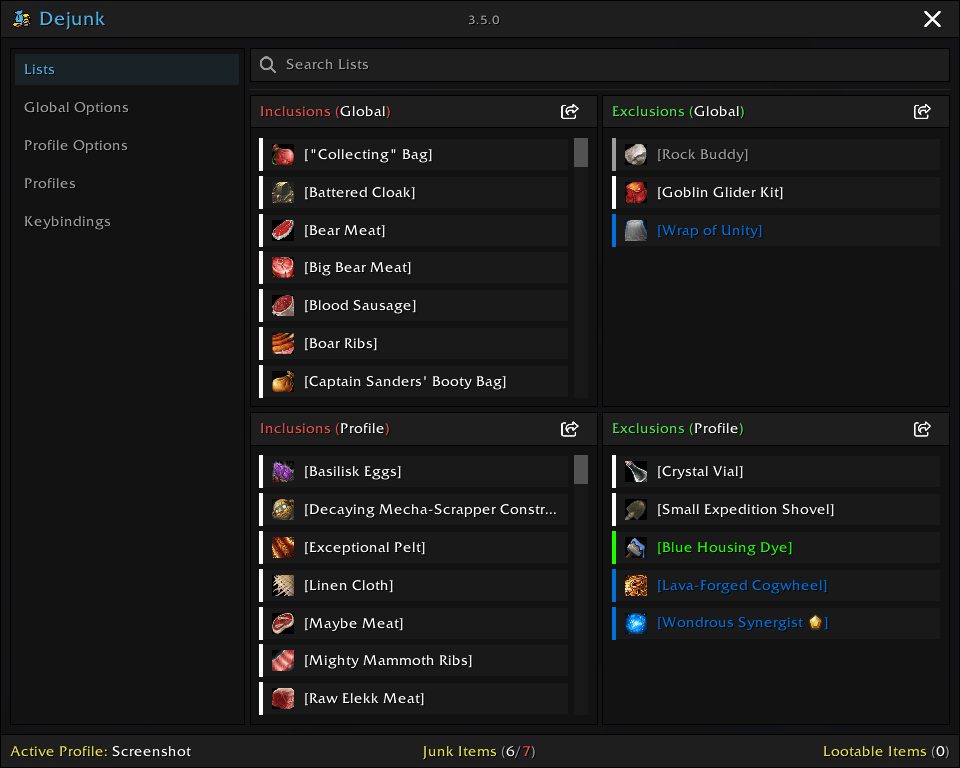
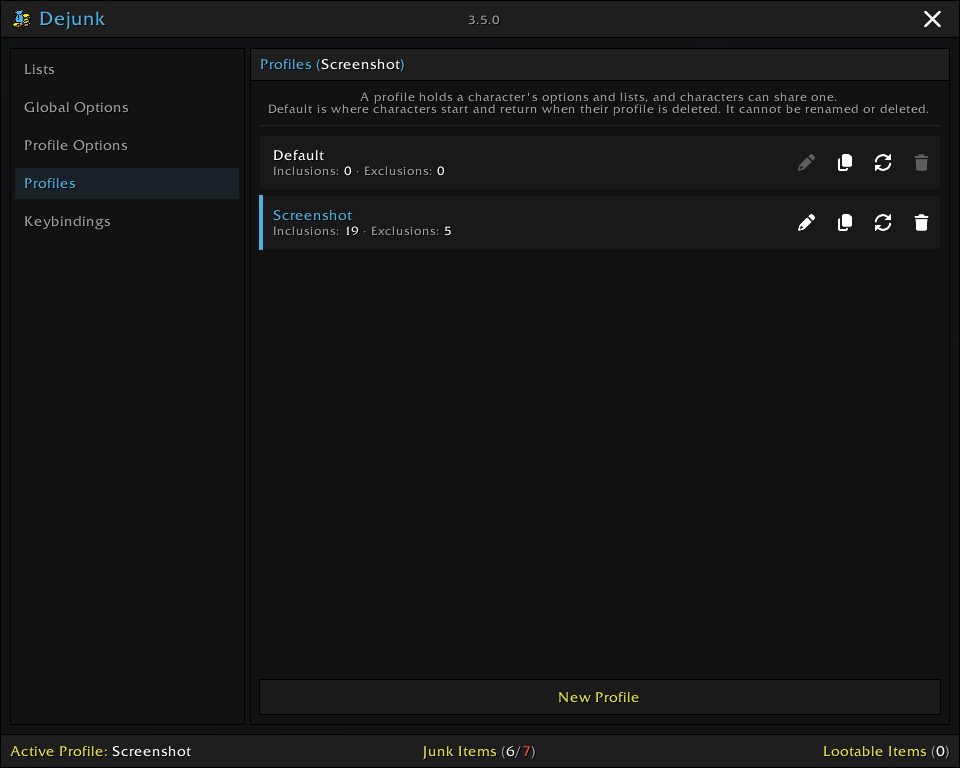
Inclusion and exclusion lists let you always mark certain items as junk or always keep them, and these lists win over most other options. Each character uses a profile, so characters can follow their own rules or share one.
Out of the box only poor quality items count as junk and nothing is sold automatically, so you can review the list first.
Key features
- Junk rules by quality, item level, price and equipment type.
- Global or per-profile inclusion and exclusion lists.
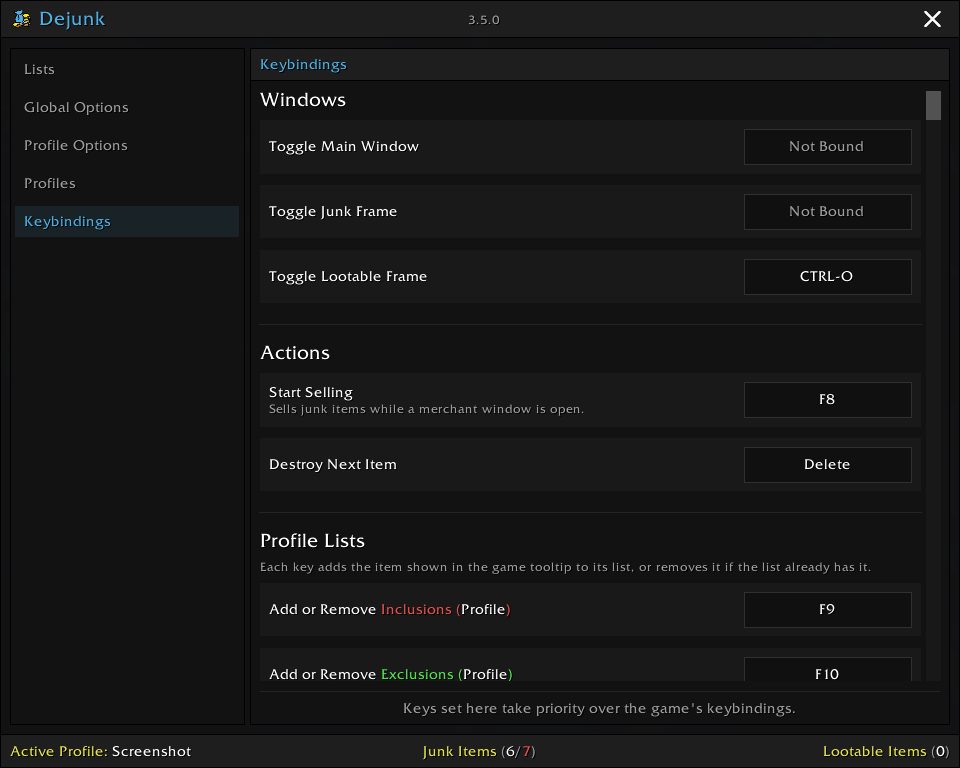
- Add items to a list by dropping them in or with a key binding.
- Import or export a list as item IDs.
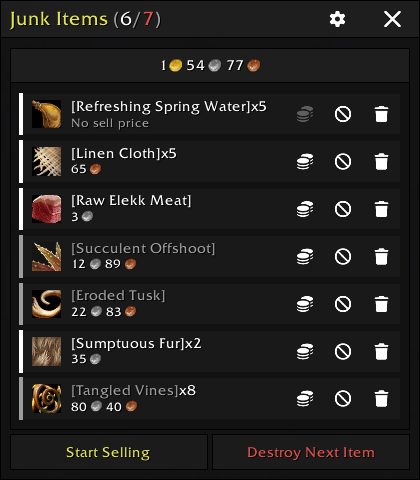
- A junk items window with the total sell value and per-item sell, exclude or destroy.
- Hover an item to see why it counts as junk.
Installation
- Download the zip and extract it.
- Move the
Dejunkfolder inside it intoWorld of Warcraft\_forever_\Interface\AddOns\. - Close the game completely and reopen it (
/reloadalone does not load new files). - On the character select screen, check that the addon is ticked in the AddOns list.
Commands
/dejunk junk- Shows what is currently considered junk and would be sold.
FAQ
Will it sell my items as soon as I install it?
No. By default only poor quality items are junk and nothing is sold automatically. Check the list with /dejunk junk.
How do I keep an item from ever being sold?
Add it to the exclusions list. That list takes priority over most other options.
Author and license
Dejunk is written by moody. License: MIT.