
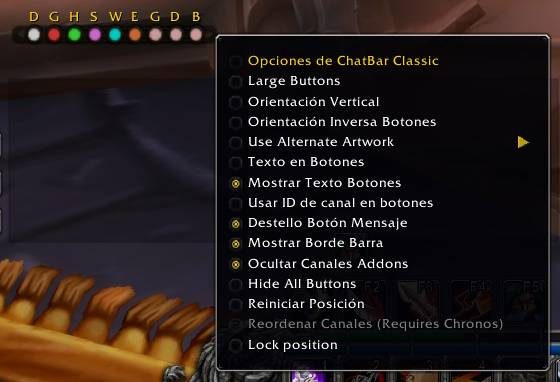
What it does
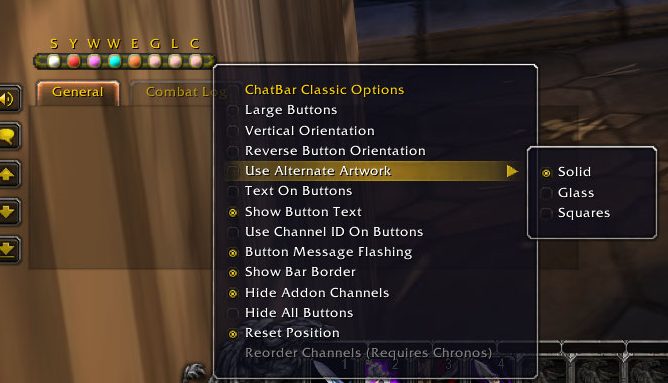
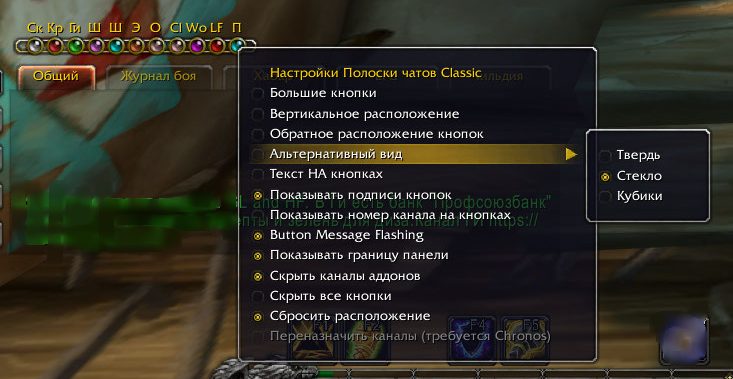
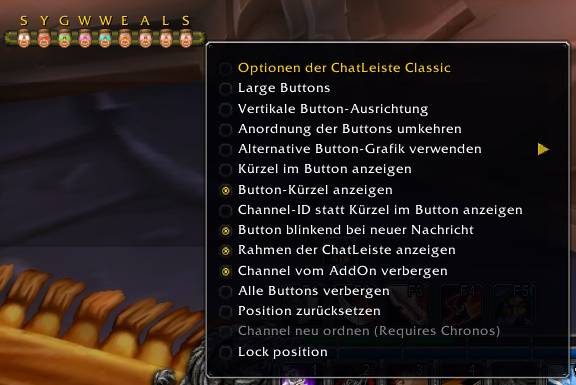
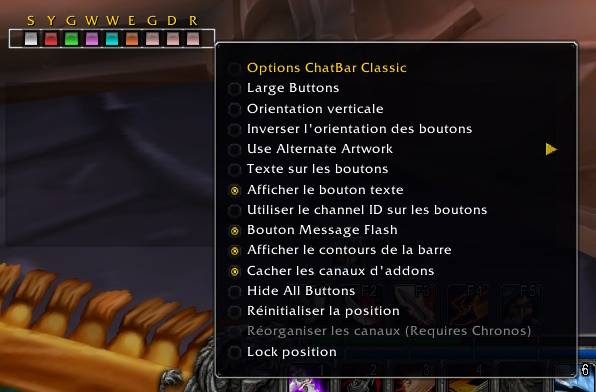
ChatBar Classic turns your chat channels into buttons. Click one and the input line opens in that channel, so you do not have to type /say, /party or a channel number yourself.
The bar sits above the chat frame by default and can be dragged anywhere on screen. It is handy if you switch between group and public channels a lot.
Key features
- One button for each type of chat channel.
- Clicking a button starts a message in that channel.
- The bar can be moved anywhere on screen.
- A one line command resets the bar if you lose it.
Installation
- Download the zip and extract it.
- Move the
ChatBar Classic 3folder inside it intoWorld of Warcraft\_forever_\Interface\AddOns\. - Close the game completely and reopen it (
/reloadalone does not load new files). - On the character select screen, check that the addon is ticked in the AddOns list.
Commands
/run ChatBar_Reset()- Resets the bar if it is lost or off screen.
Notes
- The author lists the Forever version as a testing version.
FAQ
I lost the bar. How do I get it back?
Type /run ChatBar_Reset() in chat and the bar is reset.
Author and license
ChatBar Classic is written by FoxyLittleThing. License: GPLv3.