
What it does
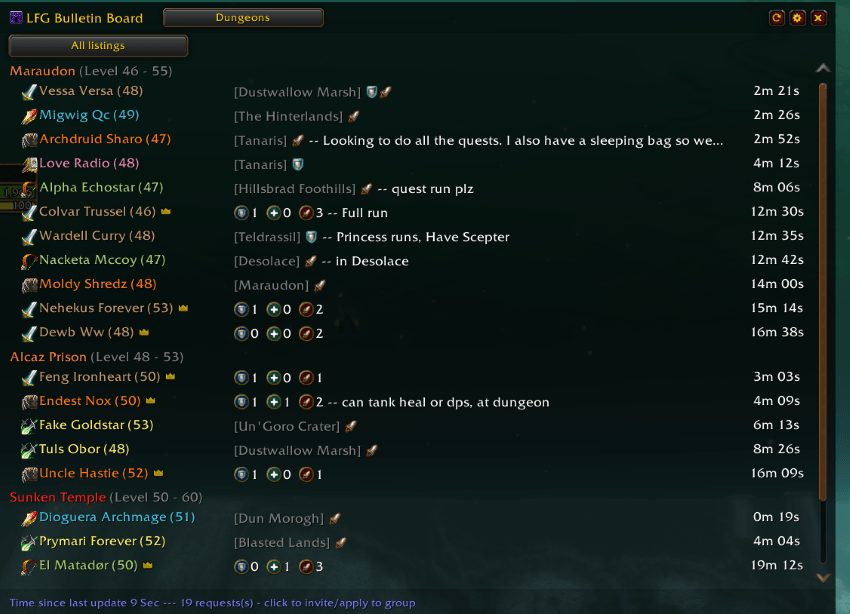
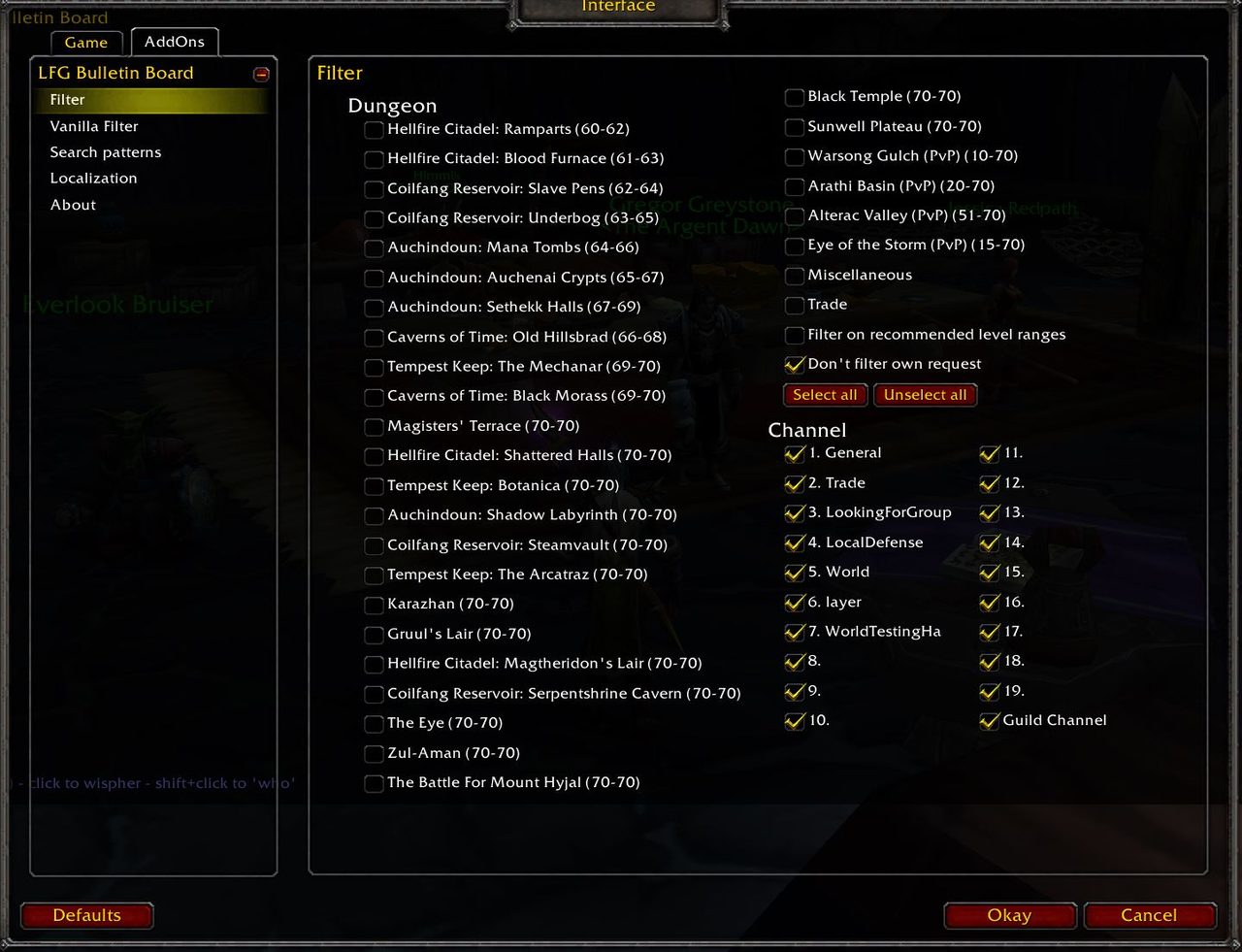
It reads LFG and LFM messages in the background, finds the ones for classic dungeons and files each request under its dungeon. Filters narrow the list down to the dungeons you care about.
Left-click a request to whisper that player, or Shift + left click to run a "/who" on them. Click a dungeon name to fold its section. Entries older than 150 seconds are removed.
It can notify you of new requests with a sound or a chat line. English, German, French and Russian dungeon names are recognized out of the box, and the search patterns can be adapted to other languages.
Key features
- A board that sorts chat dungeon requests by dungeon.
- Dungeon filters and foldable dungeon headers.
- Left-click to whisper, Shift + left click for /who.
- Sound or chat notification for new requests.
- A blacklist for words and custom search patterns.
- A command that moves LFG channels into their own "LFG" chat tab.
Installation
- Download the zip and extract it.
- Move the
LFGBulletinBoardfolder inside it intoWorld of Warcraft\_forever_\Interface\AddOns\. - Close the game completely and reopen it (
/reloadalone does not load new files). - On the character select screen, check that the addon is ticked in the AddOns list.
Commands
/gbb- Opens the main window.
/gbb config- Opens the configuration.
/gbb setupand/gbb optionsdo the same. /gbb notify chat- Toggles chat notification for new requests.
/gbb notify sound- Toggles sound notification for new requests.
/gbb chat organize- Creates an "LFG" chat tab with the LFG channels and removes them from the default tab.
/gbb chat cleandoes the same. /gbb reset- Resets the main window position.
/gbb help- Prints the help text.
Notes
- If more than one language is selected in the search patterns, some dungeons can land under the wrong header; keeping a single language checked is the suggested fix.
FAQ
How do I blacklist words?
In the settings, open search patterns, type the words into the blacklist box and run /reload.
The LFG bar is gone. What now?
Tick "Display LFG Bar" in the settings and reload the UI.
A dungeon shows up under the wrong header.
Make sure only one language is checked under search patterns.
Author and license
LFG Group Bulletin Board is written by Vysci, Big_sxy. License: MIT.