
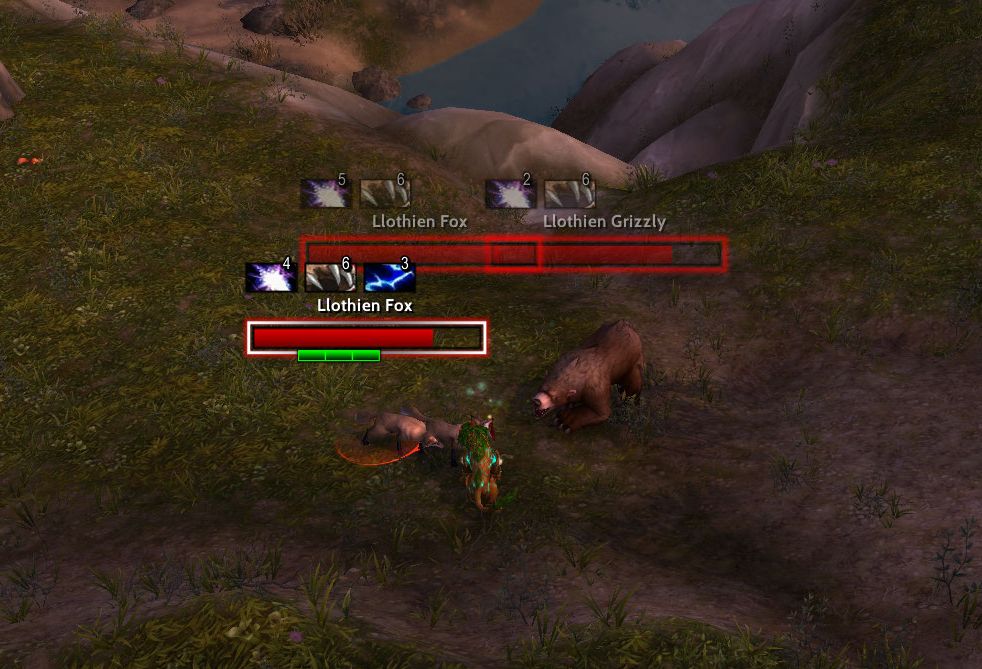
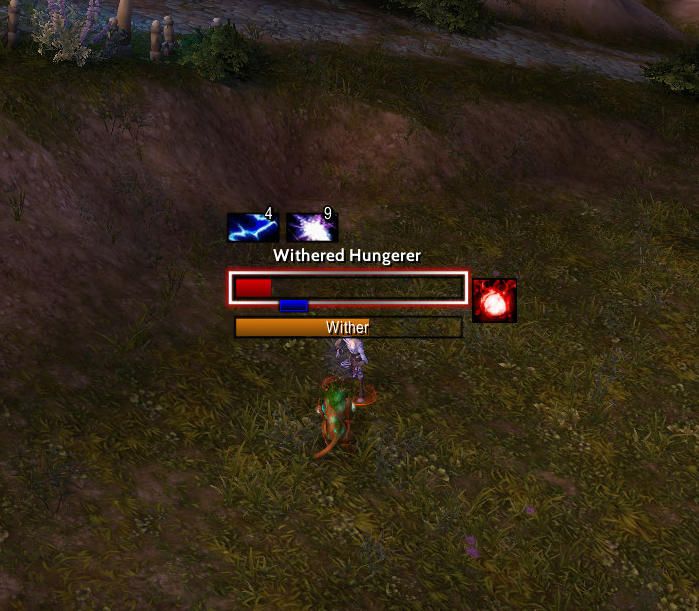
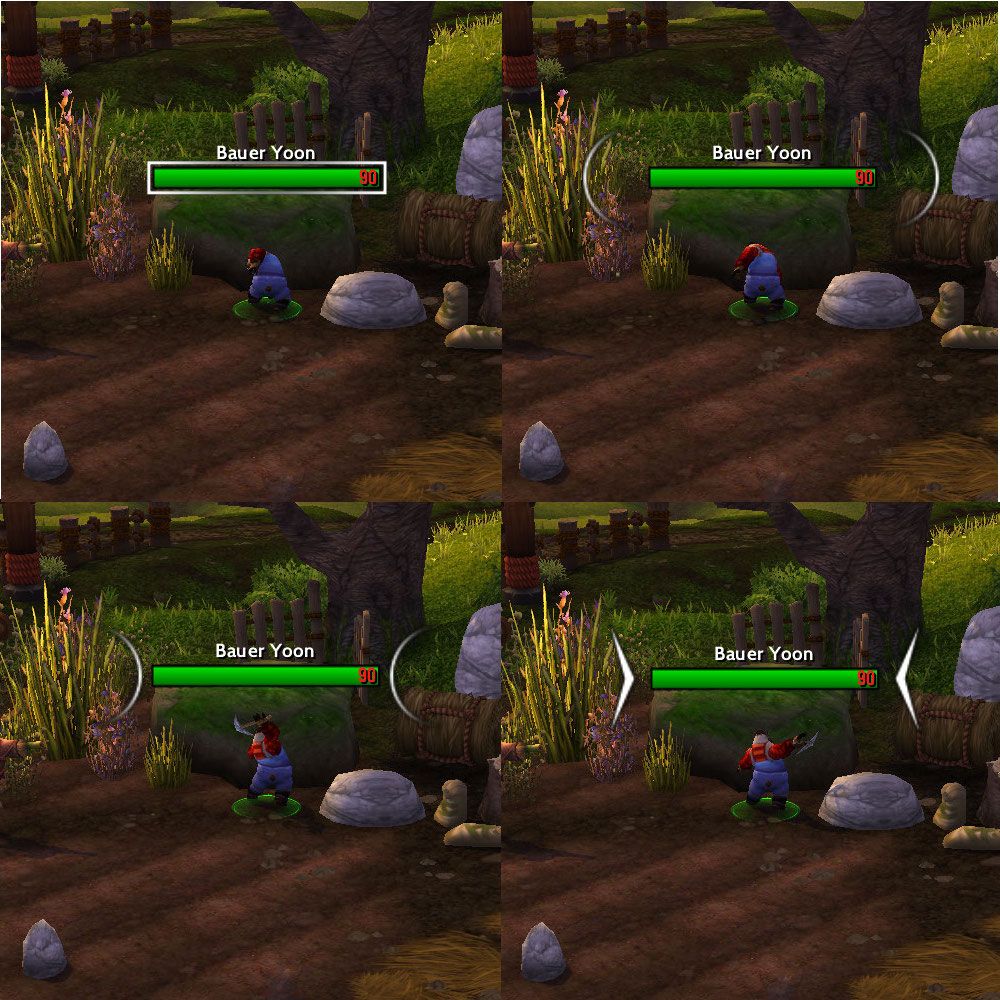
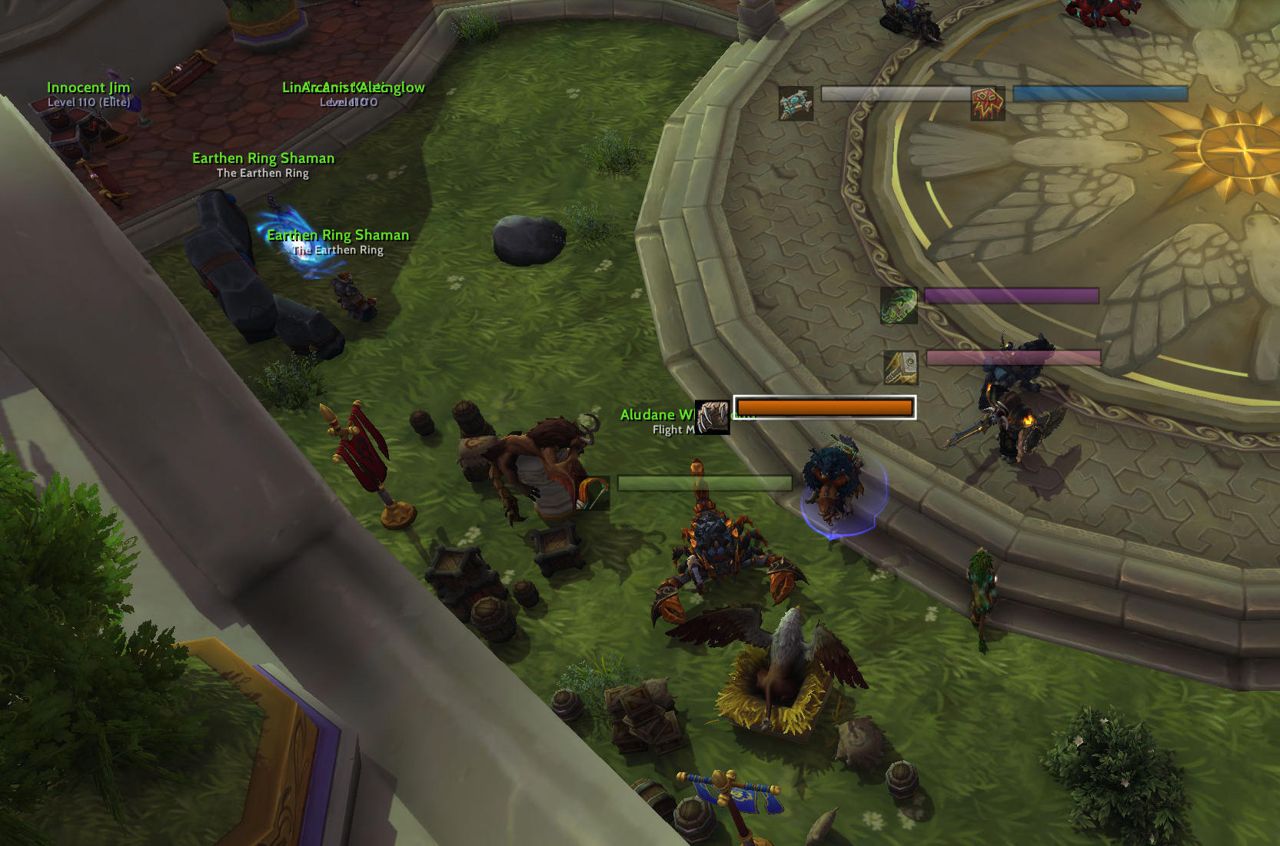
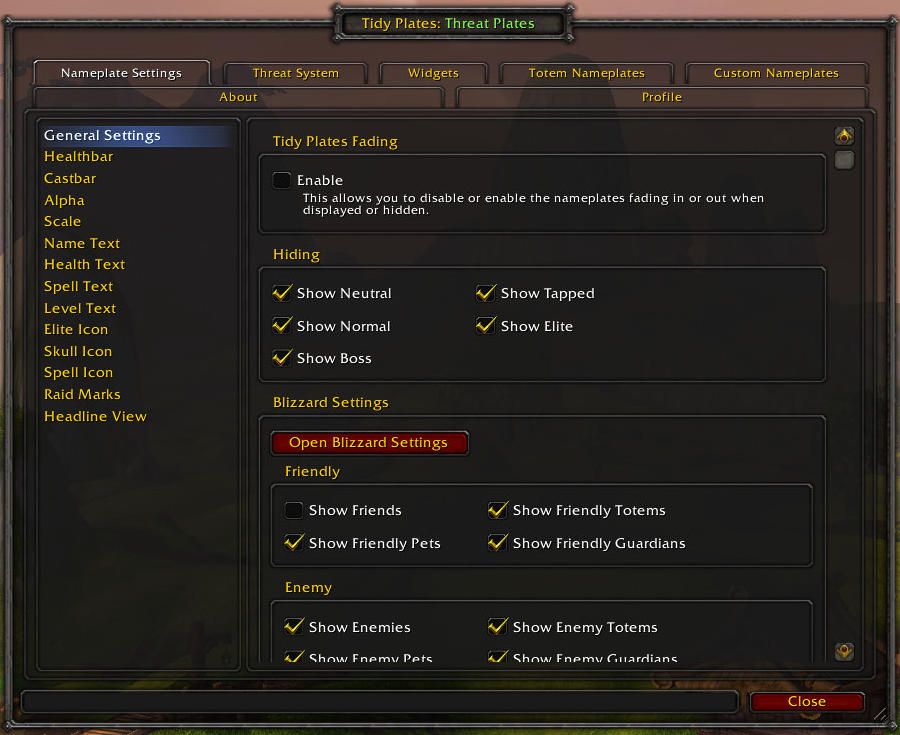
What it does
Threat Plates reshapes the nameplates above enemies: health bar, name, cast bar, color by threat, scale and transparency.
There are two views: Healthbar View (health bar and name) and Headline View (name only). Totem nameplates are adjustable too, and you can define custom plate styles by unit name, aura or cast.
It detects your spec and assigns your role itself, and you can keep a separate profile per spec. LibSharedMedia adds fonts, textures and sounds, and LibDogTag allows custom text markup.
Key features
- Health bar, name, cast bar, threat coloring, scale and transparency.
- Healthbar View and Headline View modes.
- Customizable totem nameplates.
- Custom nameplate styles by unit name, aura or cast.
- Automatic spec detection and role assignment.
- A separate profile per spec.
- LibSharedMedia (extra fonts, textures, sounds) and LibDogTag (custom text markup) support.
Installation
- On the CurseForge page, download the WoW Forever file from the file list and extract the zip.
- Move the folders inside the zip into
World of Warcraft\_forever_\Interface\AddOns\. - Close the game completely and reopen it (
/reloadalone does not load new files). - On the character select screen, check that the addon is ticked in the AddOns list.
Commands
/tptp- Opens the options.
/tptp profile <name>- Switches the profile.
/tptp help- Prints help.
/tptptoggle- Toggles your role between the two.
/tptpdps- Toggles DPS/healing threat plates.
/tptptank- Toggles tank threat plates.
/tptpol- Toggles nameplate overlapping.
/tptpverbose- Toggles the addon's feedback text.
Notes
- Scripting is in beta: custom Lua scripts are planned, but internal functions such as scaling are hard to reach for now.
FAQ
How do I switch profiles with a command?
Type /tptp profile <name>. /tptp alone opens the options.
How do I download it?
Click the CurseForge button on this page. In CurseForge's file list pick the WoW Forever file, download it and follow the installation steps.
Author and license
Threat Plates is written by Suicidal Katt, Blacksalsify. License: GPLv3.