
What it does
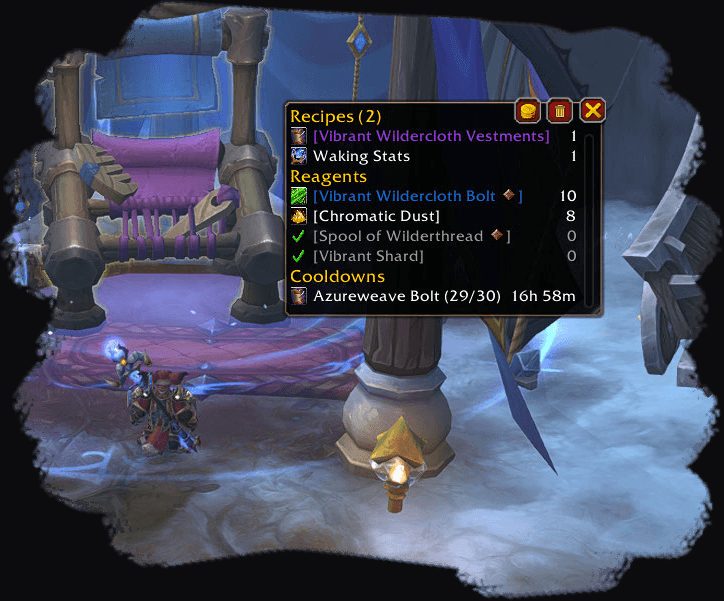
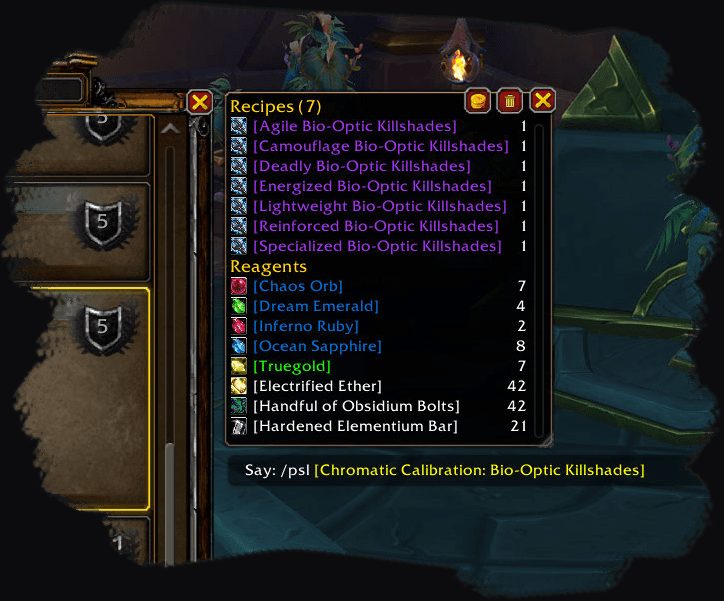
Track a recipe and Profession Shopping List gathers its reagents in a tracking window. If you follow several recipes, one list tells you what to buy and how much.
It also tracks recipe cooldowns. Since it can follow the cost of vendor items, you no longer need to work out your shopping on paper.
The full list of features and commands is in game, in the tooltips of the tracking window and in the addon's settings.
Key features
- Recipe tracking with a list of the reagents you need.
- Recipe cooldown tracking.
- Cost tracking for vendor items.
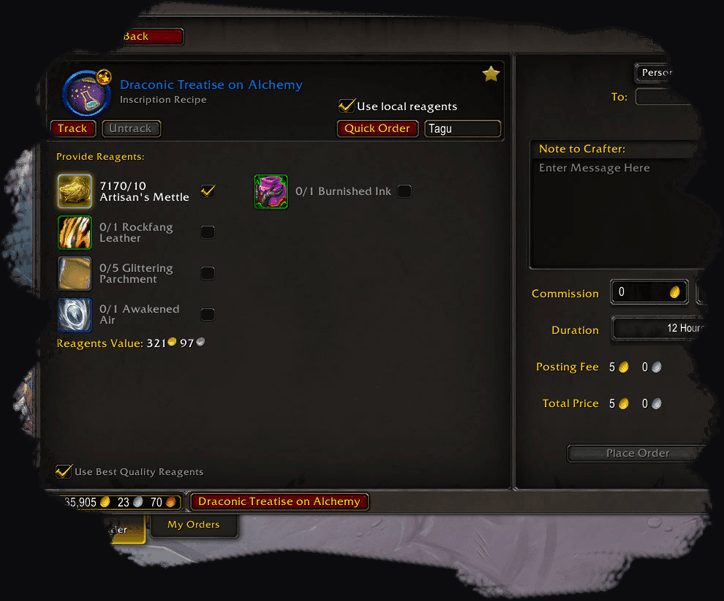
- Handy buttons for your professions.
- Works with the CraftSim and TestFlight addons.
Installation
- Download the zip and extract it.
- Move the
ProfessionShoppingListfolder inside it intoWorld of Warcraft\_forever_\Interface\AddOns\. - Close the game completely and reopen it (
/reloadalone does not load new files). - On the character select screen, check that the addon is ticked in the AddOns list.
Commands
/psl clear- Clears stuck or outdated data.
Notes
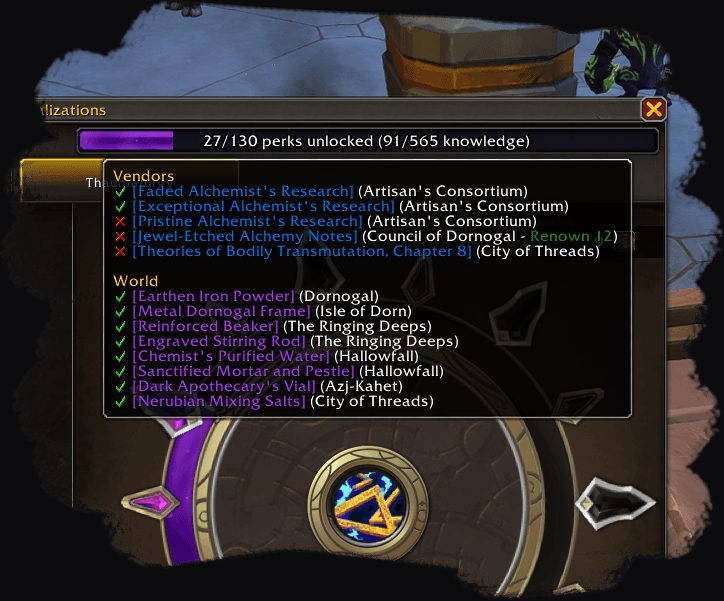
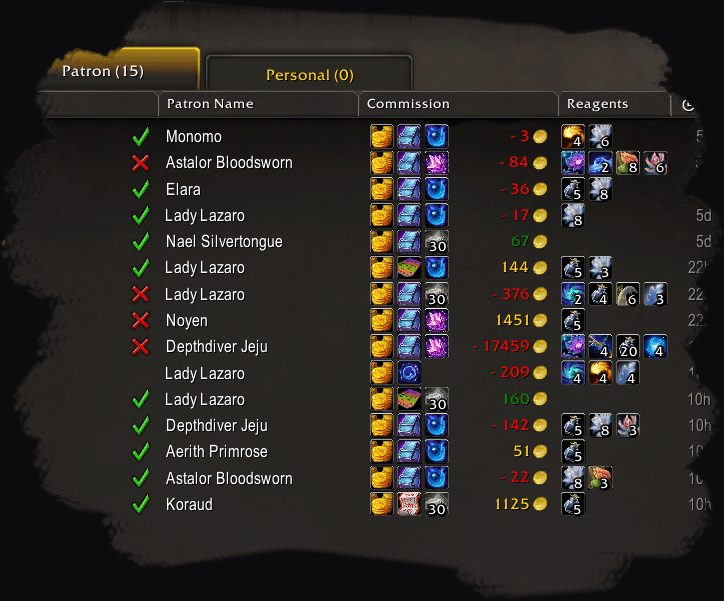
- Some features in the description (profession knowledge, crafting orders) belong to the retail client; it is not clear which of them work on WoW Forever.
FAQ
What if the list gets stuck or shows old data?
Type /psl clear. If the problem stays, test with only this addon enabled to rule out a conflict.
Author and license
Profession Shopping List is written by Slackluster. License: GPLv3.