
What it does
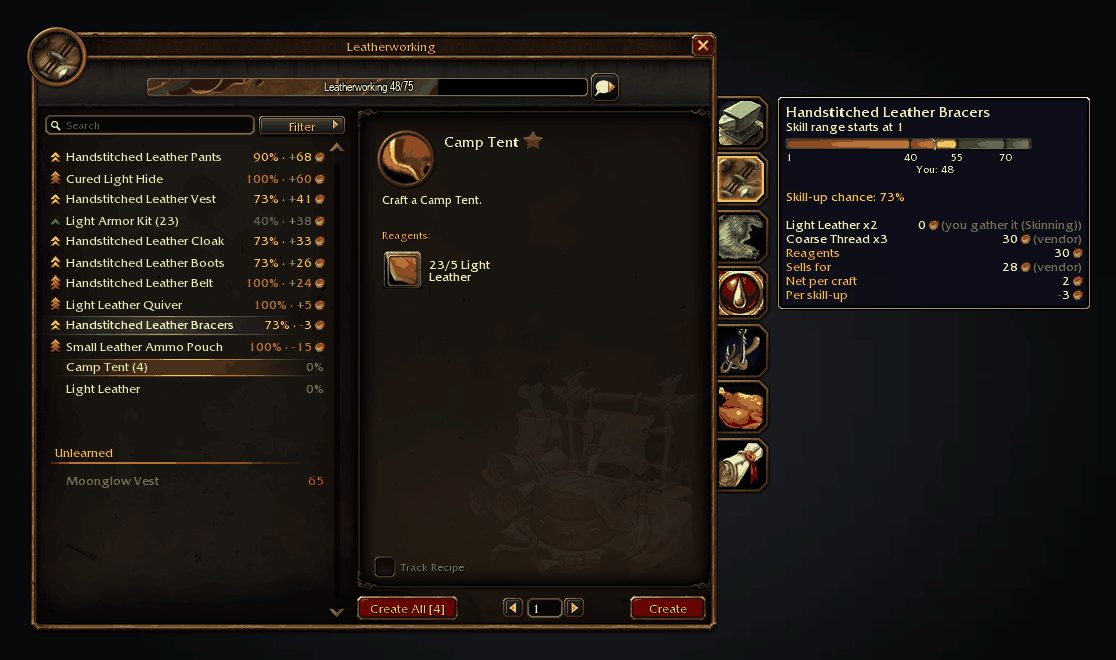
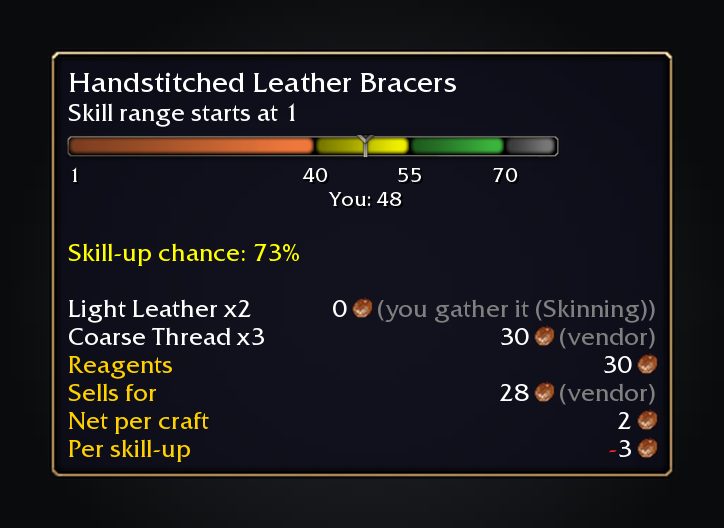
Open a profession and SkillUp Forever's numbers are already there. Each recipe row and tooltip shows the skill-up chance, cost and colour thresholds, and the name is followed by how many you can make from your bags.
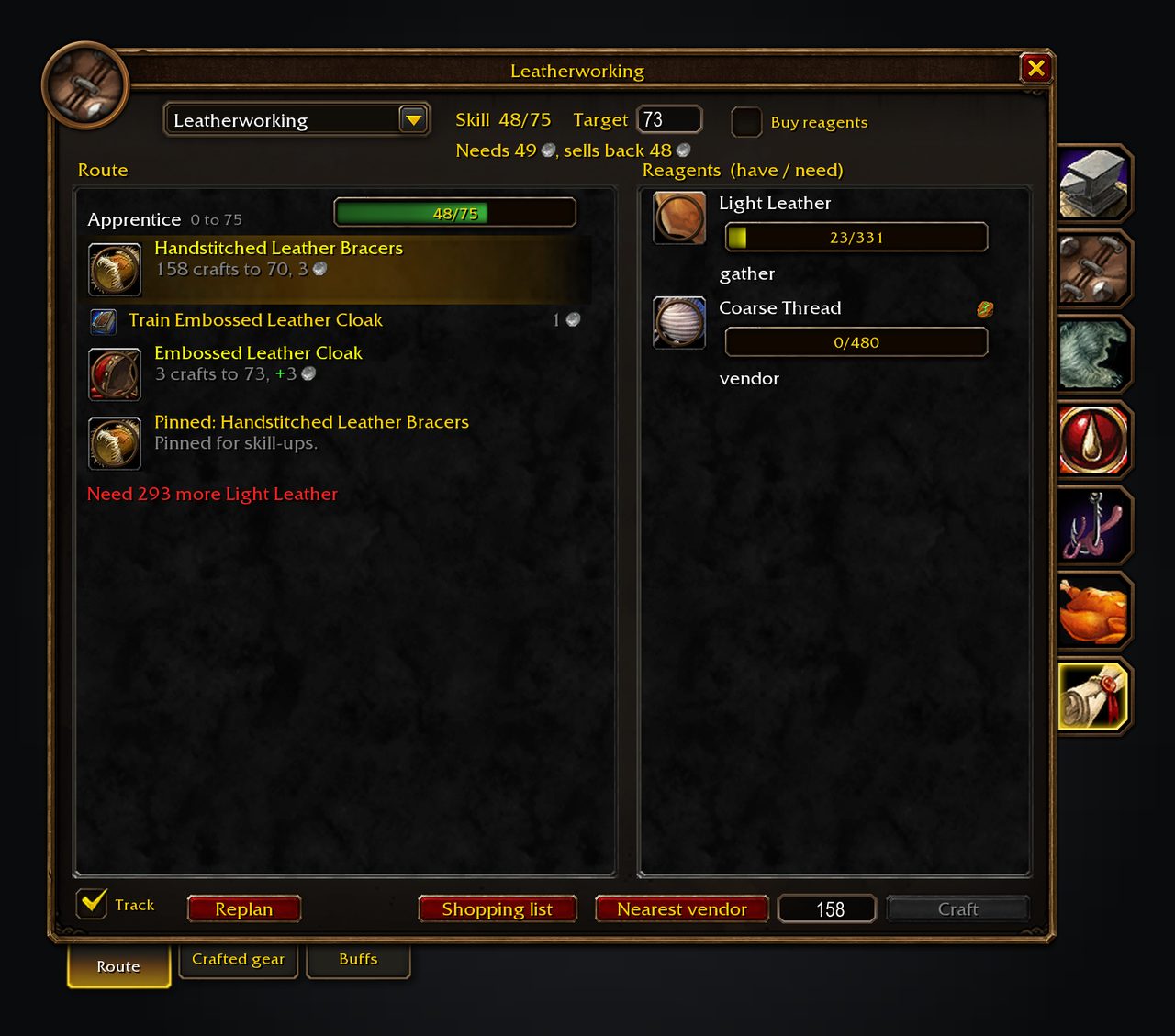
The route tab in the side panel lays out what to train, what to craft and where reagents come from on the way to your target skill. Trainer visits, fees, tools and some slack for unlucky skill-ups are part of the plan. The shopping list counts what you already have in bags and bank.
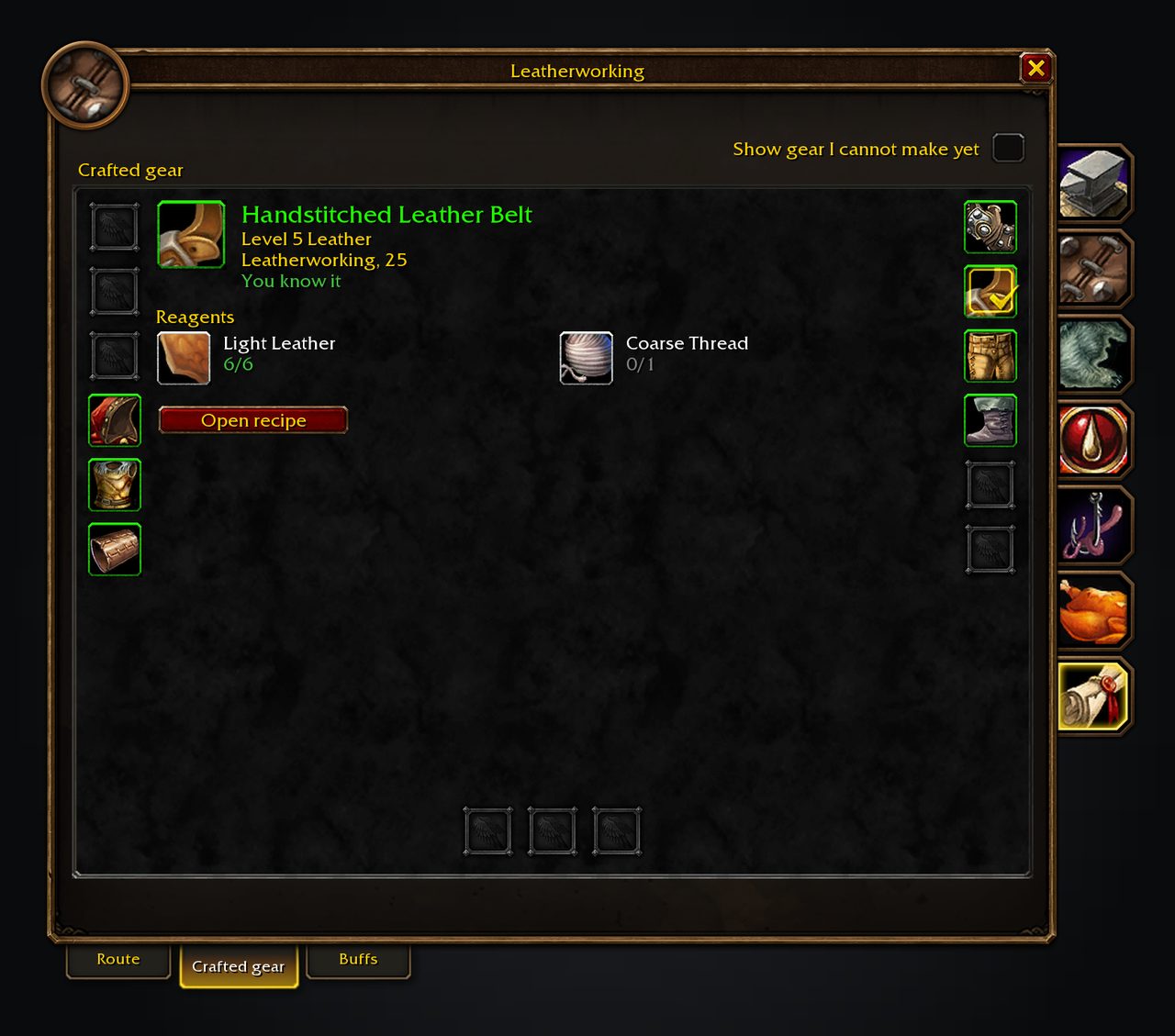
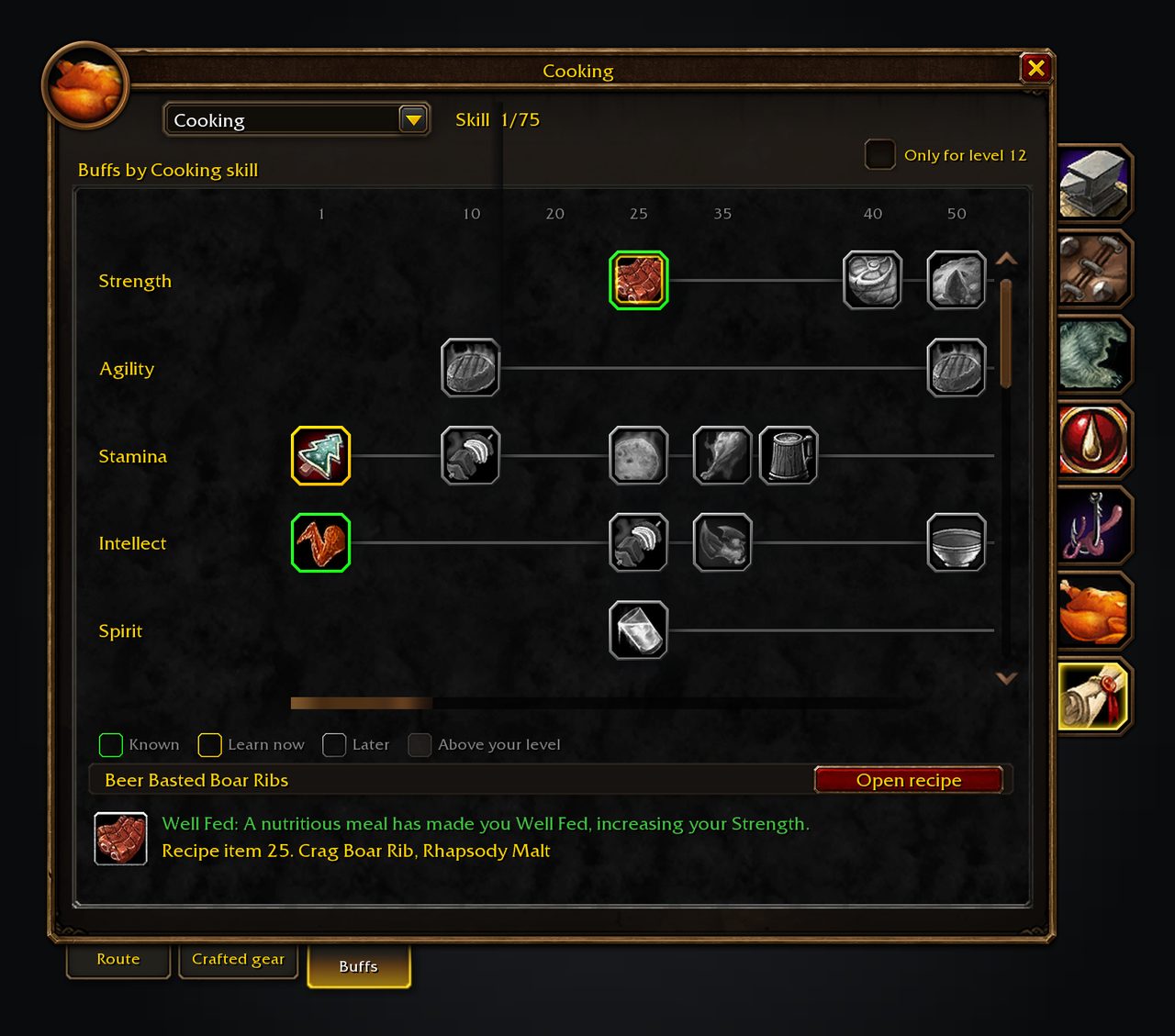
Prices come from vendors and Auctionator; the addon never scans the auction house itself. A gear tab shows the newest craft this character could make for each slot, and a buffs tab shows what each profession can make for your level.
Key features
- Skill-up chance, cost and colour thresholds in recipe rows and tooltips.
- Recipe list sortable by difficulty, chance, cheapest skill-ups or newest learned.
- Levelling routes with trainer visits, skill books and rank quests.
- Shopping lists that count bags and bank and can keep an Auctionator list in sync.
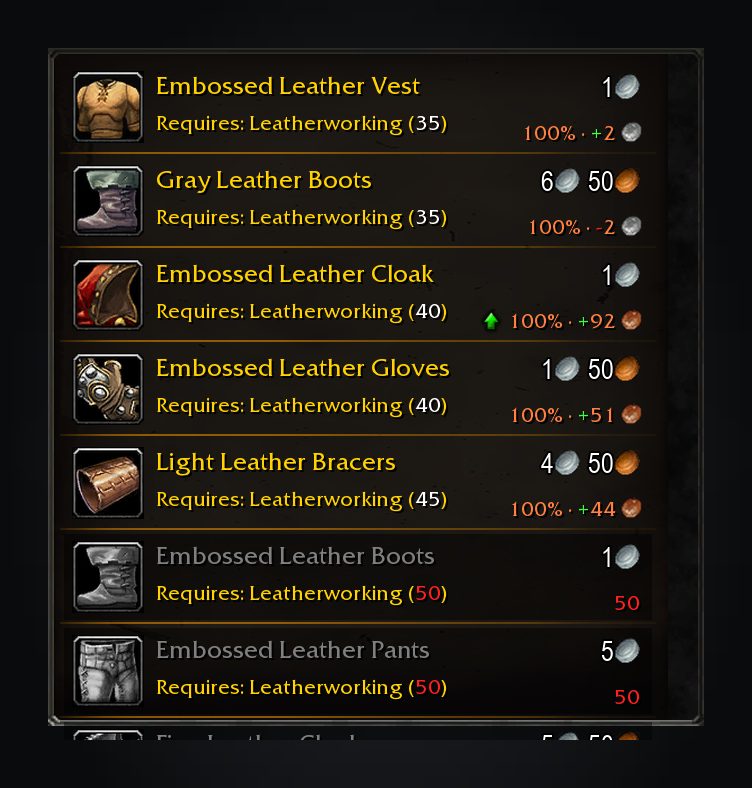
- A green arrow at the trainer for the recipe that best extends or cheapens your route.
- Gear and buffs tabs; the gear tab is turned on in settings.
Installation
- Download the zip and extract it.
- Move all the folders inside it (
ForeverCore,SkillUpForever) intoWorld of Warcraft\_forever_\Interface\AddOns\. - Close the game completely and reopen it (
/reloadalone does not load new files). - On the character select screen, check that the addon is ticked in the AddOns list.
Commands
/skillup- Opens the settings.
/skillup skipped- Lists the recipes you removed from routes.
/skillup unskip <ID>- Brings a removed recipe back (or all of them with
all). /skillup share on|off- Turns sharing progress with your guild and group on or off.
/skillup trainers- Lists which trainer skill requirements are guesses and which a trainer has confirmed.
/skillup report- Shows a report to copy into a bug report.
Notes
- The ForeverCore folder ships in the same download, so there is nothing extra to install.
- Progress sharing is on by default. Turn it off with
/skillup share offor the Share my progress switch in the window. - Reagents nobody has priced stay unknown on the route. Scan with Auctionator to update prices.
FAQ
Where do the prices come from?
Each reagent uses the cheapest known vendor or Auctionator price. Visiting a vendor records its prices; the addon does not scan the auction house itself.
How do I keep a recipe out of a route?
Right-click it and choose Not this recipe. Use /skillup unskip <ID> to bring it back.
Author and license
SkillUp Forever is written by cjber. License: LGPLv3.